
title: 'Using Callouts to Highlight Important Information' description: 'Learn how to use callout components in your content to draw attention to tips, warnings, and other important information.' date: '2026-01-20' slug: using-callouts author: alex thumbnail: /content/assets/blog/callouts-thumb.svg thumbnailAlt: Callout components demo thumbnail heroImage: /content/assets/blog/callouts-hero.svg heroImageAlt: Various callout styles displayed in a grid tags:
- product
- tips draft: false
When creating content, sometimes you need to highlight important information that readers shouldn't miss. That's where callouts come in.
What Are Callouts?
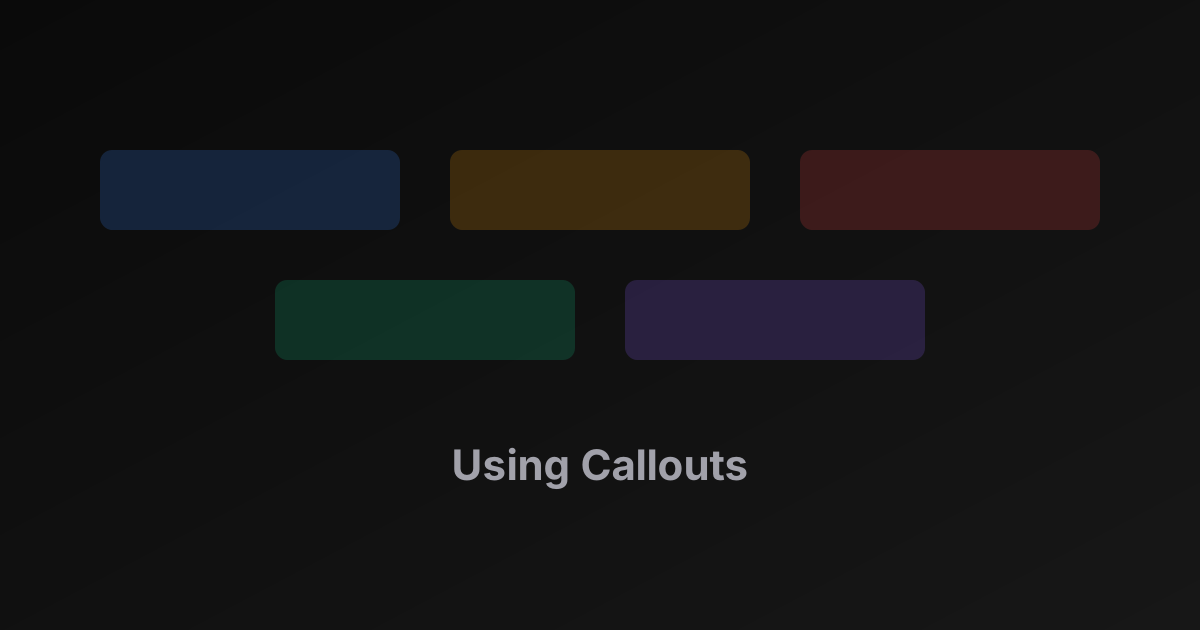
Callouts are styled containers that visually separate important information from the rest of your content. They come in different types for different purposes.
Types of Callouts
We support four callout types:
Info Callouts
Use info callouts for helpful tips and additional context:
Pro tip: You can create multiple menus for different times of day — breakfast specials, happy hour, late night — and schedule them to rotate automatically.
Warning Callouts
Use warning callouts when users need to be careful about something:
Changes to your menu may take a few minutes to appear on all connected devices. If you need an immediate update, use the "Refresh" button in the Devices section.
Danger Callouts
Use danger callouts for critical information that could cause problems:
Success Callouts
Use success callouts to confirm good outcomes or best practices:
Best Practices
Here are some tips for using callouts effectively:
- Don't overuse them — if everything is highlighted, nothing stands out
- Match the type to the content — use warnings for caution, info for tips
- Keep content concise — callouts should be scannable
- Place them near relevant content — context matters
Callouts work great for documenting features, sharing tips, and highlighting important considerations in help articles and blog posts.
Wrapping Up
Callouts are a powerful way to make your content more scannable and ensure important information doesn't get lost. Use them wisely!