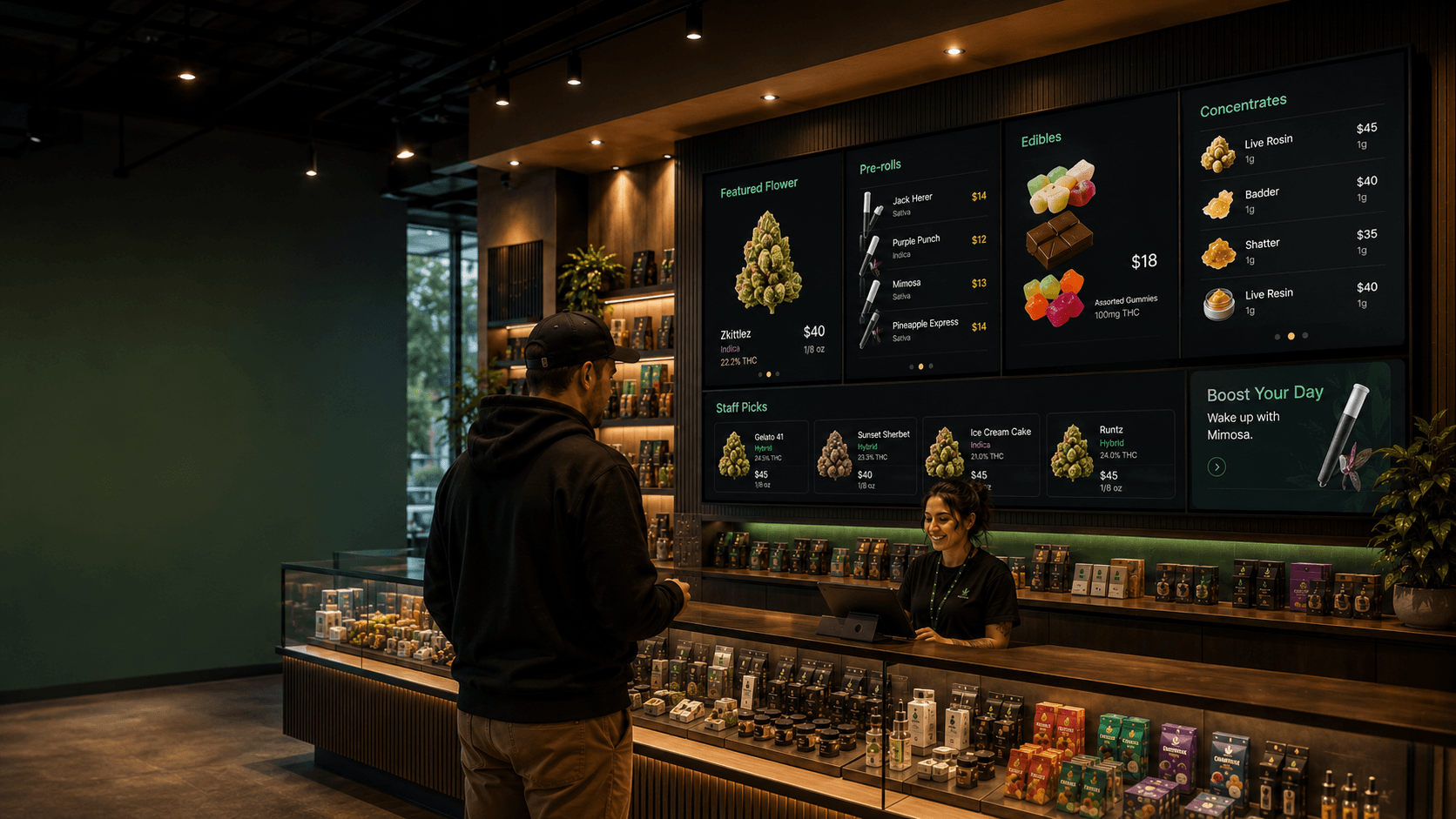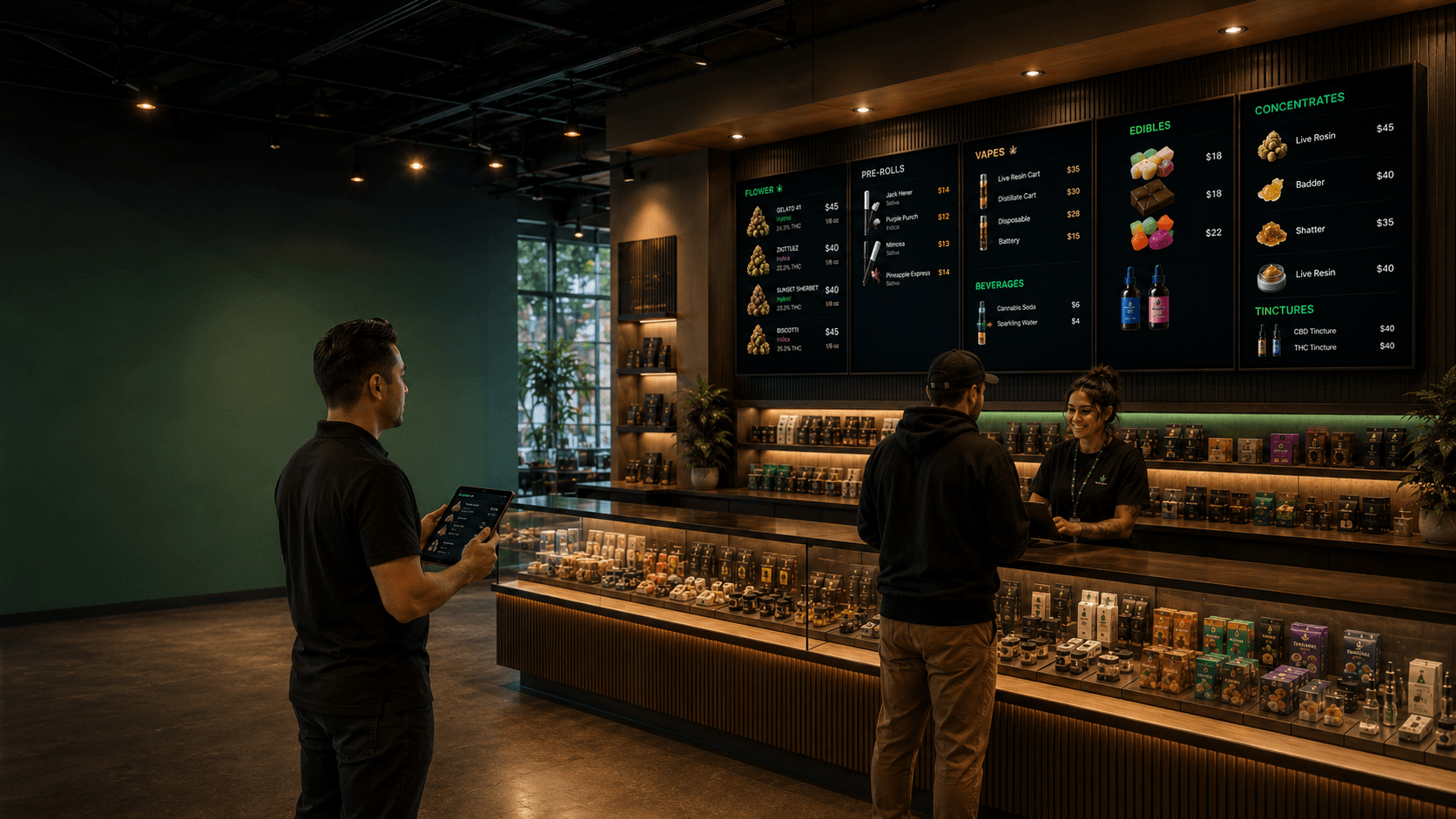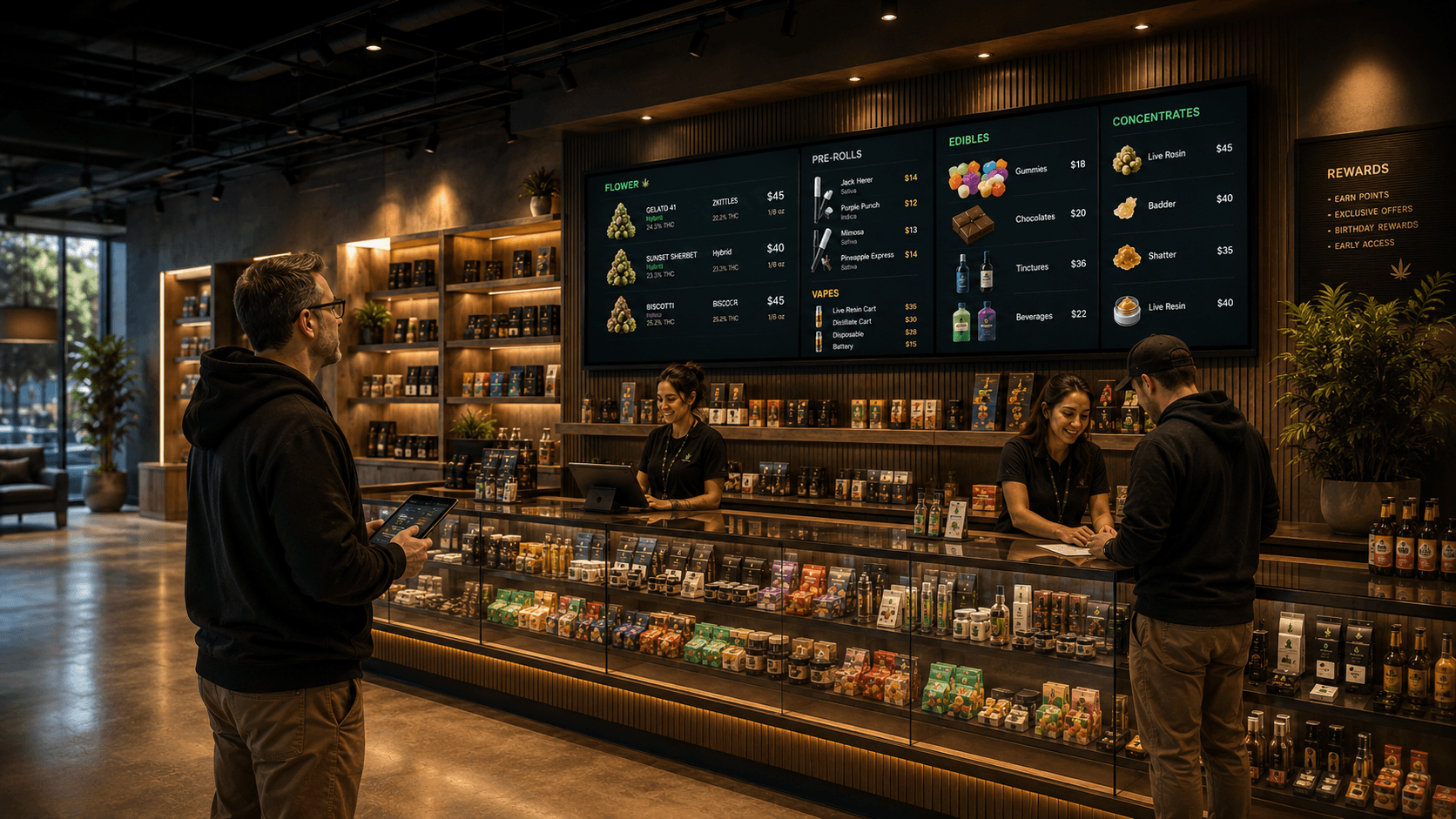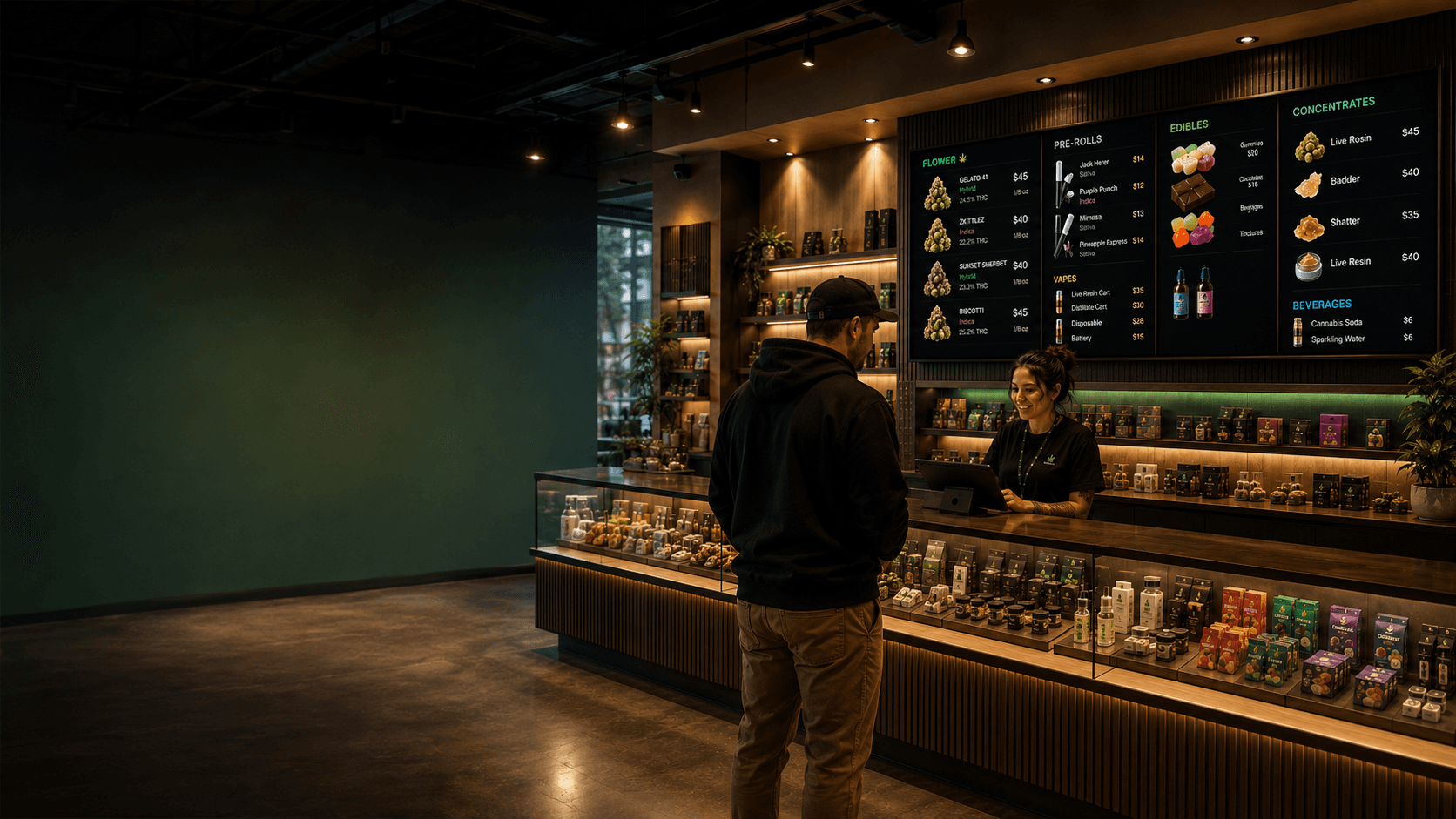

Getting your menus onto a screen is where everything comes together. Trikome makes the dispensary TV setup simple, and once a screen is linked, it just works.
Linking a TV to Your Dispensary Menu
To connect a TV to Trikome, you need the Trikome app installed on your device. It is available on:
- Apple TV
- Android TV and Google TV
- Amazon Fire TV
Once the app is open, it displays a 4-digit code. Enter that code in your Trikome dashboard under Screens, and the TV is linked. Your menu appears on screen right away.
No complicated network setup, no IT department required.
For a step-by-step walkthrough, see Linking your TV to Trikome in the Help Center.
Unlimited Cannabis Digital Signage Screens
On the Premium plan, you can connect as many TVs as you need. Front counter, back wall, entrance display, waiting area — every screen in your store can run a Trikome menu.
Each screen is independent. You choose which menu it displays, so different areas of your store can show different content from the same dashboard.
Free plan users get one connected device. If you are testing Trikome or running a small setup, that is a great place to start.
Dispensary Screen Management
From the Screens section in your dashboard you can see every connected device, its online or offline status, and when it last checked in.
If a screen goes offline, you will see it flagged in your dashboard. When it comes back online, it syncs automatically and picks up any updates you made while it was disconnected.
Pushing an update is instant. Change your menu, hit save, and every linked screen reflects it within seconds.
What Happens When the Internet Goes Down
Your displays do not go blank. Trikome caches your cannabis digital signage content locally on each device, so if your internet connection drops, the screen keeps running the last version of your menu without interruption.
Customers will not notice a thing. When the connection comes back, the device checks in and syncs any changes automatically.
Offline playback is built in at no extra cost on any plan.