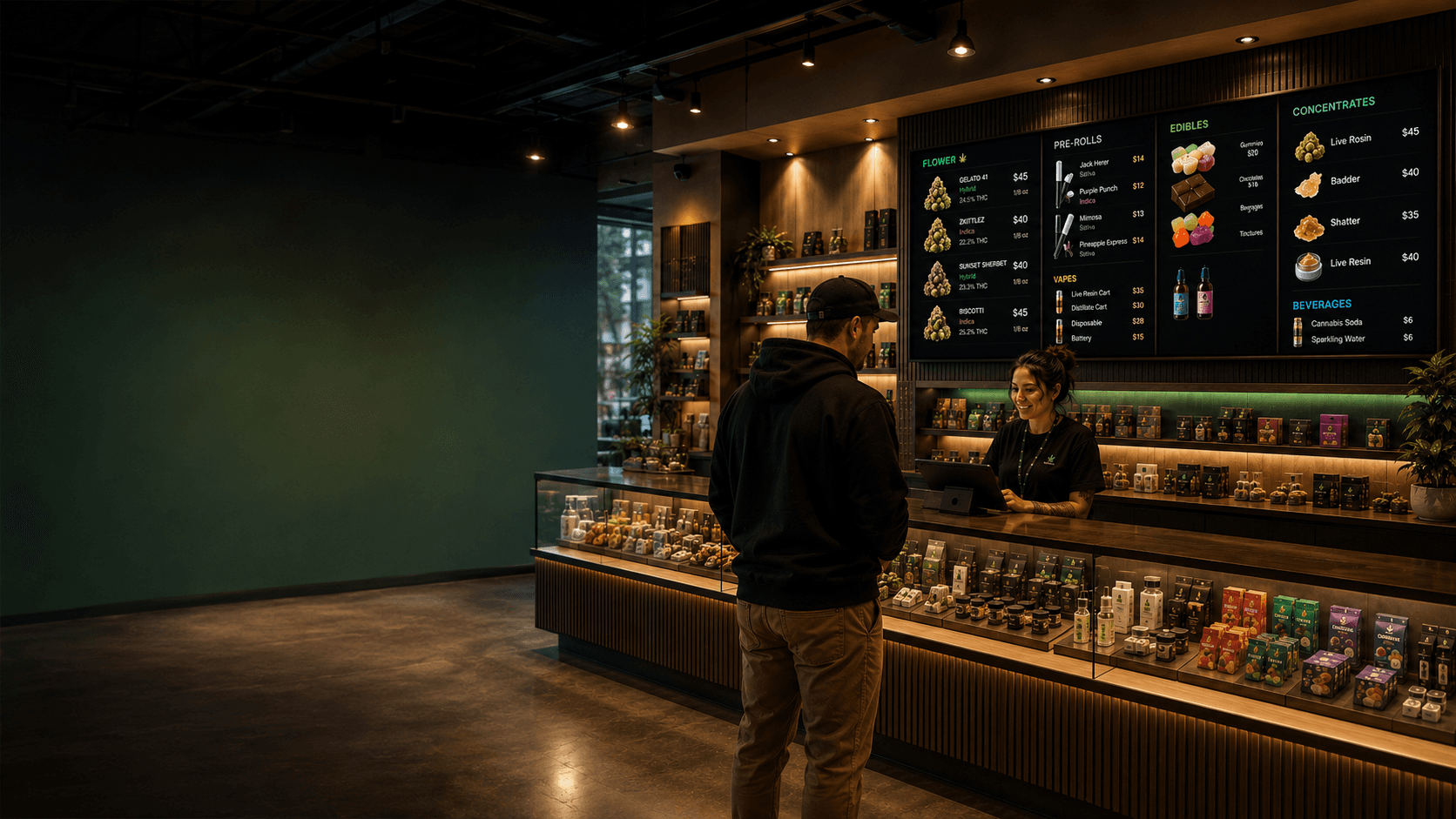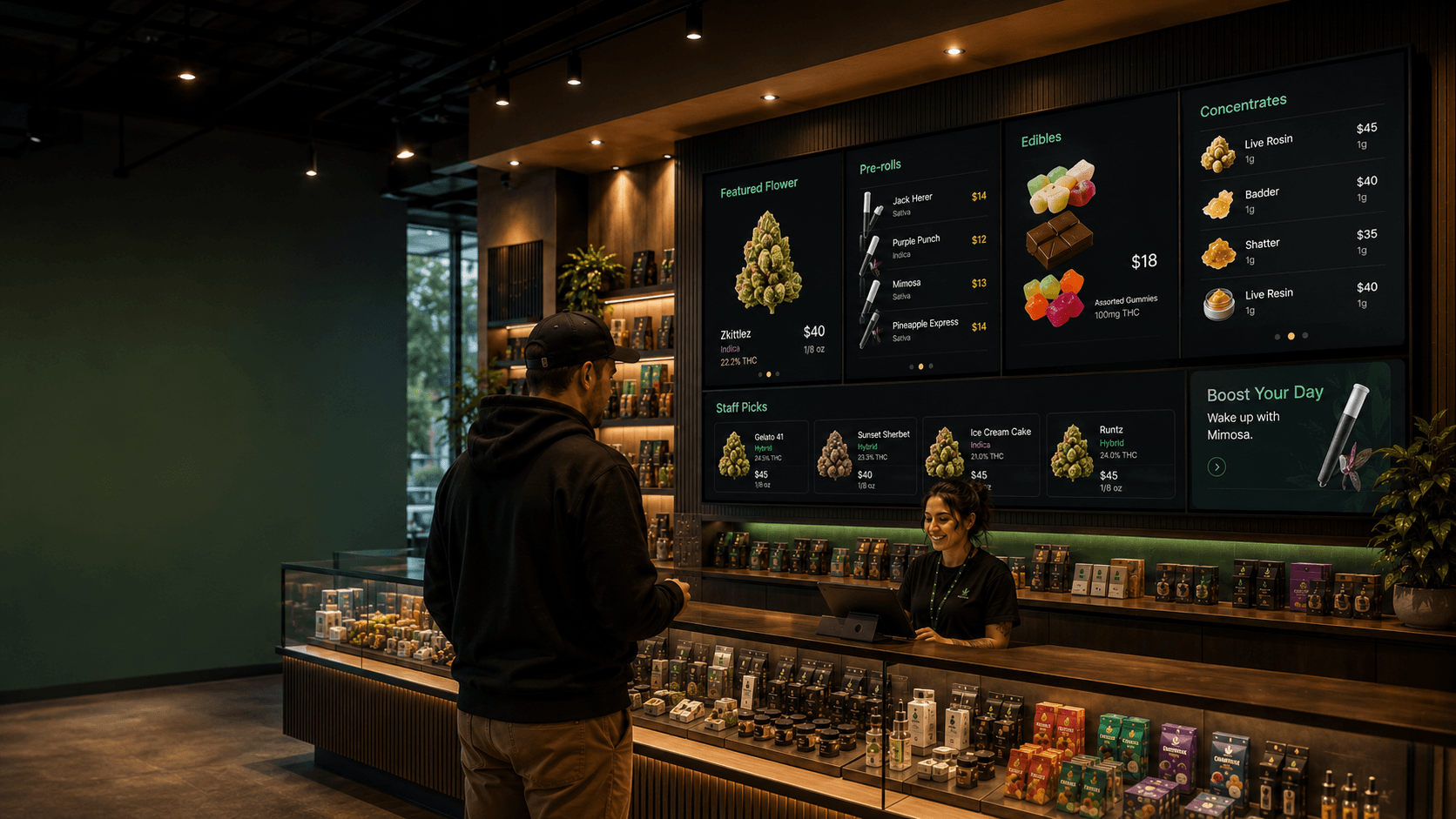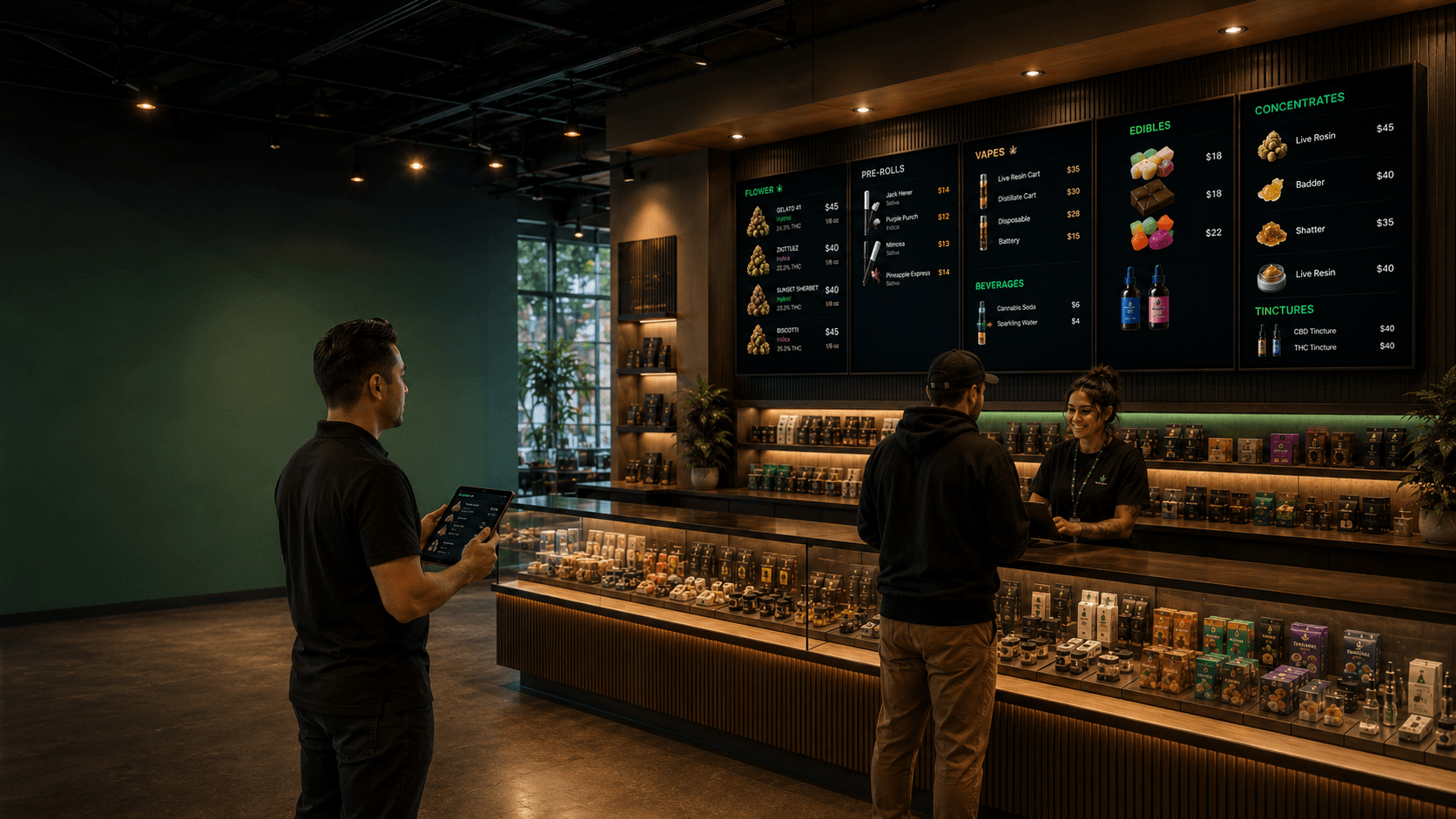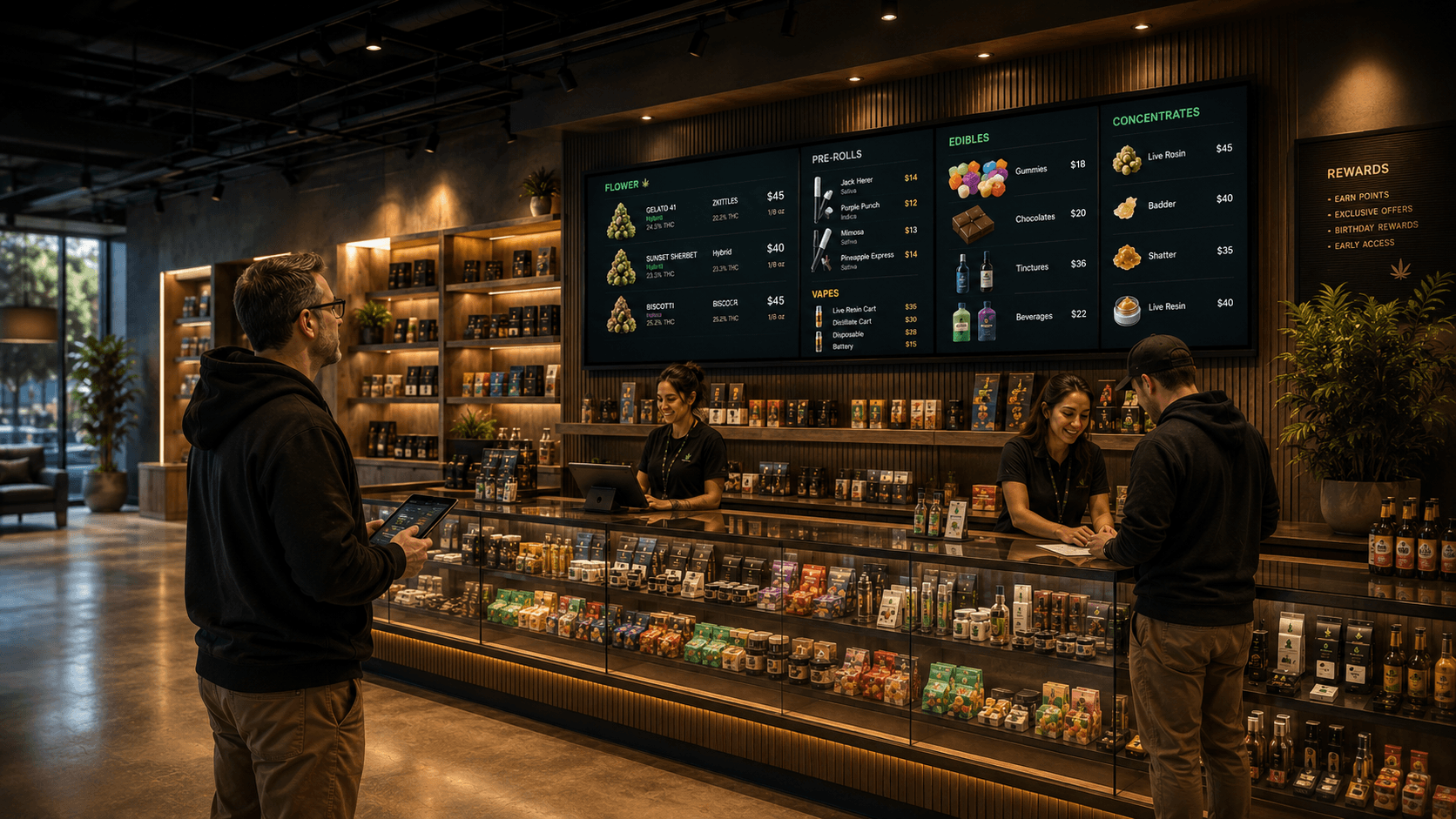

Your menu is only as good as the catalog behind it. In Trikome, that starts with products and collections.
Products are your individual items. Collections are how you group them for display. Together, they give you full control over what shows up on your dispensary menu boards.
Managing Your Dispensary Product Catalog
Each product in Trikome can include:
- Name and product type — flower, edible, concentrate, and more
- Strain info — indica, sativa, or hybrid
- THC and CBD percentages
- Pricing by size — set multiple price points for different weights or formats
Your product catalog is your single source of truth for cannabis menu management. Update a price here and it reflects everywhere that product appears, across all your menus and screens.
To add a product, go to your dashboard, open the Products section, and hit Add Product. Fill in the details and save. It is available to use on any menu right away.
For a full walkthrough, check out the Managing your product catalog guide in the Help Center.
Creating Collections for Your Cannabis Menu
Collections let you group products together under a label — things like Staff Picks, New Arrivals, On Sale, or Top Shelf. Once a collection exists, you can add it to any page in any menu.
This is useful because:
- You update the collection once and every menu that uses it reflects the change
- You can feature different groupings on different screens without duplicating work
- It makes your dispensary inventory display feel curated, not just like a data dump
To create a collection, go to Collections in your dashboard, give it a name, and add the products you want to include. Then use that collection when building your menu pages.
Learn more in the Collections: organizing products for display guide.
A Good Way to Think About It
Products are the raw material. Collections are how you tell the story of your menu.
A screen at your front entrance might show new arrivals and daily deals. The counter display might show your full flower selection. Both pull from the same product catalog — you just curate what each screen highlights.
That is the kind of cannabis menu builder flexibility that makes your menus feel intentional rather than thrown together.