
Choosing a screen for your dispensary is only part of the job.
Where you put it can matter just as much.
A digital menu mounted too high, facing a bright window, hidden behind a line of customers, or surrounded by visible cables can be harder to use no matter how good the menu itself looks.
That is why screen placement should be planned before mounting hardware goes into the wall.
This guide covers the practical details to consider when mounting digital menu boards in a dispensary, from viewing position and glare to power, media players, cables, and final testing.
Start with where customers will actually stand
Do not choose a mounting location by looking only at the empty wall.
Start from the customer viewing area.
Walk through the store and identify where customers will realistically be when they need to read the menu.
That might be:
- Near the entrance
- In a waiting or browsing area
- Along the sales floor
- In front of a service counter
- Near checkout
Then look at the proposed screen location from those positions.
Can customers see it without turning around?
Will other customers regularly stand between the viewer and the screen?
Will fixtures, shelving, displays, or hanging signs block part of it?
A screen can be perfectly mounted and still be poorly placed.
There is no universal mounting height
It is tempting to look for one ideal height for every digital menu board.
In practice, the right position depends on the store.
Screen size, viewing distance, ceiling height, counter placement, customer flow, and whether customers are standing or seated can all affect where the display should go.
Instead of choosing a height first, identify the normal viewing position and work backward.
The goal is to keep the menu comfortably visible without forcing customers to repeatedly look sharply upward or downward.
A screen mounted above a counter may need to sit higher than one mounted in a browsing area. A large screen viewed from farther away may work differently from a smaller display intended for customers standing nearby.
Treat mounting height as part of the complete store layout rather than a fixed number.
Think about viewing distance before choosing text size
Screen placement and menu design affect each other.
The farther customers stand from a screen, the harder small text becomes to read.
That means a menu designed on a laptop should not be considered finished until it has been tested on the actual display from the expected viewing distance.
Once the screen is temporarily positioned or mounted, check:
- Product names
- Prices
- Product sizes
- Category headings
- THC and CBD information
- Any secondary details customers need to read
If important information is difficult to read, changing the menu layout may be better than simply adding more screens.
The objective is not to fit as much information as possible onto the display. It is to make the information customers need easy to see.
Check the viewing angle
A menu that looks clear from directly in front of the TV may look very different from the side.
That matters in dispensaries where customers may approach a counter from several directions or browse while waiting.
Stand in different parts of the customer area and look at the screen.
Check whether:
- Text remains easy to read
- Colors remain clear
- Reflections become distracting
- Part of the screen is blocked
- Customers would need to move to see the full menu
If the display only works from one exact position, reconsider the location or orientation before completing the installation.
Test for glare before drilling
Windows and lighting can create problems that are easy to miss during installation.
A screen may look excellent in the morning and become difficult to read when afternoon sunlight reaches the wall.
Overhead fixtures can also create reflections depending on the screen angle and finish.
Before permanently mounting a digital menu board, check the proposed location under the lighting conditions the store will normally experience.
Pay attention to:
- Direct sunlight
- Bright windows opposite the screen
- Reflections from overhead lighting
- Glass display cases
- Highly reflective surfaces nearby
If possible, check the location at different times of day.
A small change in screen position or angle can sometimes solve a glare problem before it becomes a permanent annoyance.
Plan the screen layout as a group
If your dispensary will use multiple digital menu boards, plan them together.
A row of screens should feel intentional rather than like several TVs that happened to fit on the wall.
Consider:
- Consistent mounting height
- Even spacing
- Alignment between screens
- Distance from surrounding fixtures
- How content will be divided across displays
- Whether customers can see the complete group from the main viewing area
You should also decide whether the screens will show different menus or whether some displays will repeat content.
That decision affects both physical placement and your digital menu setup.
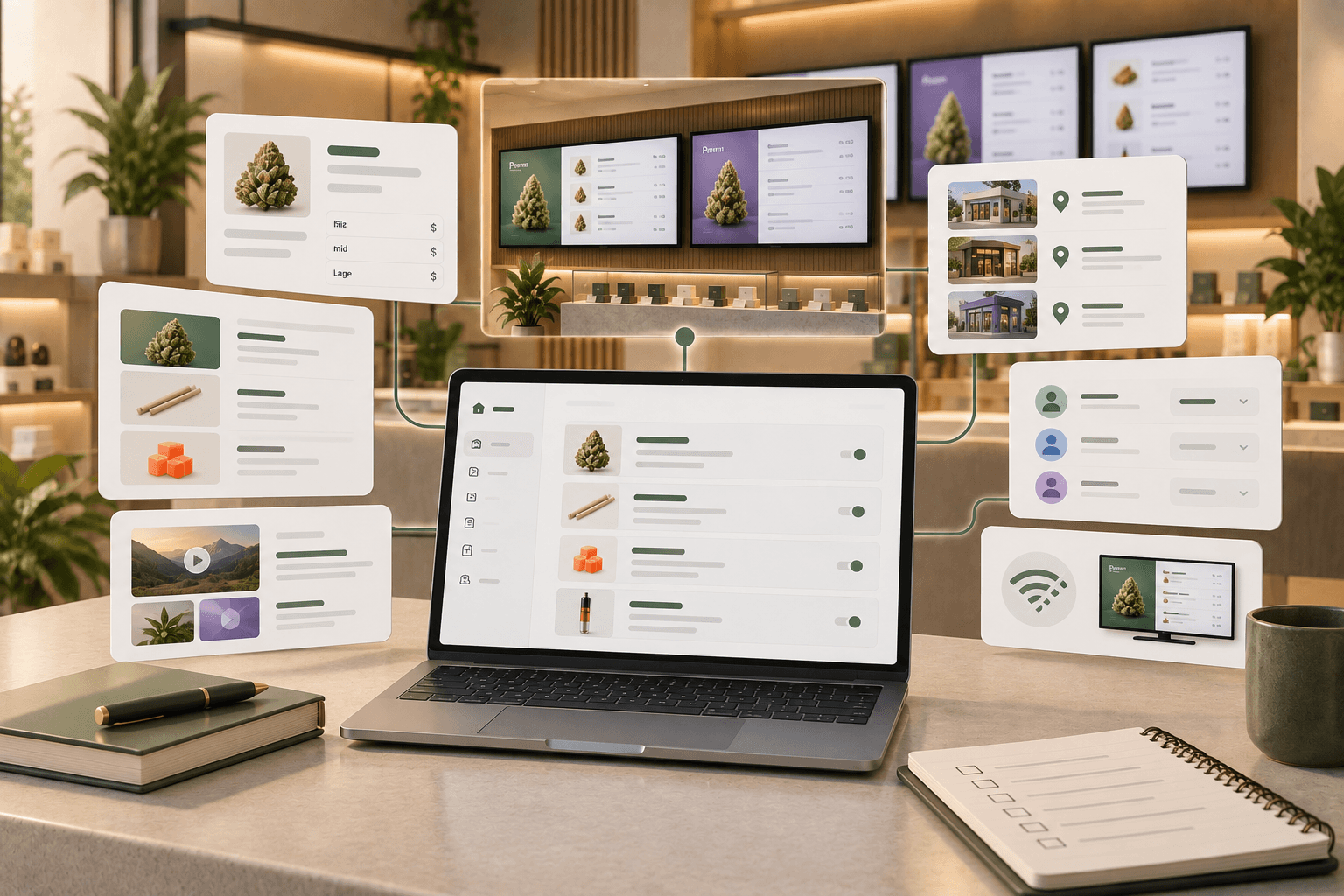
With Trikome, connected devices can be assigned menus through the platform, allowing dispensaries to use different menu content on different screens when needed.
Decide where the media player will go
The TV is not the only hardware involved.
Trikome's TV app supports Apple TV and Android TV devices. The display device is linked to Trikome using a 4-digit code shown on the TV.
Before mounting the screen, decide where that hardware will physically sit.
Depending on the display and mounting setup, a media player may be positioned behind the screen or in another nearby location.
Make sure the planned location:
- Does not interfere with the mount
- Allows the required connections
- Keeps the hardware secure
- Does not leave equipment hanging visibly
- Can still be accessed when necessary
Do not mount the TV first and figure out where everything else goes afterward.
Plan the screen, mount, player, power, and cables as one installation.
Plan power before installation
Every display needs reliable power, and the media player may need power as well.
Identify your available outlets before finalizing the mounting location.
Avoid creating a setup where power cables have to stretch visibly across a wall or where extension cords become a permanent part of the installation.
If new electrical work is required, use an appropriately qualified professional and follow applicable building and electrical requirements.
This is particularly important for wall-mounted displays where you want cables and hardware concealed.
A clean installation starts with knowing where power will come from before the screen is mounted.
Plan cable routes at the same time
Cable management is easier to solve on paper than after several screens are attached to the wall.
Map out every connection your installation requires.
Depending on the hardware, that may include:
- TV power
- Media player power
- HDMI or another video connection
- Ethernet, if your setup uses a wired network connection
Then decide how those cables will reach their destinations.
The goal is not only appearance.
Good cable planning also makes the installation easier to understand and maintain later.
If several screens are being installed, label cables and hardware so your team can identify which equipment belongs to which display.
Do not forget network connectivity
A cloud-managed digital menu needs connectivity when it receives new content.
Before finalizing a screen location, confirm that the associated device has reliable network access there.
Do not assume that strong Wi-Fi at the counter means equally strong connectivity everywhere in the store.
Walls, shelving, equipment, and the physical layout of the building can affect wireless performance.
Test connectivity at the actual installation point.
Trikome also provides device status information so operators can see whether a connected display is online and when it last checked in.
That can help identify connectivity issues after installation.
Understand what happens during an internet outage
Planning for connectivity also means understanding what happens when the connection is temporarily unavailable.
Trikome supports offline playback.
Previously synchronized menu content is cached locally on the display device. If the internet connection goes down, that existing content can continue playing.
New menu changes still need connectivity to reach the screen.
This distinction is important when planning digital signage. Offline playback can keep an existing menu visible during an outage, but it does not eliminate the need for a reliable connection when you want to update that menu.
Make hardware accessible for maintenance
A clean installation should hide unnecessary hardware and cables, but hiding equipment should not make it impossible to maintain.
At some point, you may need to:
- Restart a device
- Check a connection
- Replace a cable
- Replace a media player
- Replace the TV
- Re-link a device
Think about those situations before installation.
A setup that looks extremely clean but requires removing cabinetry or dismantling part of the wall to reach a media player can create unnecessary work later.
Aim for a balance between a polished installation and practical access.
Name each screen clearly
Physical organization should carry over into your digital setup.
If you have several menu boards, give each connected device a name that identifies where it is.
Instead of:
- TV 1
- TV 2
- TV 3
Consider names such as:
- Entrance Menu
- Flower Wall Left
- Flower Wall Right
- Checkout Menu
Clear names make it easier to understand which physical screen you are managing from the dashboard.
This becomes increasingly useful as you add more displays.
Test the menu on the actual screens
Do not stop testing once the hardware turns on.
Load the real menu.
Then walk through the dispensary.
Look at each screen from the places where customers will actually see it.
Ask:
- Is the menu readable from the expected distance?
- Are prices easy to identify?
- Does glare interfere with any part of the screen?
- Is the viewing angle comfortable?
- Does any fixture block the display?
- Are cables and devices properly concealed?
- Are rotating pages visible long enough to read?
- Is the correct menu showing on the correct screen?
If you use multiple displays, test them together.
A screen that works well by itself may feel different once the full menu wall is operating.
Check the installation at different times of day
A final inspection immediately after installation may not reveal every issue.
Come back later.
Natural light changes throughout the day. Store lighting may also be different during operating hours than it was during installation.
Check the screens again when the store is running under normal lighting conditions.
Look specifically for glare, reflections, readability, and whether customer traffic blocks important screens.
Small adjustments are easier to make shortly after installation than after the setup has been accepted as permanent.
Digital menu board mounting checklist
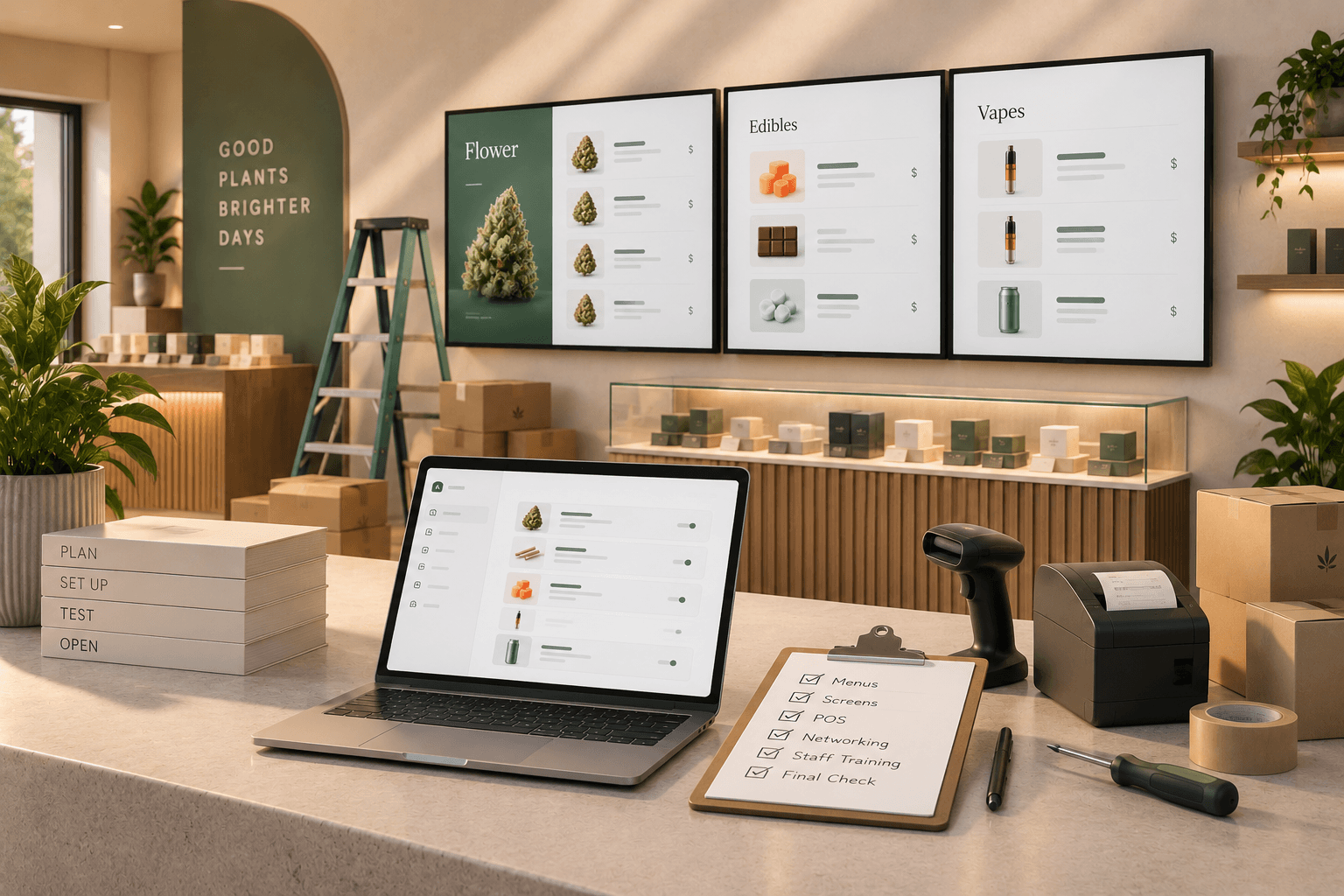
Before considering the installation complete, work through this list:
- Customer viewing positions have been identified
- Screen height has been evaluated from those positions
- Viewing angles have been tested
- Menu text is readable at the expected distance
- Glare has been checked under normal lighting conditions
- Multiple screens are aligned and spaced consistently
- Power sources have been planned
- Media player locations have been planned
- Cable routes have been planned
- Network connectivity has been tested at each screen
- Hardware can still be accessed for maintenance
- Each device has a clear name
- The correct menu is assigned to each screen
- Offline behavior is understood
- The complete setup has been tested from the customer area
Plan the installation around the menu experience
Mounting a digital menu board is not simply a matter of finding an open wall and attaching a TV to it.
The screen needs to work as part of the store.
Customers need to see it. The menu needs to be readable. Lighting should not overpower it. Power, connectivity, and media hardware need somewhere to go. Your team also needs to be able to maintain the setup after installation day.
Planning those details early can prevent a clean-looking digital menu from becoming difficult to use.
Trikome handles the menu side of the setup by letting cannabis retailers build menus, connect supported TV devices, assign content to screens, monitor device status, and send menu updates through the platform.
The physical installation still matters.
Plan the screens around how customers move through the dispensary, test them in the actual environment, and treat placement, content, power, connectivity, and cable management as parts of the same system.