
Green Wednesday can put more pressure than usual on a dispensary menu.
The Wednesday before Thanksgiving has become a major shopping period for legal cannabis retailers, with customers often purchasing before the holiday and retailers running promotions around the broader Thanksgiving week.
For dispensaries, that can mean more products to highlight, more promotional information to communicate, and more customers trying to make decisions quickly.
Your digital menu should make that easier, not add another last-minute task.
Preparing your screens ahead of time gives you a chance to organize featured products, check prices and product details, prepare promotional media, and test every display before traffic increases.
Here is a practical way to get your dispensary digital menus ready for Green Wednesday and the holiday period that follows.
Start before Green Wednesday
Do not wait until Wednesday morning to decide what your screens should show.
Your menu plan depends on decisions that usually happen earlier, including which products you want to feature, what promotions your store will run, and which information needs to change.
Start by confirming:
- Which products will be featured
- Which collections or categories need extra visibility
- Which promotions will appear in-store
- When promotional content should begin
- When it should end
- Which screens will show promotional content
- Who is responsible for menu changes
This gives your team time to build and review the menu before customers are standing in front of it.
Create focused featured collections
A busy shopping period is not necessarily the best time to show customers everything at once.
Focused collections can give customers useful starting points.
Depending on your assortment and promotions, you might create collections such as:
- Green Wednesday Features
- Staff Picks
- New Arrivals
- Holiday Picks
- Featured Flower
- Featured Edibles
- Featured Vapes
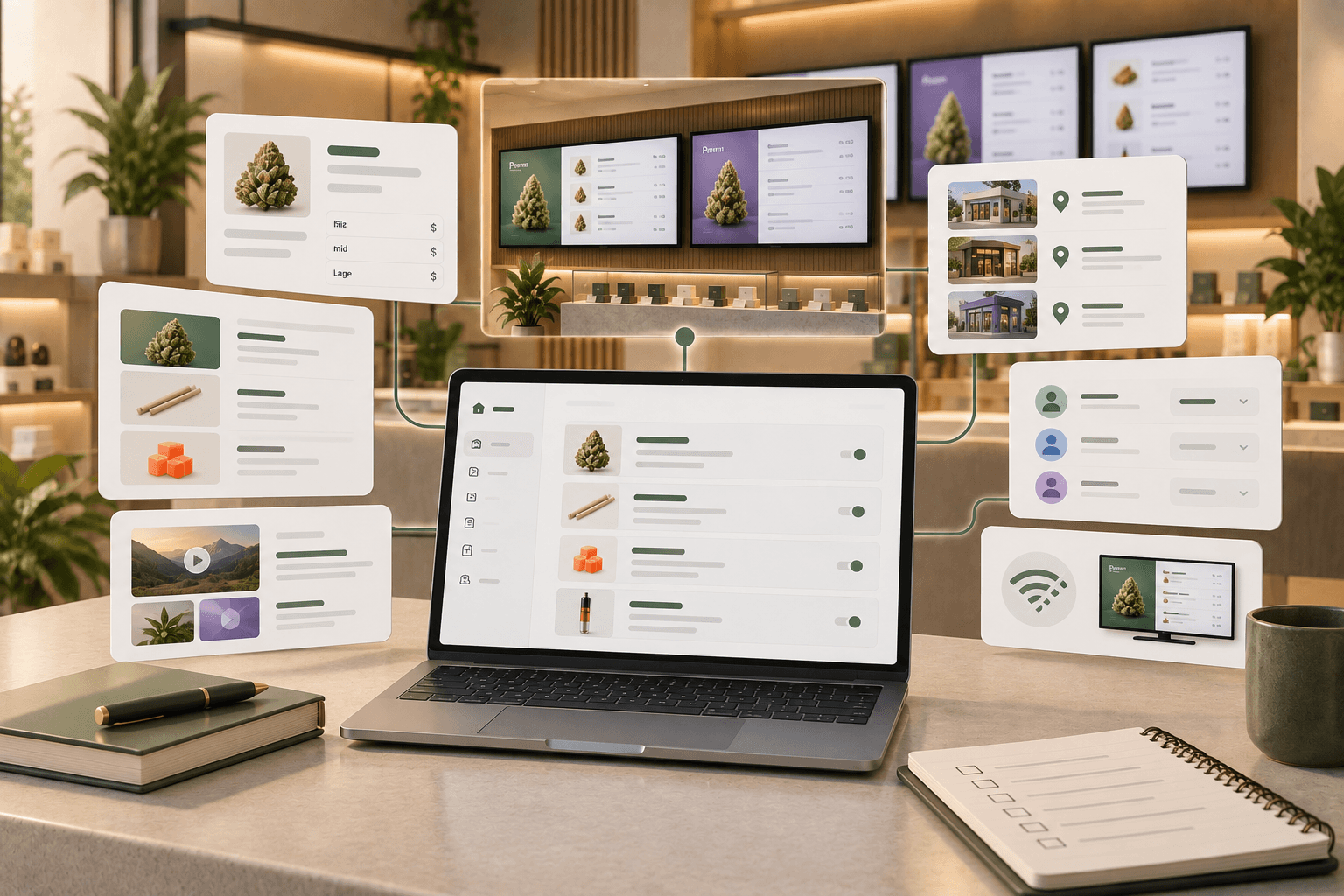
Trikome lets you organize products into collections and use those collections within menu pages.
That gives you a way to group the products you want to highlight without reorganizing your entire catalog.
Keep collection names simple and make sure the products inside them reflect what your store is actually promoting.
Review every featured product
Before putting a product into a seasonal collection, check its information.
Review:
- Product name
- Product type
- Strain information
- THC and CBD percentages
- Available sizes
- Pricing
Trikome's product catalog supports cannabis-specific product information and flexible pricing by size.
The software does not automatically make that information accurate.
Your team is responsible for keeping product and pricing information in Trikome current, so a pre-promotion review is worth doing before the menu receives more attention than usual.
Keep promotional messaging easy to understand
Holiday promotions can become complicated quickly.
A screen filled with discount percentages, conditions, product names, dates, and disclaimers may contain all the information you want to communicate while still being difficult to read.
Prioritize the most important message.
If a promotion needs detailed terms or regulatory disclosures, make sure those requirements are handled appropriately for your jurisdiction and store rather than trying to squeeze everything into a decorative menu graphic.
Your main menu still needs to help customers browse products and prices.
Promotional content should support that job, not overwhelm it.
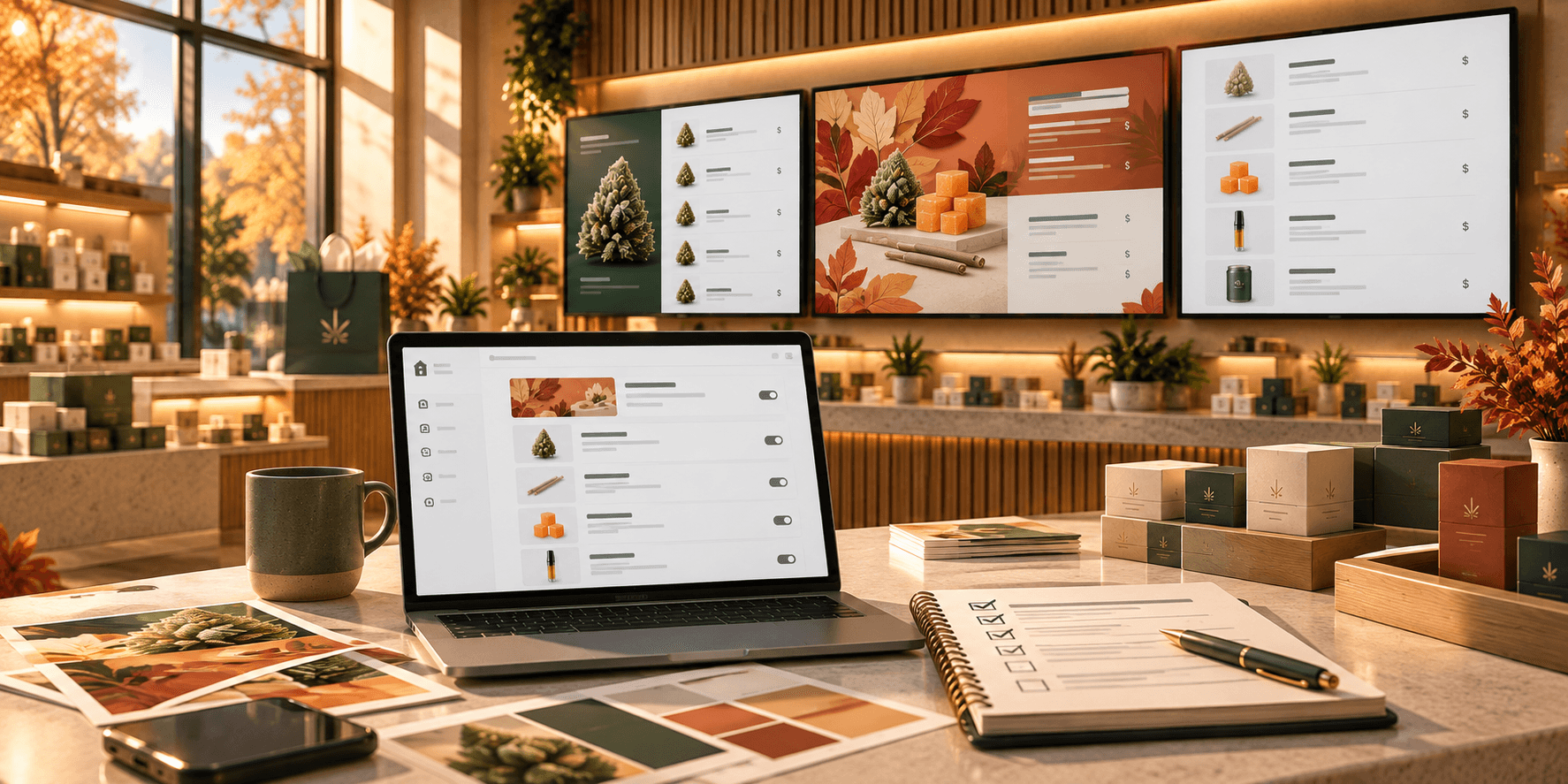
Give promotional content its own page
You do not necessarily need to redesign your normal product pages for Green Wednesday.
Another option is to add dedicated promotional pages to your existing menu rotation.
For example, a screen could rotate through:
- Green Wednesday feature
- Flower menu
- Pre-rolls and vapes
- Edibles
- Staff Picks
Trikome menus support rotating pages, and pages can contain product collections, images, or videos. You can also control their order and how long they remain on screen.
That makes it possible to introduce seasonal content while keeping your normal product information available.
Prepare promotional images and video early
If your Green Wednesday plan includes branded graphics, product photography, or video, prepare those assets before the promotion begins.
Trikome includes a media library where images and videos can be uploaded for use in menus.
Organizing those assets early reduces the chance that someone is searching through folders or creating last-minute graphics while the store is already busy.
Before publishing media, check it on the actual screen.
A graphic that looks good on a laptop may contain text that is too small to read from the sales floor.
Decide what deserves the most screen time
Adding more pages is not always better.
Every additional page increases the amount of time before the menu rotation returns to a particular category.
If you normally have five pages and suddenly add several promotional pages, customers may spend longer waiting for the product information they want.
Review the complete rotation.
Ask:
- Are the most important product categories still easy to find?
- Does promotional content appear often enough?
- Is it appearing too often?
- Does each page stay visible long enough to read?
- Has the complete rotation become too long?
Seasonal content should make the menu more useful for the event, not make everyday information harder to access.
Coordinate different screens
If your dispensary uses several digital displays, they do not all need to do the same job.
You might use one screen for featured Green Wednesday products while other displays continue showing core menu categories.
For example:
Entrance screen: Green Wednesday promotion or featured collection
Main menu screens: Core product categories and prices
Secondary screen: New arrivals, Staff Picks, or promotional media
The right arrangement depends on your store layout and how customers move through it.
Trikome supports multiple connected screens, and menus can be assigned to devices through the platform.
Plan those assignments before the promotion starts so staff know what each screen is supposed to display.
Make changes before the rush
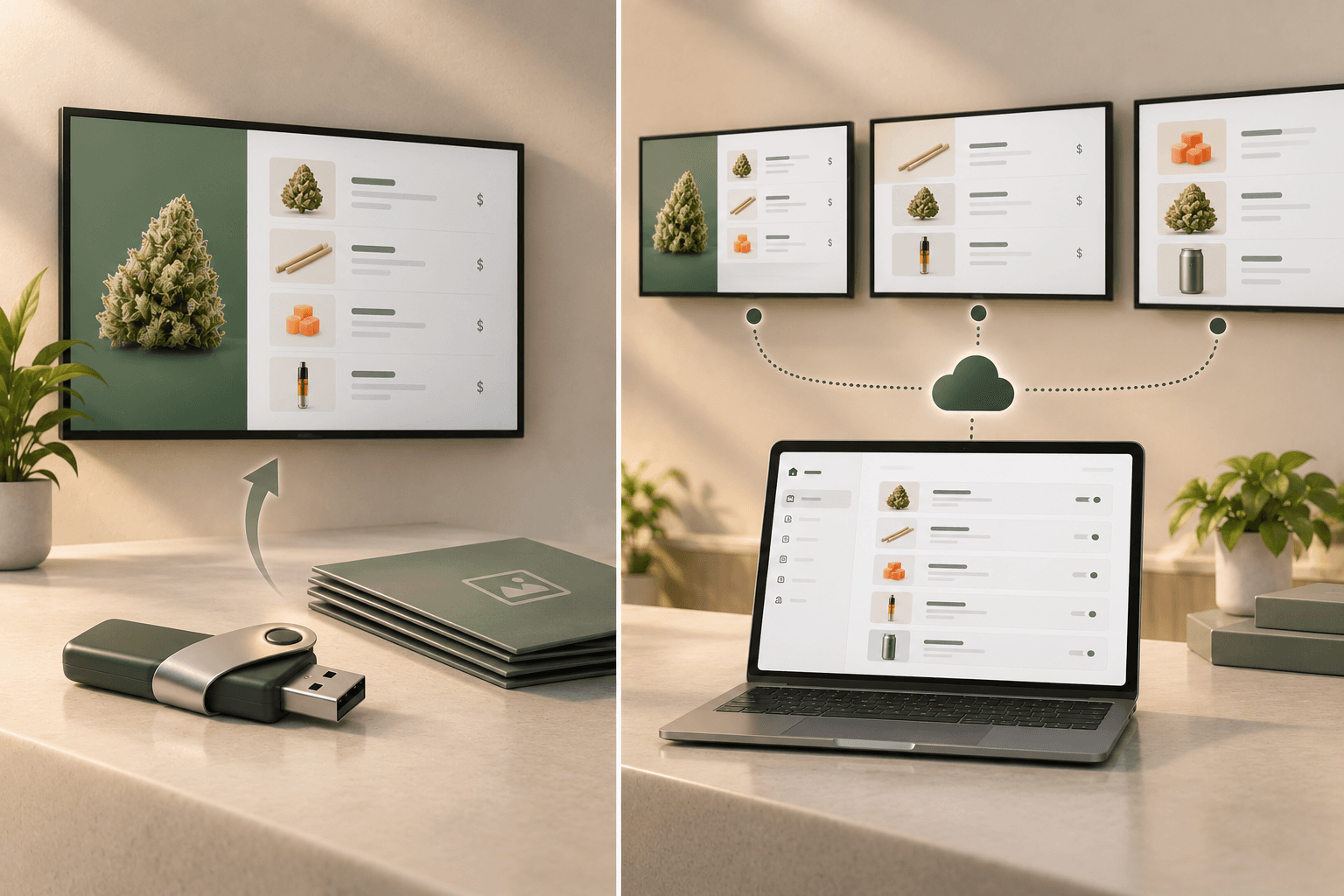
One advantage of a managed digital menu is that your team does not need to rebuild and physically replace signage every time content changes.
With Trikome, products, collections, menus, and media are managed through the platform, and updated menu content can be sent to connected screens.
Use that flexibility to prepare early.
Build the seasonal pages.
Review them.
Put them on the intended screens.
Then walk through the store and check the complete experience before the busiest period begins.
If something needs to change later, your team has a working starting point rather than building the promotion from scratch.
Check every screen
Before Green Wednesday, verify that each digital menu board is operating as expected.
For every display, check:
- The screen is powered on
- The intended menu is displaying
- Product information is readable
- Promotional media loads correctly
- Page rotations work as expected
- Pricing has been reviewed
- The device is connected
- Staff know which screen they are looking at in the dashboard
Trikome provides device status information that can help operators see whether connected screens are online and when they last checked in.
Clear device names also help.
Names such as Entrance Menu or Checkout Menu are easier to manage during a busy period than TV 1 and TV 2.
Know what happens if the internet goes down
A high-traffic retail day is not when you want to discover how your digital signage behaves without internet access.
Trikome supports offline playback.
Previously synchronized menu content is cached locally so it can continue displaying if the internet connection is temporarily interrupted.
New menu changes still require connectivity to reach the screen.
That makes it especially useful to have the correct content synchronized before the promotion begins.
Test your setup ahead of time so your team understands what to expect.
Give staff a simple update process
A seasonal menu plan is only useful if staff understand how it will be maintained.
Before the promotion, decide:
- Who can update products
- Who confirms pricing
- Who manages collections
- Who changes menu pages
- Who checks connected screens
- Who handles last-minute corrections
Avoid having several people make overlapping changes without knowing what everyone else is doing.
For larger teams, clearly defined ownership can make menu updates much easier to manage during a busy period.
Do not assume your POS will update the menu
This is particularly important when product availability is changing quickly.
Trikome is focused on digital menu boards and does not automatically synchronize product inventory with your POS.
If a product, price, or other menu detail changes, your team needs to keep the corresponding information in Trikome current.
Build that into your Green Wednesday workflow.
For example:
- Confirm the change in your store's source of truth.
- Update the relevant product information in Trikome.
- Adjust the featured collection if necessary.
- Review the menu.
- Confirm that the updated content reaches the intended screen.
A defined process reduces the chance that outdated information remains visible simply because everyone assumed another system would change it.
Plan beyond Wednesday
Green Wednesday is the Wednesday before Thanksgiving, but customer activity and promotions do not necessarily fit neatly into a single day.
Recent cannabis retail reporting shows that Thanksgiving week and the surrounding shopping period can matter beyond Wednesday itself.
Think about what happens to your digital menus on:
- Green Wednesday
- Thanksgiving, if your store is operating
- Black Friday
- The weekend after Thanksgiving
- The following holiday shopping period
You may want different featured collections or promotional pages at different points.
Planning that sequence in advance is easier than deciding what replaces the Green Wednesday menu after the event is already over.
Schedule the post-promotion reset
Every seasonal promotion needs an end.
Before Green Wednesday arrives, decide when the seasonal menu content should come down.
Create a simple reset checklist:
- Remove expired promotional pages
- Remove or update Green Wednesday collections
- Restore the normal menu rotation
- Review featured products
- Remove outdated promotional media
- Check pricing and product information
- Confirm every screen is showing the intended menu
This step is easy to overlook.
Expired promotions make a digital menu feel less reliable, especially when customers can still see an offer that is no longer available.
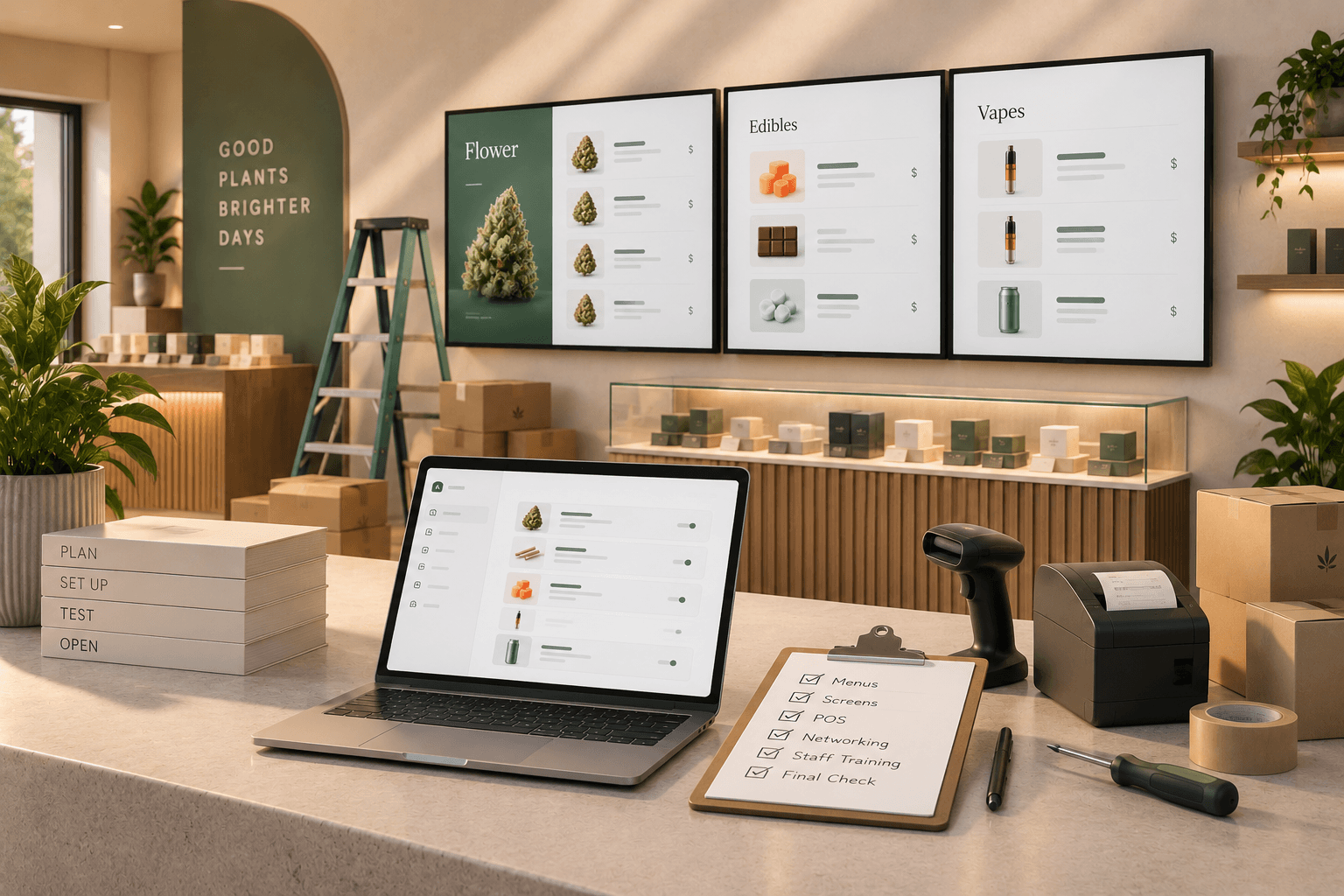
Green Wednesday digital menu checklist
Use this checklist before the promotion begins:
- Green Wednesday products have been selected
- Featured collections have been created
- Product information has been reviewed
- Prices have been checked
- Promotional images and videos are ready
- Promotional menu pages have been created
- Page order has been reviewed
- Page durations have been tested
- Different screens have clear purposes
- Device names are easy to identify
- Every connected screen has been checked
- Offline behavior is understood
- Staff know who is responsible for updates
- The post-promotion reset is planned
Prepare the menu before customers need it
Green Wednesday can bring additional attention to your menu at exactly the time your team has more to manage.
That makes preparation more useful than complexity.
You do not necessarily need to redesign your entire digital menu for the holiday.
Focus on making featured products easy to find, promotional messaging easy to understand, and core product information easy to browse.
Prepare your collections and media early. Check product information. Test the complete rotation on the actual screens. Give each display a purpose. Make sure staff know how changes will be handled.
Trikome gives cannabis retailers tools to organize products into collections, combine those collections with images and video, build rotating menu pages, manage connected screens, and update menu content through the platform.
Use those tools to get the menu ready before the rush begins.
Then, when Green Wednesday arrives, your digital screens can do what they are supposed to do: give customers clear, current information while your team focuses on running the store.