
Trikome and GreenScreens both help cannabis retailers put digital menus on in-store screens.
But they approach the job differently.
Trikome gives dispensaries a focused system for building and managing products, collections, media, menu pages, and connected screens directly through its platform.
GreenScreens puts POS integration at the center of its workflow. It connects to supported cannabis point-of-sale systems and uses that data to keep products, prices, inventory, and other menu information synchronized automatically.
That difference affects how your team maintains menus day to day.
If you are comparing Trikome vs. GreenScreens, the useful question is not simply which platform has more features.
It is which workflow fits the way your dispensary wants to manage its menus.
Trikome vs. GreenScreens at a glance
| Trikome | GreenScreens | |
|---|---|---|
| Core approach | Direct menu management | POS-synchronized menu management |
| Cannabis product data | Yes | Yes |
| POS synchronization | No automatic POS sync currently documented | Integrates with 20+ cannabis POS systems |
| Inventory-driven updates | Managed by your team | Supported inventory data syncs from connected POS |
| Menu content | Product collections, images, and videos | POS-driven menus plus digital signage content |
| TV hardware | Apple TV or Android TV | Existing TVs with supported streaming hardware |
| Offline playback | Yes | Available through its screen system |
| Multiple screens | Unlimited on Trikome Premium | Unlimited screens |
| Multiple locations | Premium | Supported |
| Other menu formats | Focused on digital menu boards | TV, tablet/kiosk, QR, and print |
| Entry price | Free plan available | Published plans start at $150/month |
| Paid pricing | $30/store/month or $300/store/year | Location-based plans starting at $150/month |
Pricing and features can change, so confirm current plan details with each provider before making a purchasing decision.
The biggest difference: where your menu data comes from
The clearest difference between Trikome and GreenScreens is how product information gets into the menu.
With Trikome, your team manages product information within Trikome.
You can add cannabis products with details such as product type, strain information, THC and CBD percentages, sizes, and pricing. Products can then be organized into collections and placed on menu pages.
Trikome does not currently document automatic inventory synchronization with a cannabis POS.
That means your team remains responsible for keeping the information displayed through Trikome current.
GreenScreens takes a different approach.
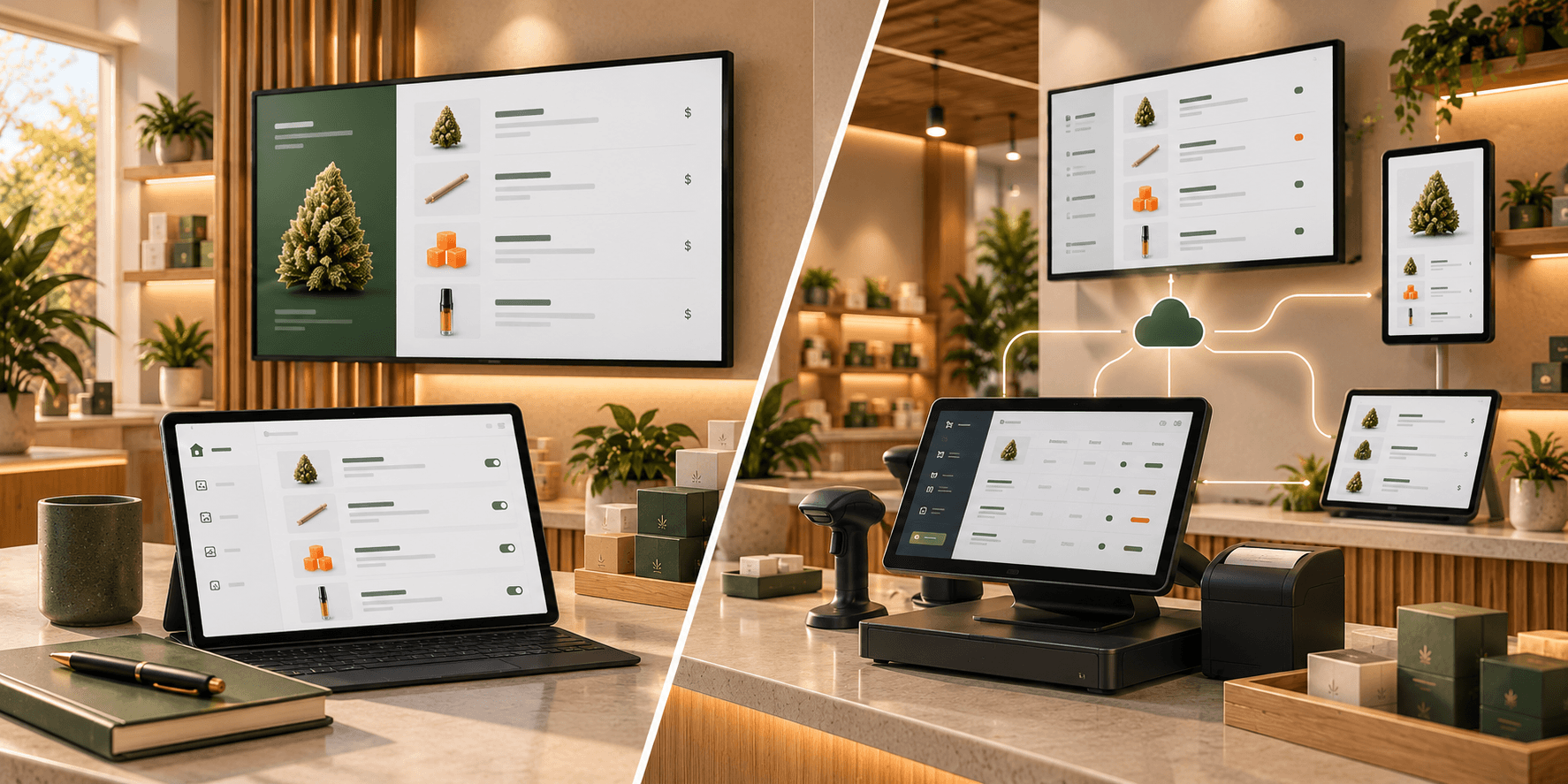
It connects directly to supported cannabis POS systems and pulls menu data from them automatically.
GreenScreens currently documents integrations with more than 20 cannabis POS systems, including platforms such as Dutchie, Flowhub, Jane, Blaze, Alleaves, BioTrack, Cova, Treez, GrowFlow, Meadow, and others.
For its documented integrations, GreenScreens says products, prices, stock, and THC/CBD data can synchronize from the POS, with additional fields available where the POS carries them.
The screens re-check POS data every few minutes.
So the first question to ask is:
Do you want your digital menu managed separately, or do you want it driven by your POS data?
How the Trikome workflow works
Trikome uses a straightforward three-step setup.
- Build your menu.
- Link your TV.
- Go live.
Products are added to the Trikome product catalog.
You can organize those products into collections such as Staff Picks or New Arrivals.
Menus can then contain rotating pages built from product collections, images, and videos. You can arrange those pages and control how long each one appears.
To connect a display, you install the Trikome app on an Apple TV or Android TV device and enter the 4-digit linking code.
Once connected, menu changes can be sent to the screen through the platform.
The workflow keeps digital menu management contained within a relatively focused system.
How the GreenScreens workflow works
GreenScreens starts with the dispensary's existing POS.
The retailer connects a supported POS to GreenScreens. Product and inventory data then flows into the menu system automatically.
GreenScreens says its integrations can synchronize core information such as:
- Products
- Prices
- Inventory
- THC and CBD data
Depending on the POS and the data it contains, additional information can include strain information, images, terpenes, and tiered or multi-size pricing.
Screens re-check the POS every few minutes, so changes to supported information can flow through to the menu without someone manually making the same edit in the signage platform.
GreenScreens uses that synchronized data across more than TV menu boards. The company also offers tablet and kiosk menus, QR menus, and print menus.
That makes the platform broader than a TV-only digital menu workflow.
POS independence vs. POS integration
This is where the comparison becomes especially relevant.
Trikome's lack of automatic POS synchronization means menu management is not dependent on a particular POS integration.
Your menu is built from the products and content you manage within Trikome.
That gives you a separate menu-management workflow, but it also means information may need to be maintained in both your operational systems and Trikome.
GreenScreens is built around the opposite idea.
Its value proposition is that the POS should act as the source for menu data.
When supported product information changes in the connected POS, GreenScreens can reflect those changes on its menus automatically.
Neither approach eliminates every task.
They move the work to different places.
With Trikome, your team has more direct responsibility for maintaining the menu catalog.
With GreenScreens, accurate menu output depends more heavily on the information available in the connected POS and the fields supported by the integration.
Product organization and menu design
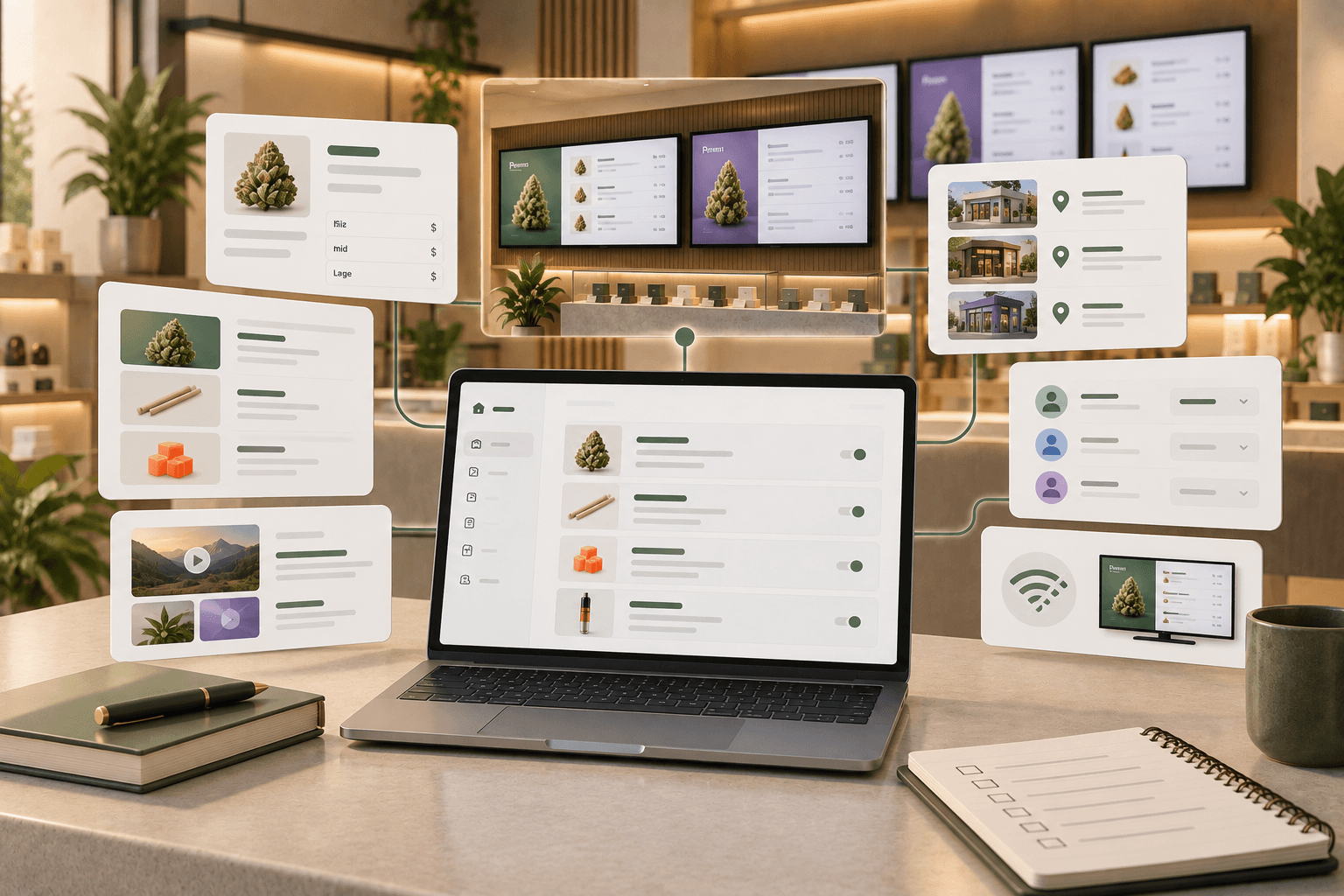
Trikome gives retailers tools to build menu structure directly.
Products can be organized into collections, and those collections can be placed on rotating menu pages alongside images and videos.
That makes collections useful for groups such as:
- Staff Picks
- New Arrivals
- Featured Products
- Flower
- Edibles
- Vapes
You decide what belongs in those collections and how they appear within the menu rotation.
GreenScreens approaches menu creation using synchronized POS data combined with its menu layouts and content tools.
Its current product documentation describes menu formats ranging from dense product tables to image-forward tiles and product grids.
The distinction again comes back to workflow.
Trikome emphasizes assembling the menu from content managed inside the platform.
GreenScreens emphasizes turning live POS data into customer-facing menus.
What happens when a price changes?
This is a useful real-world comparison.
Imagine the price of a product changes during the week.
With Trikome
Your team updates the relevant product information in Trikome.
The updated menu can then be sent to the connected screen.
With GreenScreens
If the price changes in a supported connected POS, GreenScreens says that change flows to the menu automatically when the system refreshes the POS data.
The same difference becomes more significant with inventory.
If an item sells out, Trikome does not currently document automatic inventory synchronization that would remove it from the menu.
GreenScreens documents live stock synchronization through its supported POS integrations, including automatically responding to out-of-stock products.
For stores where inventory changes frequently, that difference may have a significant effect on the daily menu-maintenance workflow.
Media and promotional content
Digital menus are not always just product lists.
Trikome includes a media library for images and videos. Media can be added to menu pages alongside product collections.
That gives retailers a way to combine structured product information with promotional or branded visual content.
GreenScreens also supports broader digital signage content in addition to its POS-synchronized menu boards.
When evaluating either platform, think about how much of your screen time will be dedicated to the live product menu versus promotional, educational, or branded content.
The right balance will depend on how your dispensary uses its displays.
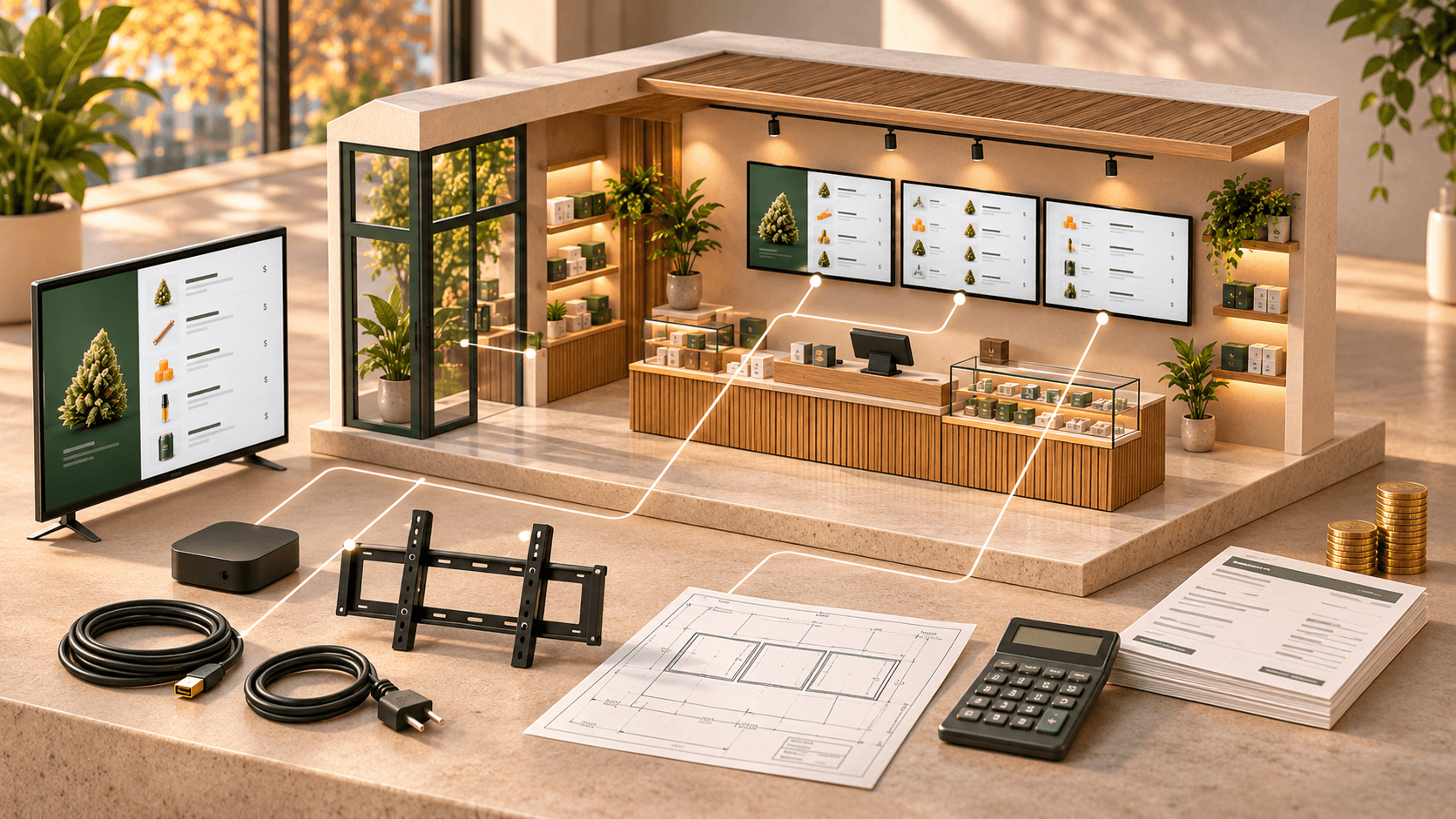
Screens and hardware
Both platforms are designed to work without requiring a proprietary television.
Trikome currently supports Apple TV and Android TV. You install the Trikome TV app and connect the device to your account using a 4-digit code.
GreenScreens says it works with existing TVs and does not require proprietary screen hardware. Its current documentation describes using compatible streaming devices with those displays.
This is an area where you should compare your existing hardware before choosing a platform.
If you already have TVs and playback devices installed, confirm that your exact setup is supported rather than assuming every device will work.
Offline behavior
Internet outages are worth considering when digital menus are responsible for displaying product information throughout the store.
Trikome includes offline playback.
Previously synchronized content is cached locally so the existing menu can continue displaying during a temporary internet outage. New changes still require connectivity to reach the screen.
GreenScreens also documents screen resilience and playback features intended to keep signage operating through connectivity interruptions.
If offline operation is important to your store, ask each provider exactly what happens to your specific menu configuration when internet access is lost and how updates resume after connectivity returns.
Multiple screens
Both platforms support dispensaries with more than one display.
Trikome Premium includes unlimited devices and unlimited menus.
That lets a retailer create different menus for different screens if needed.
For example:
- Entrance display
- Flower menu
- Edibles menu
- Checkout display
GreenScreens uses location-based pricing with unlimited screens rather than charging for each individual display.
Its menu system can distribute synchronized menu content across screens at a location.
If you expect your screen count to grow, compare pricing based on your planned number of locations and displays rather than the first screen alone.
Multiple dispensary locations
Both platforms support multi-location operators, but the underlying workflows remain different.
Trikome Premium supports multiple locations. Stores can have their own products, menus, devices, and team access.
Trikome does not currently document automatic synchronization of products or menus between stores, so location-specific content remains separately managed.
GreenScreens supports menu management across multiple locations while using connected POS data to feed its menus.
For a multi-location operator, the practical question is whether you want each location's menu maintained directly or generated primarily from the inventory and product data already maintained in the POS.
Team access
Trikome Premium includes team member invitations and role-based permissions.
That gives operators a way to control who can manage different parts of the menu workflow.
GreenScreens also provides dashboard access for managing menu content and screens.
When comparing the two, consider who will actually maintain the system.
A store owner setting up the first screen may care about different things than a regional manager responsible for displays across several stores.
TV menus vs. a broader menu ecosystem
Another difference is the scope of the platforms.
Trikome is specifically focused on digital menu boards for cannabis retailers.
Its core workflow revolves around building menus and displaying them on connected TVs.
GreenScreens currently offers several customer-facing menu formats from the same POS-connected data, including:
- TV menu boards
- Kiosk and tablet menus
- QR menus
- Printed menus and shelf materials
If your project is specifically about managing digital menu boards, you may not need all of those additional formats.
If you want several menu channels to use the same POS-synchronized data, those formats become more relevant to the comparison.
Compare pricing in context
The pricing difference between the platforms is substantial enough that it should be considered alongside the workflow difference.
Trikome currently offers a Free plan that includes:
- 1 store
- 1 device
- 1 menu
- 100MB of media storage
- Web dashboard access
- Offline mode
Trikome Premium currently costs $30 per store per month.
The yearly Premium plan is $300 per store per year.
Premium includes unlimited devices, unlimited menus, 500MB of media storage per store, team member invites, role-based permissions, custom strains, multiple locations, and priority support.
GreenScreens currently publishes pricing starting at $150 per month.
Its website lists a Dispensary Starter plan at $150 per month and a Dispensary+ plan at $250 per month, with pricing structured per location rather than per screen. GreenScreens also currently lists a $200 one-time setup fee and unlimited screens.
Those prices reflect products with different workflows and scopes.
Comparing the monthly number alone does not tell you what the operational difference will be.
Questions to ask before choosing
Instead of starting with a feature count, walk through your actual workflow.
Ask:
- Do we want the POS to be the source of our menu data?
- Which POS do we currently use?
- Is that POS supported by the platform?
- How often do our prices change?
- How quickly does inventory turn over?
- Do we want staff to maintain a separate menu catalog?
- Do we need automatic stock-driven menu changes?
- How many screens do we have?
- How many locations do we operate?
- Do we need TV menus only?
- Do we also want tablet, QR, kiosk, or printed menus?
- How much promotional media do we plan to use?
- Who will be responsible for menu changes?
- What hardware do we already have?
- What will the complete setup cost at our actual number of locations?
Those answers make the comparison much more useful than simply asking which platform has more features.
Two different approaches to the same problem
Trikome and GreenScreens both address the problem of getting cannabis product information onto customer-facing screens.
They take different routes.
Trikome provides a focused digital menu workflow where your team manages products, collections, media, menus, and connected displays directly through Trikome.
GreenScreens builds its workflow around cannabis POS integration, automatically pulling supported product, pricing, inventory, and cannabinoid information into menus and distributing that data across several menu formats.
That creates a fairly clear decision framework.
If you want to maintain your digital menu independently from your POS and prefer a focused platform for building collections, pages, media, and TV menus, Trikome is designed around that workflow.
If automatic POS synchronization is central to your requirements, GreenScreens is designed around that workflow and currently supports integrations with more than 20 cannabis POS systems.
Before choosing either platform, map out where your product data lives today and who is responsible for keeping it current.
That will tell you more about which workflow fits your dispensary than a feature checklist alone.