
How Much Do Dispensary Digital Menu Boards Cost? Software, Screens, and Setup
If you are planning digital menu boards for your dispensary, one of the first questions is how much the complete setup will cost.
The answer depends on more than the software subscription.
You also need to account for the screens, playback devices, mounting hardware, cables, installation, and any ongoing maintenance.
A dispensary that already owns suitable TVs may have a much smaller upfront budget than a new store installing several commercial displays.
The number of screens matters, too. Some digital signage platforms charge per screen, while others charge per store or use a different pricing structure.
This guide breaks down the main costs of dispensary digital menu boards and shows how to build a realistic budget before purchasing equipment.
What goes into the cost of dispensary digital signage?
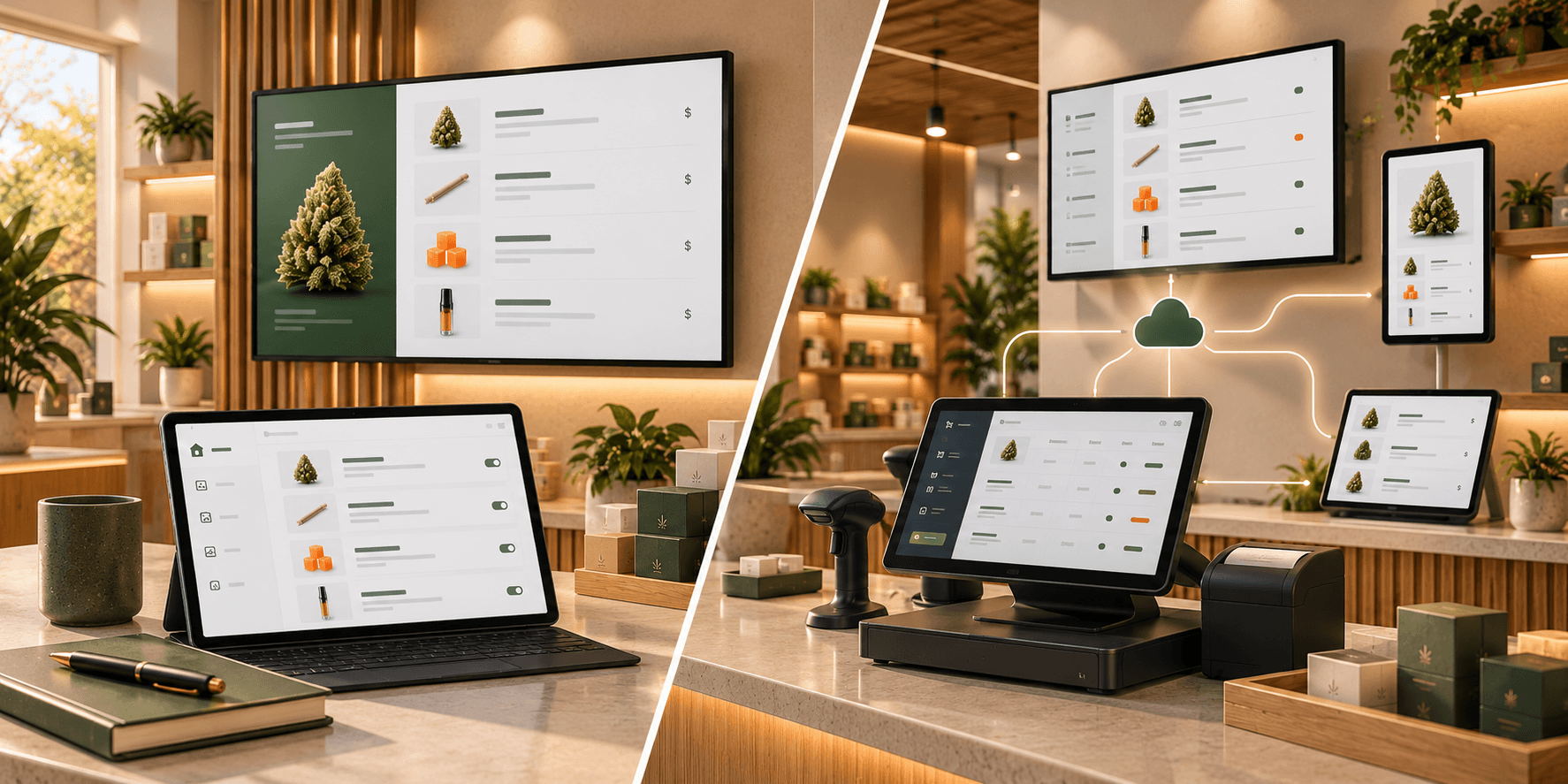
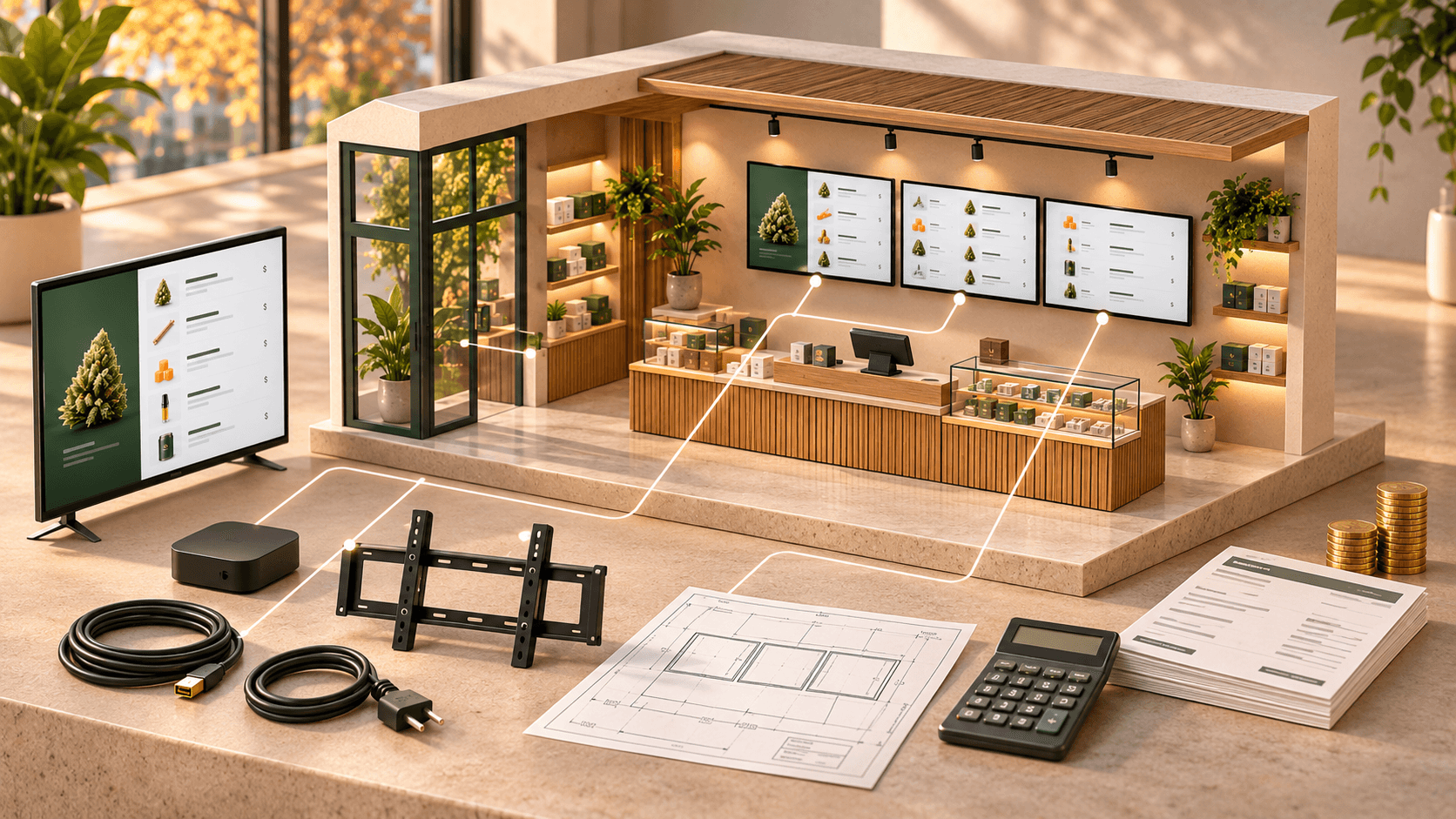
A complete digital menu board setup usually includes several separate expenses.
| Cost category | What it covers | Payment type |
|---|---|---|
| Digital menu software | Creating, managing, and updating menus | Usually recurring |
| TV screens or displays | The physical screens customers see | Usually one-time |
| Media players | Hardware that runs the menu application | Usually one-time |
| Mounting hardware | Wall brackets and mounting accessories | Usually one-time |
| Cables and power | Video connections, power, and cable management | Usually one-time |
| Installation | Mounting, electrical work, and setup | Usually one-time |
| Maintenance | Hardware replacements and occasional servicing | As needed |
Not every dispensary needs to purchase every item.
For example, if you already have compatible TVs, mounting hardware, and playback devices, your initial investment may be limited to software and setup time.
The important thing is to calculate the complete system cost rather than comparing software subscriptions alone.
1. Digital menu software costs
Software is the recurring part of most digital menu board budgets.
Pricing models vary between providers.
Some platforms charge based on the number of screens. Others charge per location, account, or subscription tier.
Before comparing prices, determine how many screens and stores you plan to manage.
How much does Trikome cost?
Trikome offers digital menu software designed for cannabis retailers.
Its published pricing includes three options.
| Plan | Published price | Included capacity |
|---|---|---|
| Free | $0/month | 1 store, 1 device, 1 menu |
| Premium Monthly | $30/store/month | Unlimited devices and menus |
| Premium Yearly | $300/store/year | Unlimited devices and menus |
The Free plan includes 100MB of media storage, web dashboard access, and offline playback.
Premium includes 500MB of media storage per store, team member invitations, role-based permissions, custom strains, and multi-location management.
The annual plan works out to an equivalent of $25 per store per month, billed annually.
For example, a dispensary operating four screens at one location would pay $30 per month for Trikome Premium software, assuming the standard monthly plan.
That is $360 over 12 months.
With annual billing, the same location would pay $300 for the year.
Those amounts cover the software subscription, not the cost of buying or installing the screens.
Current pricing: https://www.trikome.co/pricing
2. TV screens and commercial displays
Screens are often one of the largest upfront expenses.
The cost depends on the screen size, display type, brightness, operating requirements, and other specifications.
A standard consumer TV may cost considerably less than a commercial digital signage display.
As a general budgeting reference, consumer 43-inch and 55-inch TVs can be found in the low hundreds of dollars, while commercial displays of comparable sizes can cost several hundred dollars more.
For example, a Samsung 43-inch commercial signage display has been listed by major US retailers for roughly $700 to $800, depending on the model and seller.
These are market examples, not fixed prices or Trikome hardware requirements.
Before purchasing, compare the screens based on your actual store conditions.
Consider:
- Screen size and viewing distance
- Brightness and glare
- Expected daily operating hours
- Warranty terms
- Mounting compatibility
- Display orientation
- Available power connections
A screen above the checkout counter may have different requirements from a display facing a bright storefront window.
The cheapest screen is not necessarily the best fit, but a commercial display is not automatically necessary for every installation.
For a deeper look at the differences, see our guide to consumer TVs vs. commercial displays for dispensary digital menus.
3. Media player costs
A screen needs a way to run your digital menu.
Some software platforms work with specific smart TV operating systems. Others require an external media player.
Trikome supports its TV application on Apple TV, Android TV, Google TV, and Amazon Fire TV devices.
The compatible device runs the menu application and connects to your Trikome account.
When planning your budget, confirm the exact hardware model and app compatibility before purchasing.
The cost of a media player varies depending on the device.
For budgeting purposes, it is reasonable to reserve a separate amount for each screen that requires an external player.
Do not assume that a TV's built-in smart features automatically make it compatible with your chosen menu software.
Also consider the additional connections the player may need, including power and an HDMI cable.
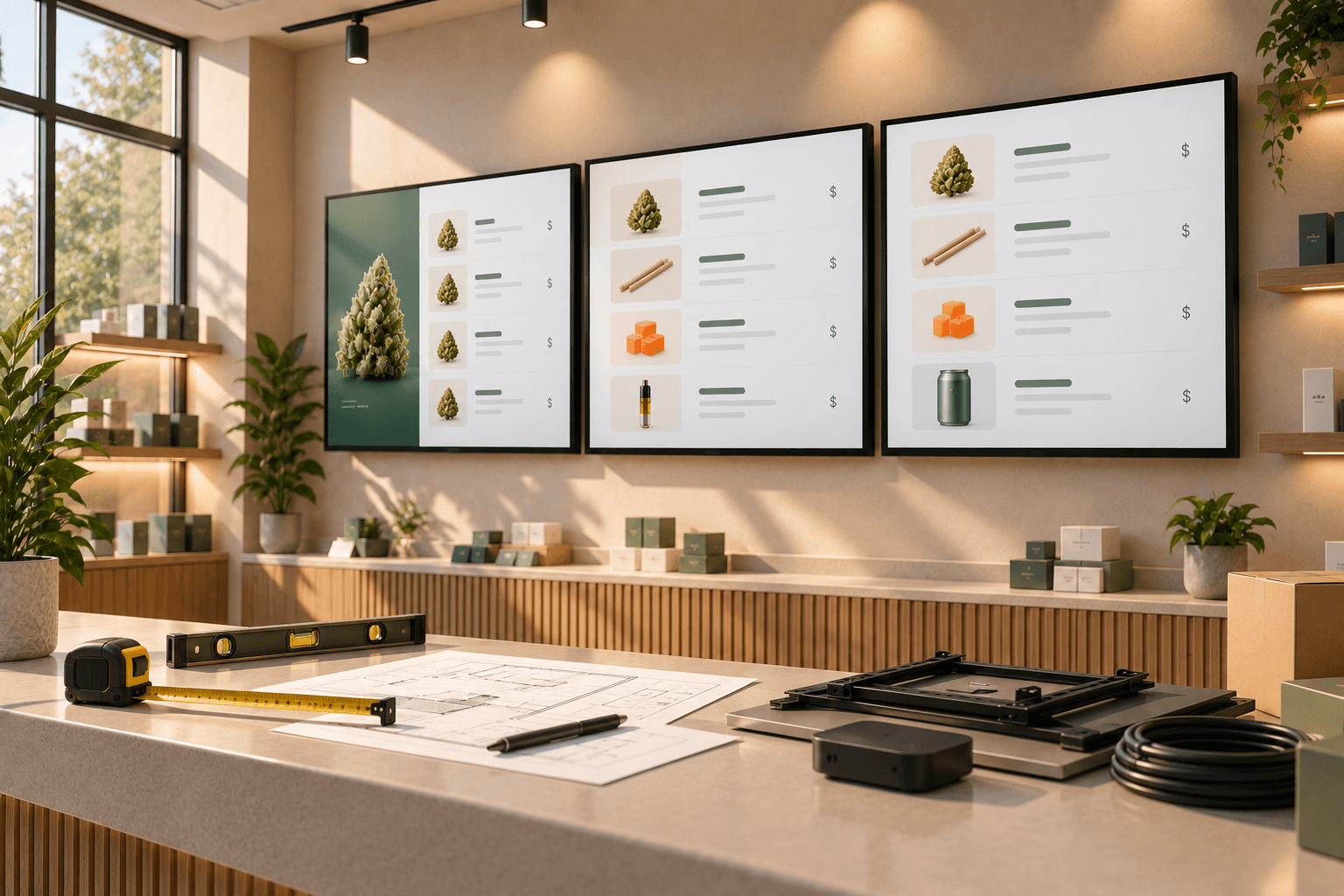
4. Mounting hardware and cable management
Mounting is another expense that can be easy to underestimate.
A wall-mounted digital menu board may require:
- A compatible TV bracket
- Appropriate mounting hardware
- HDMI cables
- Cable covers or other cable-management materials
- Access to suitable electrical outlets
- Additional installation materials
The exact cost depends on the wall, display size, mount type, and installation requirements.
A straightforward installation on a suitable wall may be relatively inexpensive.
A setup requiring new electrical outlets, concealed cable routes, structural work, or difficult access can cost considerably more.
Avoid choosing a mounting location based only on where a TV appears to fit.
Consider where customers will stand, how far they will be from the screen, whether lighting creates glare, and how the cables will reach the necessary connections.
These decisions can affect both installation cost and the usefulness of the finished menu.
For more detail, see our guide to mounting digital menu boards in a dispensary.
5. Professional installation costs
Installation expenses depend heavily on the store.
Some dispensaries may be able to handle basic equipment setup internally, provided the work is within the team's capabilities and complies with applicable requirements.
Other installations may need a professional installer or licensed electrician.
Factors that can increase installation costs include:
- Mounting several large displays
- Installing new power outlets
- Concealing cables inside walls
- Working with difficult wall materials
- Mounting screens in high or hard-to-reach locations
- Coordinating installation with other store construction
Ask installers for an itemized quote.
It should distinguish screen mounting, electrical work, cable routing, and any additional materials.
That makes it easier to compare quotes and identify costs that are not included.
6. Menu creation and content preparation
The physical installation is only part of the setup.
Someone also needs to prepare the information that will appear on the screens.
That may include:
- Adding products
- Checking prices
- Organizing product categories
- Creating featured collections
- Preparing images and videos
- Building menu pages
- Testing readability
This work has a cost even when it does not appear as a separate invoice.
If your team handles it internally, account for staff time.
If you hire someone to prepare graphics or organize your menu content, include that work in your setup budget.
Trikome lets dispensaries create a product catalog, organize products into collections, upload media, and build rotating menu pages.
The amount of preparation depends on how much content you want to display and whether your product information is already organized.
A straightforward menu with a few categories will generally require less preparation than a large menu with extensive product details and custom promotional content.
7. Ongoing costs after installation
Once your digital menu boards are running, the main expenses shift from setup to operation.
Depending on your system, these may include:
- Software subscriptions
- Replacement hardware
- Screen maintenance
- Updated promotional graphics
- Staff time for menu changes
- Internet service
The last item may already be part of your store's operating expenses, so it should not automatically be treated as an additional digital signage subscription.
With Trikome, menu updates are managed through the web dashboard and sent to connected displays.
Trikome also supports offline playback. Previously synchronized menu content remains available locally if the internet connection is temporarily interrupted.
New changes still require connectivity.
One operational detail is important: Trikome does not currently provide automatic POS inventory synchronization.
Your team needs to maintain the relevant product and pricing information in Trikome.
Include that ongoing work when comparing platforms, particularly if your dispensary changes prices or product availability frequently.
8. Example budget: a small dispensary with two screens
Consider a dispensary planning two digital menu boards behind its sales counter.
For this example, assume the store needs to purchase both screens and two compatible playback devices.
The following figures are illustrative planning allowances, not vendor quotes.
| Item | Example budget |
|---|---|
| Two TVs at $350 each | $700 |
| Two media players at $100 each | $200 |
| Two mounts at $50 each | $100 |
| Cables and accessories | $100 |
| Installation allowance | $300 |
| Trikome Premium, first year (annual billing) | $300 |
| Illustrative first-year total | $1,700 |
This example assumes a straightforward installation with no major electrical or structural work.
Actual costs may be higher or lower.
The screen, player, mounting, cable, and installation amounts are budgeting assumptions. The Trikome subscription amount uses its published annual price.
The example also excludes taxes, shipping, optional content-production services, and unexpected installation work.
After the initial equipment purchase, the store's ongoing expenses would mainly involve the software subscription, content maintenance, and any hardware servicing.
9. Example budget: a larger dispensary with four screens
Now consider a dispensary using four screens.
It may want different displays for product categories, featured collections, or promotional content.
Here is another illustrative budget.
| Item | Example budget |
|---|---|
| Four TVs at $450 each | $1,800 |
| Four media players at $100 each | $400 |
| Four mounts at $60 each | $240 |
| Cables and accessories | $160 |
| Installation allowance | $600 |
| Trikome Premium, first year (annual billing) | $300 |
| Illustrative first-year total | $3,500 |
This example uses higher screen and installation allowances than the two-screen setup.
It assumes all four screens are in one store and uses Trikome Premium's published per-store pricing.
With Trikome Premium, adding more screens within the same location does not increase the software subscription price based on device count.
It does, however, increase the amount of physical hardware you need.
That distinction matters when comparing digital signage software pricing models.
10. What if you already own TVs?
If your dispensary already has suitable screens, the budget can look very different.
You may only need compatible playback devices, any necessary cables, and software.
You may also be able to reuse existing mounts or network infrastructure.
Before deciding to reuse equipment, check:
- Screen condition
- Available inputs
- Mounting compatibility
- Brightness and readability
- Media player compatibility
- Power access
- Network connectivity
Reusing hardware can reduce upfront spending, but it should not come at the expense of a display that customers can actually read.
11. How to avoid unnecessary costs
There are several practical ways to control your digital menu board budget.
Start with the screens you actually need
Do not assume every empty wall requires a display.
Identify where customers need product information and place screens around those viewing areas.
Test software before buying several devices
Trikome offers a Free plan with one store, one device, and one menu.
That can be useful for testing a basic menu workflow before investing in a larger installation.
Compare the complete hardware setup
A low-priced TV may still require a separate media player, mount, cables, and installation.
Calculate the total cost per working screen.
Plan power and cables early
Changing mounting locations after installation can create additional work.
Decide where equipment will go before purchasing hardware or drilling into walls.
Use existing equipment where appropriate
If you already own compatible displays or playback devices, include them in your budget rather than assuming everything needs to be replaced.
Account for staff time
Software costs are only part of the ongoing expense.
Think about who will update products, prices, collections, and promotional content after the menus go live.
12. How to calculate your own digital menu board budget
Use this formula as a starting point:
First-year cost = displays + media players + mounting and cables + installation + content preparation + first-year software + other applicable costs
Then calculate ongoing annual expenses separately.
For example:
Ongoing annual cost = software + content maintenance + expected servicing + any additional operating costs
This gives you a more useful comparison than looking at a software provider's monthly price in isolation.
It also helps separate expenses you pay once from those that continue every year.
Dispensary digital signage cost checklist
Before purchasing, confirm the following:
- Number of screens needed
- Screen sizes and display types
- Existing hardware that can be reused
- Compatible playback devices
- Mounting hardware
- Cable and power requirements
- Professional installation requirements
- Menu software subscription
- Product catalog preparation
- Promotional media requirements
- Staff time for ongoing updates
- Hardware maintenance expectations
- Total first-year cost
- Expected ongoing annual cost
Budget for the complete system, not just the software
The cost of dispensary digital menu boards depends on how many screens you need, what hardware you choose, how the displays are installed, and how your team will maintain the menus.
Software may be a relatively small part of the initial budget when you are purchasing several displays and paying for installation.
Over time, the software subscription and the work required to maintain accurate menu information become more important.
Trikome offers a focused digital menu platform for cannabis retailers, with a Free plan for testing a basic setup and Premium plans priced per store rather than per screen.
Its product catalog, collections, rotating menu pages, media library, connected-screen management, and offline playback are designed to support the ongoing menu workflow.
Before investing in equipment, start with the customer experience you want to create.
Decide where screens are useful, choose compatible hardware, calculate the complete installation cost, and understand what the software will cost as your setup grows.
A realistic budget should account for both getting the menus onto the wall and keeping them useful after installation.