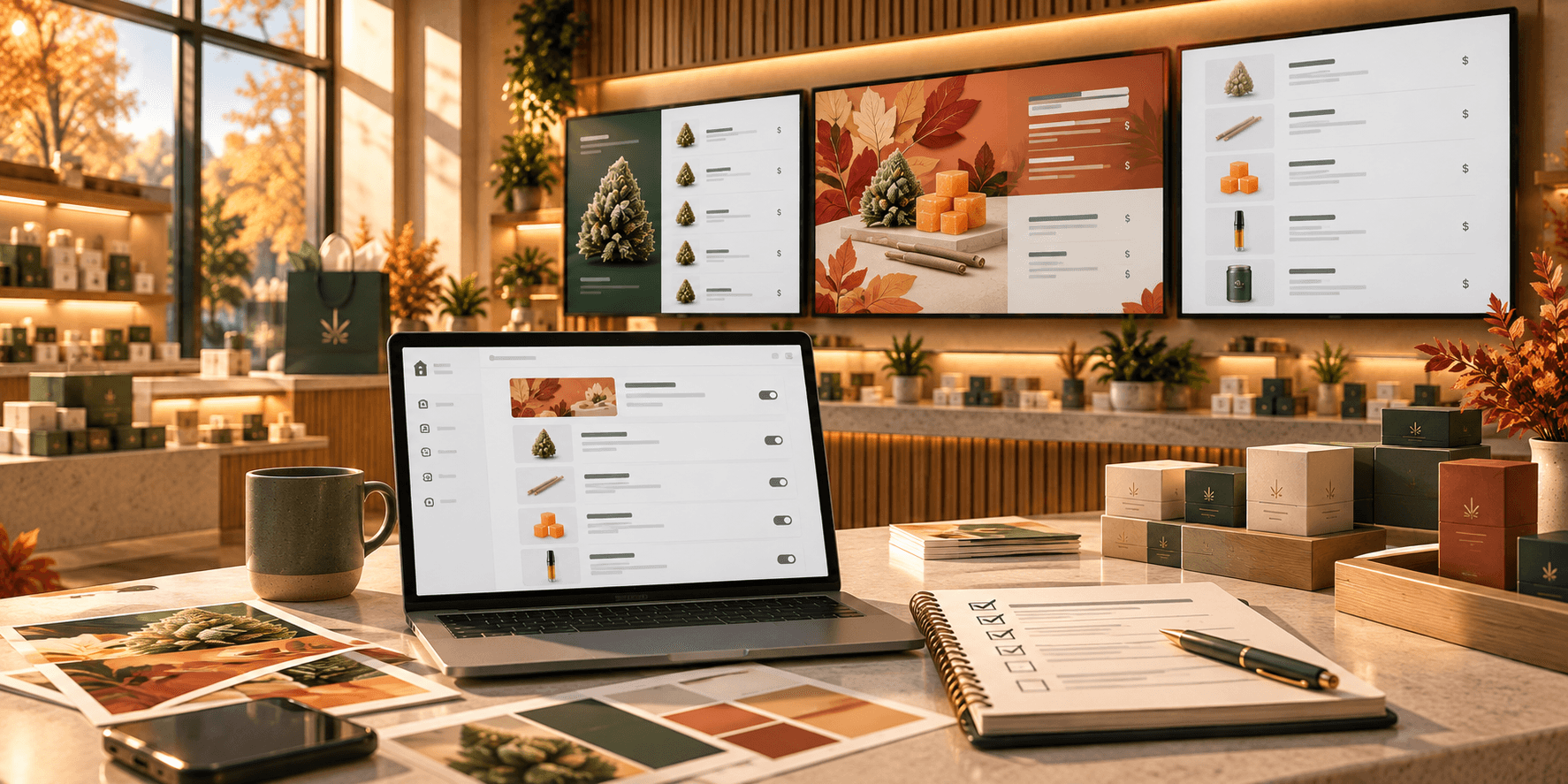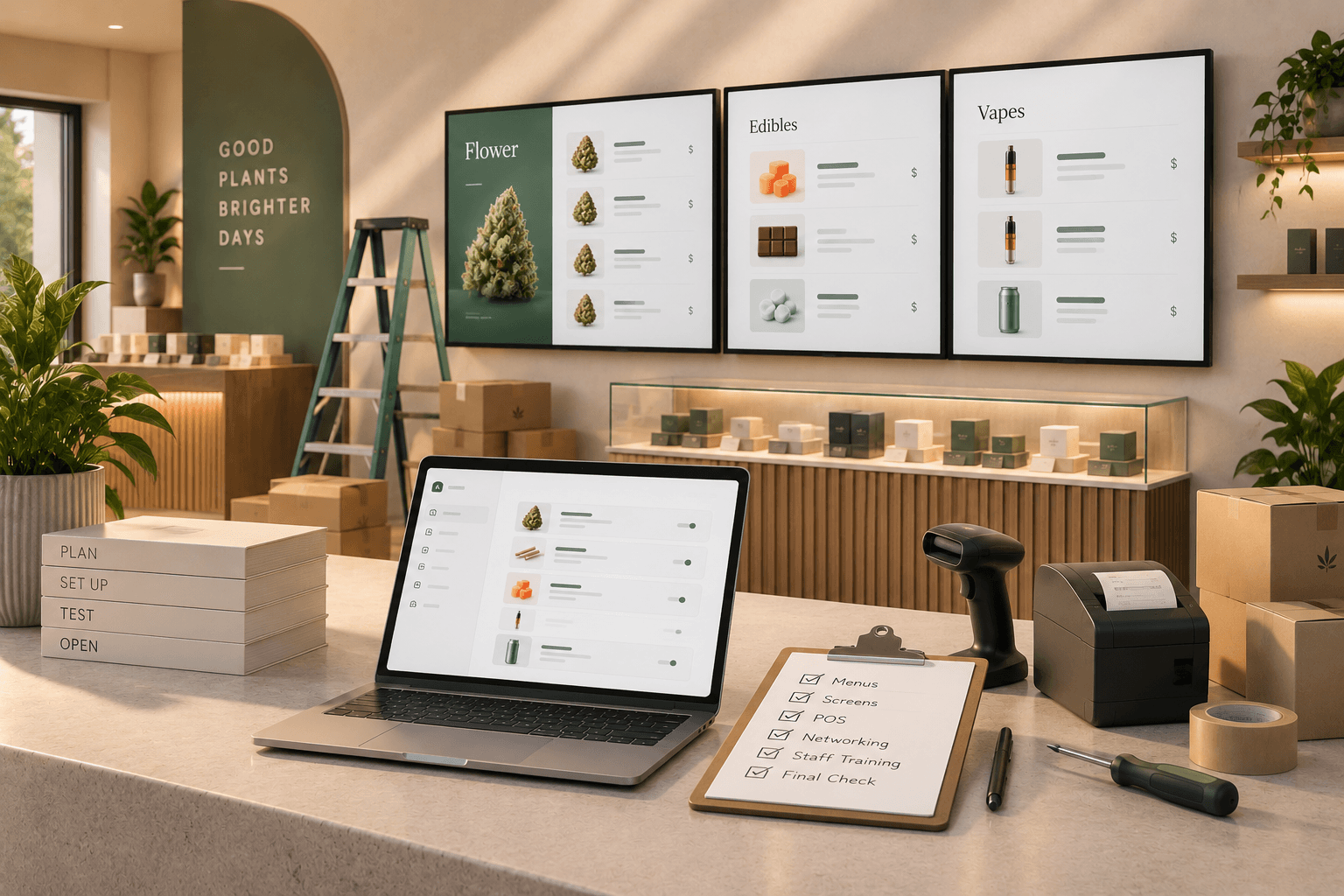

A TV and a USB drive can seem like a simple way to create a digital menu.
Design the menu, save the file, plug the drive into the TV, and put it on screen.
For a dispensary with a menu that rarely changes, that approach may be enough. But cannabis retail menus often need ongoing updates as products, prices, featured items, and promotions change.
At that point, the bigger question is not whether a USB drive can display a menu. It is how much work it takes to keep that menu current.
Here is how USB menu boards compare with cloud-managed digital menu boards for day-to-day dispensary operations.
What is a USB menu board?
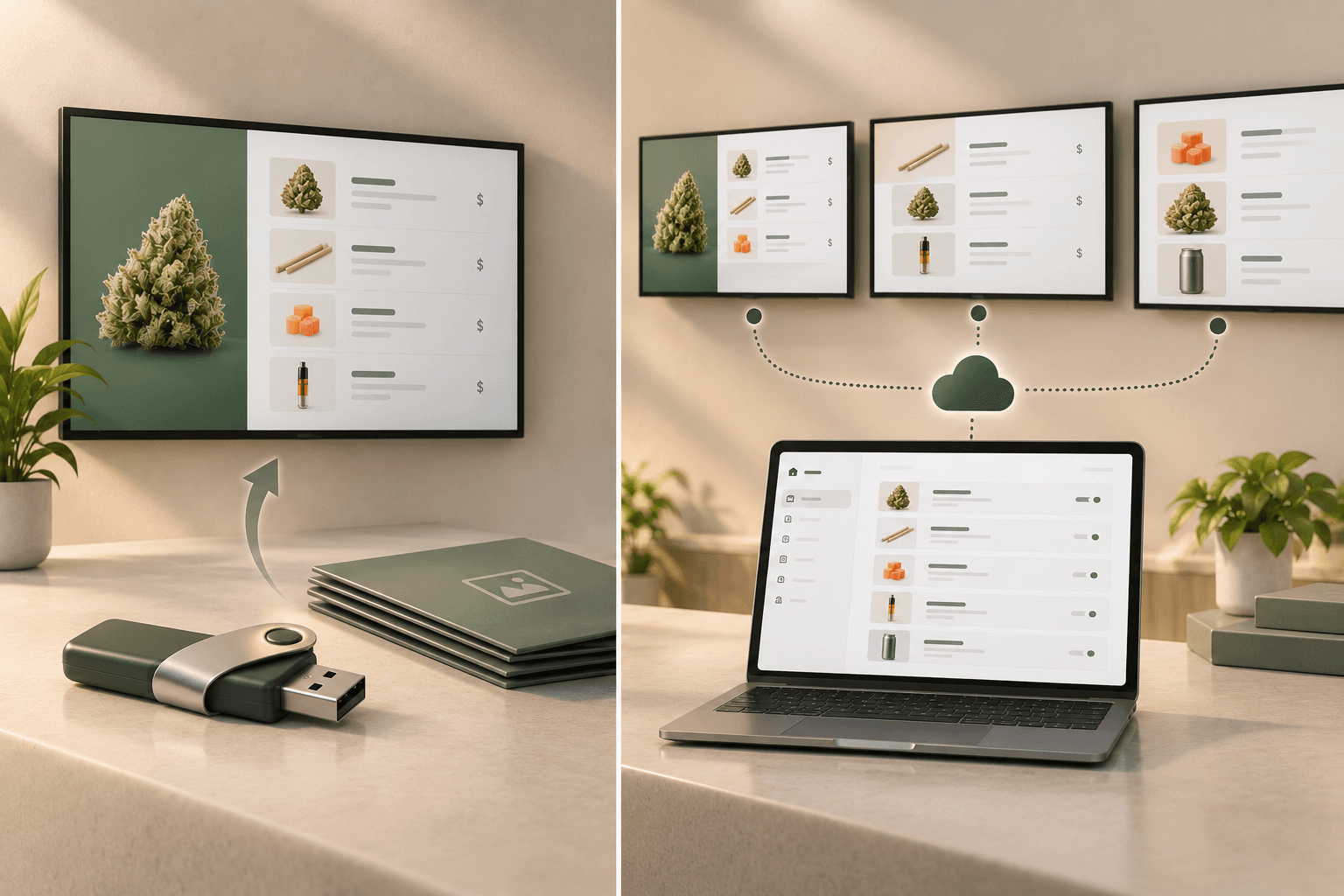
A USB menu board uses files stored on a USB drive to display content on a TV or digital signage screen.
The exact setup depends on the television or media player, but the general workflow is manual:
- Create or edit the menu content.
- Export the updated file.
- Save it to a USB drive.
- Take the drive to the display.
- Replace the previous content.
- Confirm that the new version is playing correctly.
It is a straightforward approach and does not necessarily require dedicated digital signage software.
The tradeoff is that the update process is tied to the physical display.
What is a cloud-managed digital menu board?
A cloud-managed digital menu board separates menu management from the physical TV.
Instead of treating the screen as the place where content is stored and updated, the menu is managed through software and displayed through a connected device.
With Trikome, for example, dispensaries create menus in the platform, connect a TV using the Trikome app, and send updated menu content to connected screens.
That changes the workflow.
When a menu needs to change, your team can update the content through the platform rather than replacing a file on a USB drive at the TV.
USB vs. cloud-managed menu boards at a glance
| USB menu boards | Cloud-managed menu boards | |
|---|---|---|
| Updates | Replace files manually | Manage content through software |
| Physical access | Typically required for updates | Updates can be managed away from the screen |
| Multiple screens | Each display may need individual attention | Connected screens can be managed through a platform |
| Menu structure | Depends on files you create | Can be organized within the menu platform |
| Images and video | Supported depending on the TV and file format | Managed as part of the signage system |
| Internet dependency | Files are stored locally | Depends on the platform and its offline capabilities |
| Best fit | Simple, infrequently changing displays | Menus that require regular updates and ongoing management |
Neither approach is automatically right for every store.
The difference becomes clearer when you look at how often your dispensary actually changes its menu.
The real cost of a manual update
Changing one USB menu is not particularly difficult.
The problem is repetition.
Imagine that a price changes on your flower menu.
With a USB-based setup, someone may need to edit the source file, export a new version, copy it to the drive, walk to the TV, replace the content, and check that the correct version is displaying.
Now imagine that the same change affects several screens.
Or that another product needs to be updated later that day.
The individual task is small. The workflow becomes inefficient because every change creates another manual step.
Cloud-managed signage moves more of that process into one place.
Updating menus without visiting every TV
This is one of the biggest practical differences between the two approaches.
A USB drive connects the update process to the screen itself.
Cloud-managed digital signage connects the update process to the management platform.
With Trikome, menu content is created and managed in the dashboard. Once a TV is linked, updated menu content can be sent to that connected display.
That can be especially useful when screens are mounted behind counters, high on walls, or spread throughout a store.
Instead of treating each TV as a separate file-management task, the screen becomes an endpoint for the menu you manage through Trikome.
Managing multiple screens
A single USB drive and a single television can be easy to understand.
The workflow becomes more complicated as the number of screens grows.
If your dispensary has several displays, you need to know which file belongs on which screen and make sure each display has the correct version.
That can mean maintaining several exported files or manually duplicating updates across screens.
A managed digital signage system is designed around connected displays.
Trikome supports multiple TV screens, and Trikome Premium supports unlimited devices and menus.
That gives dispensaries more flexibility to use different menus on different screens without relying on a collection of USB drives and manually maintained files.
Organizing products instead of rebuilding files
USB signage is usually file-based.
If your menu is an image, presentation, or video, changing the information often means editing that source content and exporting it again.
A dedicated dispensary menu platform takes a different approach.
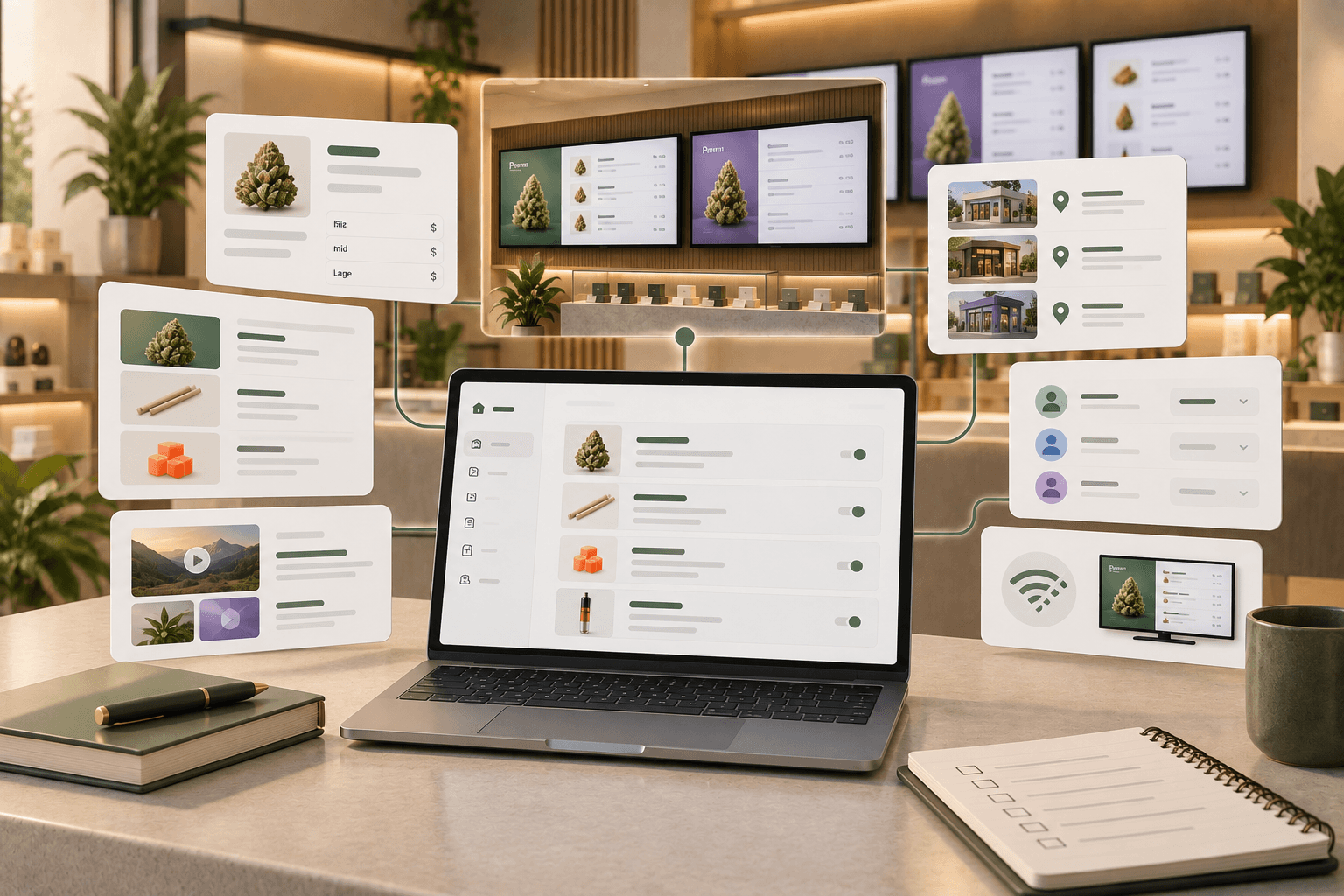
Trikome includes a product catalog where retailers can add product information, product types, strain information, and flexible pricing by size.
Products can also be organized into collections such as Staff Picks or New Arrivals.
Those collections can then be used when building menu pages.
Instead of thinking only in terms of files, you are managing the pieces that make up the menu.
For a menu that changes regularly, that can create a more structured workflow.
Using images and video
Both USB drives and cloud-managed signage can display visual content.
The difference is how that content is managed.
With a USB setup, images and videos generally need to be prepared and transferred as files to the display.
Trikome includes a media library for images and videos that can be used across menu pages.
Menus can combine product collections with media and rotate through multiple pages. Page duration and order can also be configured.
That makes it easier to treat the screen as an evolving menu rather than a single static file.
What happens when the internet goes down?
USB drives have an obvious advantage in one area: the content is already stored locally.
A cloud-managed system needs a plan for connectivity interruptions.
That does not necessarily mean the screen stops working when the internet goes down.
Trikome supports offline playback. Menu content is cached locally so a connected display can continue playing previously synchronized content during an internet outage.
New changes will still require connectivity to reach the screen, but a temporary loss of internet does not mean the existing menu has to disappear.
When evaluating any cloud-managed signage system, offline behavior is worth checking rather than assuming the display will always have a connection.
When does a USB menu board make sense?
USB menu boards can still be a reasonable choice.
If you have one screen, rarely change the content, and do not need a structured product-management workflow, the simplicity of a USB drive may be enough.
There is little reason to add a more sophisticated system if the menu is essentially static.
The decision starts to change when updates become frequent.
Ask yourself:
- How often do we change products or prices?
- How many screens need those changes?
- Does someone have to physically access each TV?
- Are we maintaining several versions of the same menu?
- Do we regularly feature new products or promotions?
- Would it help to manage products, collections, and media separately instead of rebuilding a complete file?
The more often those tasks occur, the more valuable centralized menu management becomes.
When does cloud-managed signage make more sense?
Cloud-managed digital menu boards are better suited to stores where the menu is an active part of daily operations.
That can include dispensaries with:
- Frequently changing menus
- Multiple digital displays
- Rotating product categories
- Regular promotions
- Images and video content
- Multiple menus for different areas of the store
- Staff who need a repeatable update process
The advantage is not simply that the system is "in the cloud."
It is that your menu can be managed as a menu rather than as a collection of files that need to be carried to screens.
A better question than "Which is cheaper?"
A USB drive costs very little.
That makes USB menu boards appealing when comparing hardware or software costs alone.
But cost is only one part of the decision.
You also need to consider the time involved in maintaining the system.
If an employee needs to physically update several displays every time menu content changes, that work has a cost too.
The right comparison is therefore not just:
USB drive vs. digital signage subscription
It is:
Manual menu management vs. managed menu management
For a mostly static display, manual management may be perfectly reasonable.
For an active dispensary menu that changes regularly, reducing repetitive update steps may be more important than minimizing the number of tools involved.
How Trikome approaches digital menu management
Trikome is built specifically for cannabis dispensaries that want to manage digital menus without relying on manually updated files.
The workflow has three main steps:
- Build your menu using products, collections, images, and videos.
- Link your TV using the Trikome app and a simple code.
- Send your menu to the connected display and manage future changes through the platform.
Menus can contain rotating pages, and retailers can control page order and display duration.
Trikome also supports offline playback, so previously synchronized menu content can continue displaying if the internet connection is temporarily interrupted.
It does not automatically sync products or inventory from your POS. Product and pricing information still needs to be kept current in Trikome.
The difference is where that work happens.
Instead of editing files, loading USB drives, and visiting individual TVs, your team manages the digital menu through one purpose-built system.
Choose the workflow that fits your dispensary
USB menu boards are simple for a reason.
For a screen that rarely changes, that simplicity can be useful.
But as menu updates become more frequent, the limitations of a manual workflow become harder to ignore.
More products mean more changes. More screens mean more places to make those changes. More promotions mean more versions to keep organized.
Cloud-managed digital menu boards shift that work away from individual files and physical USB drives and into a centralized menu workflow.
For dispensaries, the best choice comes down to how often your menu changes and how much manual work your team wants to manage.
If your menu is mostly static, a USB drive may do the job.
If your digital menu is something your team actively manages throughout the week, a dedicated platform like Trikome gives you a more structured way to keep your screens current.