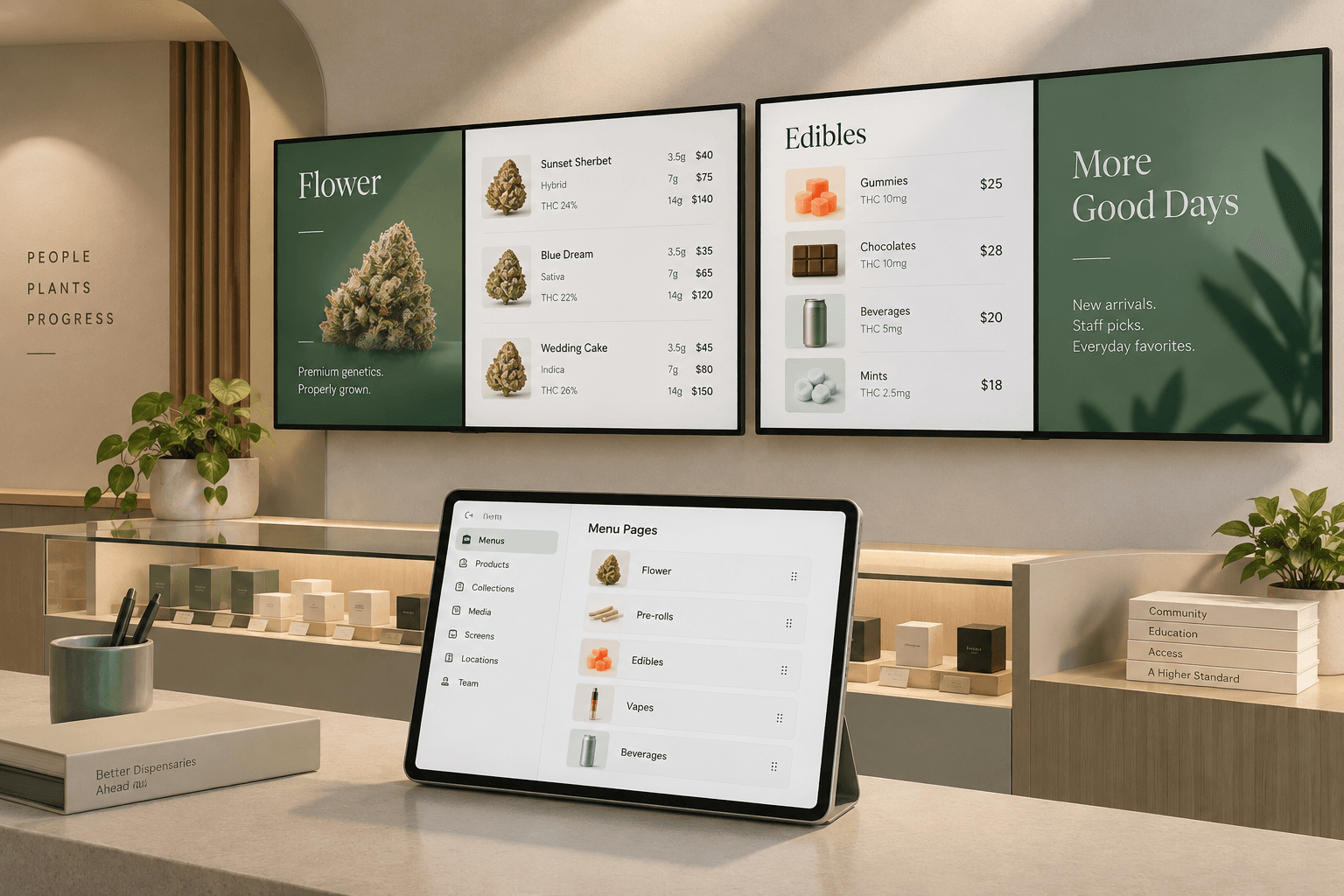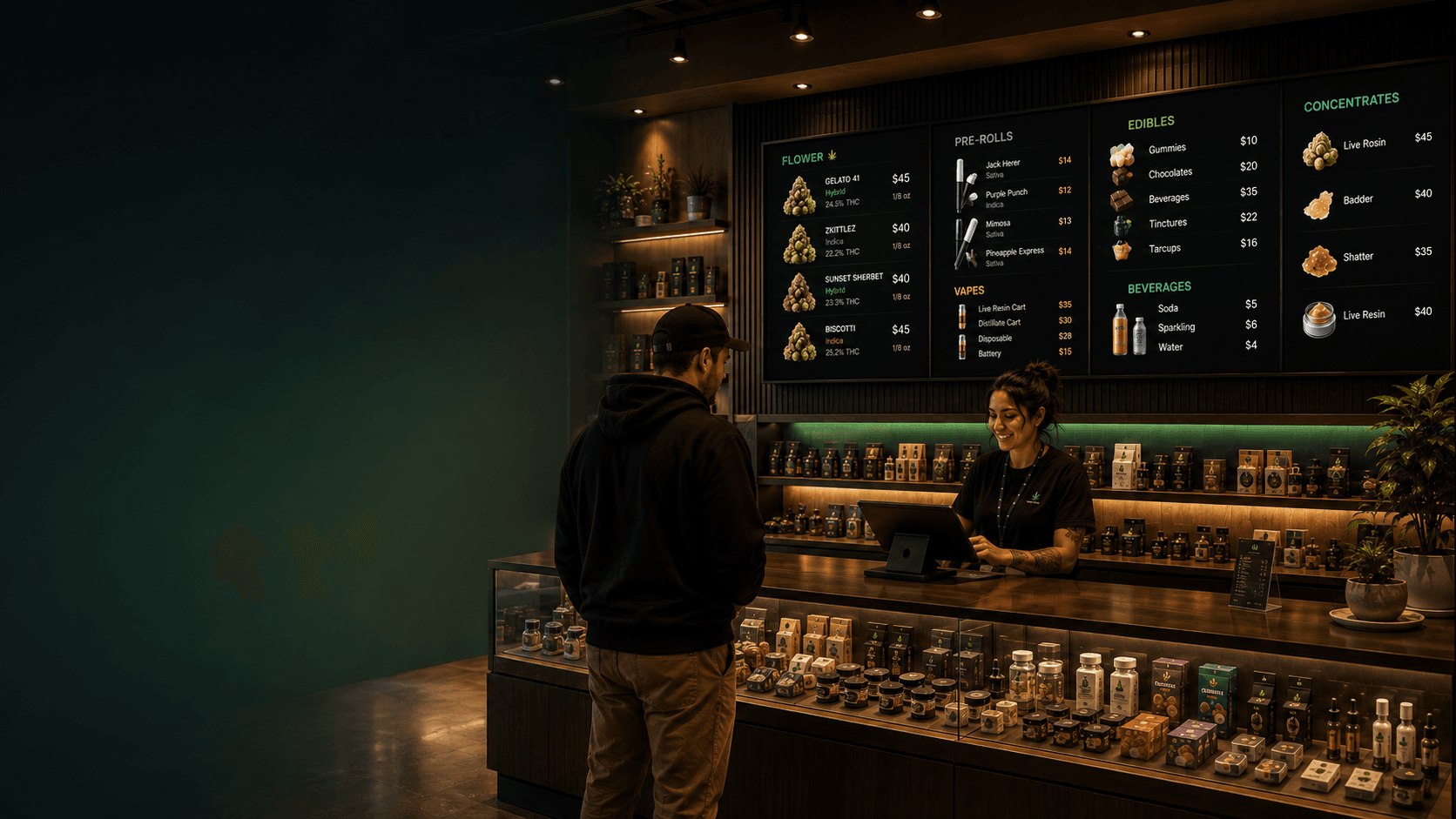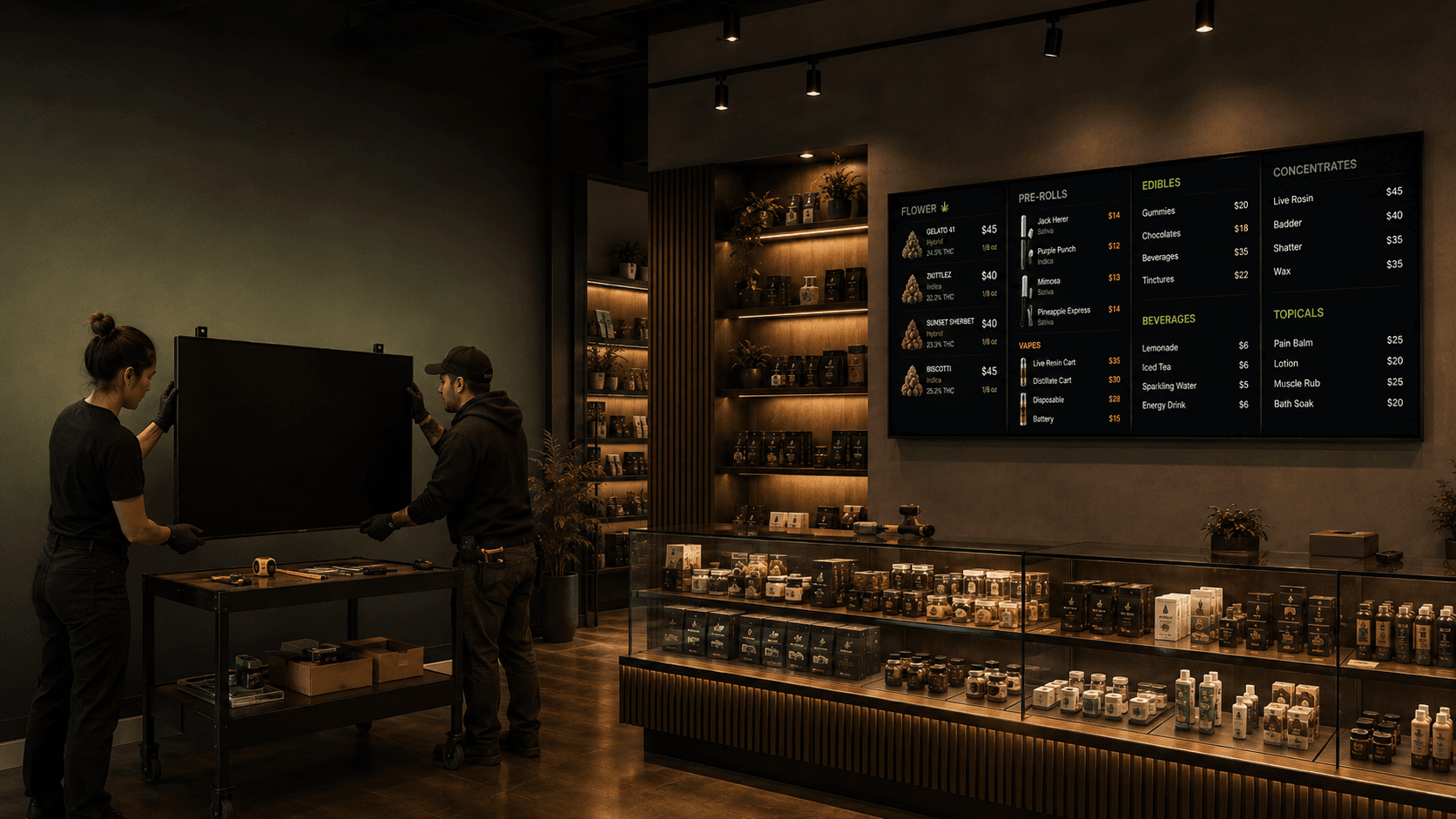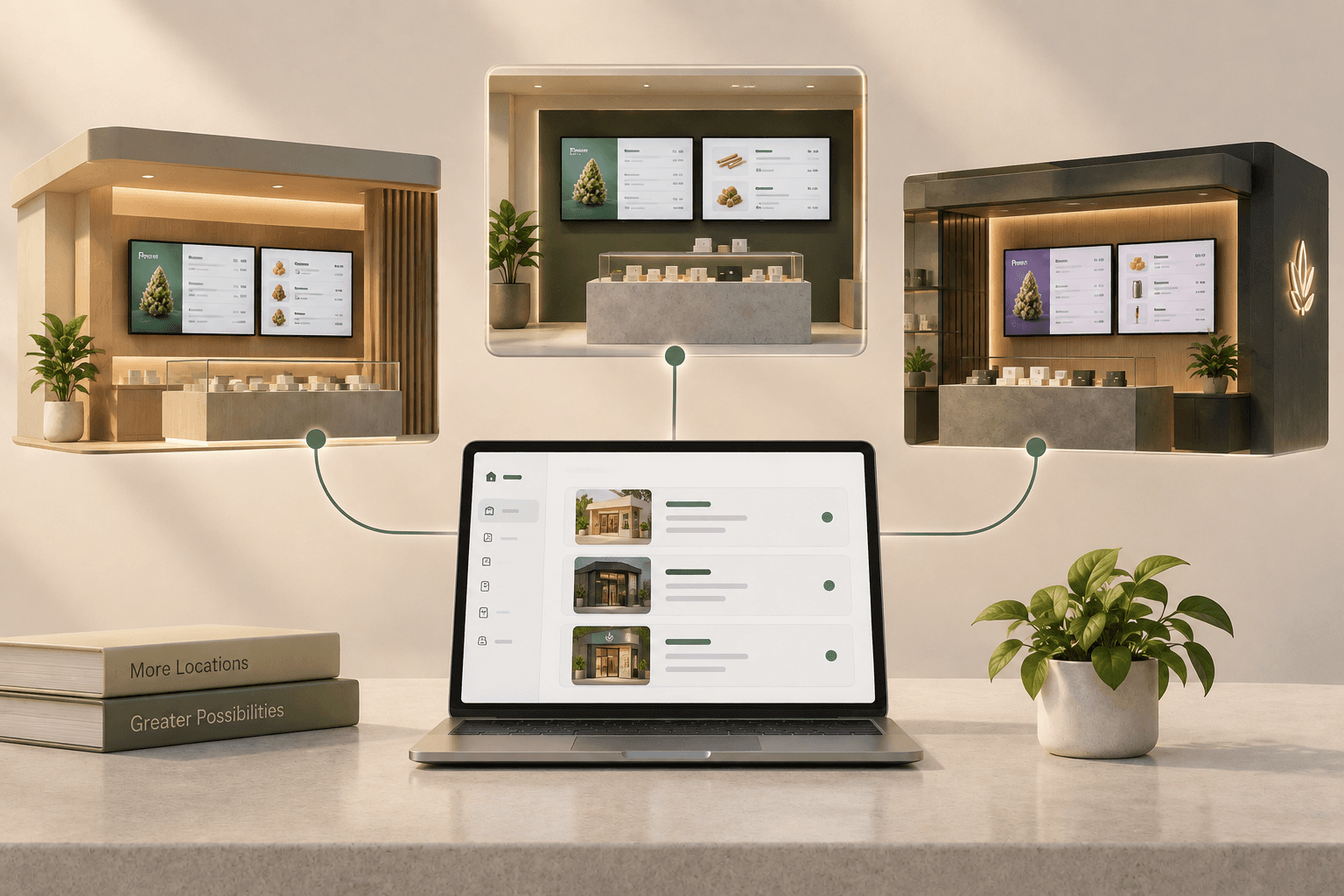

Managing one dispensary menu is relatively straightforward. Managing digital menus across several locations is a different challenge.
Each store may carry different products, use different pricing, run its own promotions, or need a different mix of screens. At the same time, the brand should still feel consistent from one location to the next.
The goal is not to make every store identical. It is to create a system that keeps each location accurate while making the entire operation easier to manage.
Here is how to approach multi-location digital menu management and how Trikome supports that workflow.
Why multi-location menu management gets complicated
As a dispensary grows from one location to several, there are more moving parts to keep track of.
One store may have a product that another does not. Prices can vary. A promotion might only apply to certain locations. Different stores may also have different screen layouts or merchandising priorities.
Trying to manage all of this as one universal menu can create problems.
Instead, it helps to think of each location as its own digital menu environment, while maintaining shared standards for how those environments are organized.
Give each dispensary its own product catalog
The first step is separating store-specific information.
In Trikome, each store has its own product catalog. Products added to one store do not automatically appear in another.
This separation is useful because different locations often have different assortments, pricing, and display needs.
It also means teams need a process for maintaining similar products across locations.
Trikome does not currently provide automatic product syncing between stores. If several locations carry the same products, those products need to be recreated and maintained in each store.
For multi-location operators, consistency starts with a clear internal process for product names, pricing formats, strain information, and other menu details.
Organize collections by location
Collections make it easier to turn a large product catalog into something customers can actually browse.
A store might create collections such as:
- Staff Picks
- New Arrivals
- Featured Flower
- Edibles
- Weekly Specials
In a multi-location operation, those collections can be tailored to what is actually available at each store.
For example, "Staff Picks" at your downtown location does not have to contain the same products as "Staff Picks" at another store.
Trikome keeps collections separate between stores, so each location can organize its own products without affecting the others.
Create a consistent menu structure
Separate stores do not have to mean completely different menu experiences.
If your brand wants a consistent look across locations, start with a common structure.
You might decide that every location uses:
- A featured products page
- A flower menu
- A pre-roll and vape menu
- An edibles menu
- A promotional or branded page
That structure can then be recreated for each store and populated with location-specific products and collections.
Trikome does not currently sync or copy a shared menu automatically across stores. A menu structure created for one store needs to be recreated in the others.
That makes having a documented menu standard especially useful.
Define your preferred page order, naming conventions, content structure, and visual approach. Your team can then follow the same framework while adapting the actual products to each location.
Keep devices connected to the right store
Screens are another important part of multi-location management.
In Trikome, each device is linked to a specific store. That device can display menus belonging to that store.
This keeps the relationship between location, menu, and physical screen clear.
A TV at one dispensary should be connected to that store rather than pulling content from another location.
If you physically move a device from one store to another, Trikome's workflow is to unlink it from the original store, switch to the new store in the dashboard, and link the device again using the code displayed on the TV.
For larger operations, it helps to document where each device is located and what it is meant to display.
Decide who manages what
Multi-location menu management is not only about content. It is also about access.
An owner may need visibility across the entire business. A regional manager may be responsible for several locations. A store manager may only need access to one dispensary.
Trikome Premium supports team members and store-specific access.
Team members can be assigned access to all stores, one store, or a subset of locations depending on their responsibilities.
Trikome also uses different roles.
Owner
The account owner has full access, including products, collections, menus, devices, team management, billing, and store creation.
Manager
Managers can handle day-to-day store management, including products, collections, menus, and devices, without access to billing or the ability to create or delete stores.
Employee
Employees have more limited access. They can view menu content and add or update products, but they cannot edit collections or menus or manage devices.
This makes it possible to give people enough access to do their jobs without giving every employee control over the entire multi-store setup.
Use the store selector to move between locations
Managing several locations does not mean maintaining completely separate accounts.
With Trikome Premium, multiple stores can be managed from one account.
The store selector in the dashboard lets authorized users move between the locations they have access to. When you select another store, the dashboard changes to show that store's products, collections, menus, and devices.
That separation is important.
Before changing a product, price, collection, or menu, make sure you are working inside the correct store.
A simple habit like checking the selected location before making changes can prevent avoidable mistakes.
Build a repeatable update process
Software can organize multiple locations, but your internal process determines how consistently those locations stay updated.
For example, a multi-store team might use a workflow like this:
- Confirm product or pricing changes for each location.
- Select the correct store in Trikome.
- Update that store's product catalog.
- Adjust collections when products are added or removed.
- Review the relevant menu pages.
- Check that the correct devices are displaying the correct menus.
- Repeat for other affected locations.
The exact process will depend on how your business operates.
What matters is making ownership clear. Your team should know who updates products, who controls menu structure, and who is responsible for checking displays.
Audit each store regularly
Even with a good workflow, multi-location setups need occasional housekeeping.
Periodically review each location and ask:
- Are outdated products still in the catalog?
- Are unused devices still connected?
- Are menus displaying the right collections?
- Do team members still need access to this store?
- Are device names and store names clear?
- Does the menu still follow the brand's current structure?
Regular reviews become more important as the number of stores, screens, and team members grows.
Clear naming also helps. Descriptive location and device names are much easier to manage than generic labels like "Store 1" or "TV 2."
Balance consistency with local flexibility
One of the biggest decisions in multi-location menu management is how standardized your menus should be.
There are two extremes.
At one end, every location has a completely independent menu.
At the other, every location tries to display exactly the same content.
For many dispensary groups, the better approach sits somewhere in between.
Keep the structure and visual system consistent while allowing products, collections, prices, and promotions to reflect each store.
A customer visiting two locations should recognize the same brand and understand how to navigate the menu, even if the products on the screens are different.
How Trikome supports multi-location dispensaries
Trikome Premium is designed to let operators manage multiple dispensary locations from one account.
Trikome Premium supports unlimited stores, devices, and menus, with Premium billed per store. Each store maintains its own products, collections, menus, devices, and team access.
That gives operators a clear separation between locations while still providing one account from which authorized team members can move between stores.
It is also important to understand what Trikome does not automate.
Products do not automatically sync between stores, and menus created for one location are not automatically shared with another. If you want similar catalogs or menu structures across locations, your team needs to recreate and maintain them for each store.
For multi-location operators, that makes organization just as important as the software itself.
Build a system that can grow with your stores
Adding locations should not mean losing control of your digital menus.
Start by treating each store as its own source of truth for products, pricing, collections, menus, and devices. Then establish shared standards for naming, menu structure, visual presentation, and team responsibilities.
Give each person access to the locations they actually manage. Document which screens and menus belong where. Review stores regularly to remove outdated content and access.
With that foundation in place, multi-location digital menu management becomes much easier to maintain.
Trikome gives dispensary operators a way to manage multiple stores, menus, devices, and team access from one account while keeping each location's content separate.
That balance lets each dispensary manage what is unique to its store without losing the structure needed to operate as a larger brand.