
Digital menu boards give dispensaries a flexible way to present products, pricing, promotions, and other useful information in-store. But the software is only one part of the setup. You also need a screen.
That often leads to a practical question: should you use a standard consumer TV or invest in a commercial display?
There is no single answer for every dispensary. The right choice depends on how long the screen will run, where it will be installed, how bright the environment is, what orientation you need, and what warranty applies.
Here is how to compare the two without paying for features you do not need or choosing hardware that does not fit your store.
What Is the Difference Between a Consumer TV and a Commercial Display?
Consumer TVs are primarily designed for home entertainment. Their features tend to focus on streaming, picture quality, sound, and the viewing experience you would expect in a living room.
Commercial displays are designed for business environments such as retail stores, restaurants, offices, transportation hubs, and other public spaces.
One of the most useful differences is the type of specifications manufacturers provide.
Commercial signage models often publish information about daily operating ratings, portrait installation, brightness, anti-glare treatments, environmental protection, and other features relevant to business installations.
That does not automatically make every commercial display better than every consumer TV. It simply gives businesses a different set of features and specifications to consider.
Start With How Many Hours Your Screens Will Run
One of the clearest differences between consumer TVs and commercial signage is how operating time is specified.
Commercial displays frequently include an explicit duty rating. Depending on the model, that may be 16 hours per day, seven days per week, or continuous 24/7 operation.
Rather than relying on a general rule about how long a consumer TV can run, look at your actual store schedule and the specifications of the display you are considering.
If your menu boards will operate for long periods every day, a commercial display with a published operating rating can provide more certainty that the hardware is intended for that workload.
For a dispensary with more moderate operating requirements, a consumer TV may still be a practical option.
Consider Brightness, Glare, and Screen Placement
A screen mounted deep inside a softly lit store has different requirements from one positioned near a large window.
Before choosing a display, consider:
- natural light throughout the day
- overhead lighting
- reflections
- viewing distance
- viewing angle
- where customers will stand when reading the menu
Commercial signage is available across a wide range of brightness levels, and some models include anti-glare treatments designed for public display environments.
That does not mean a consumer TV will automatically be too dim, or that any commercial screen will solve a difficult lighting problem.
Compare the brightness and reflection handling of the specific models you are considering against the conditions in your store.
If customers struggle to read the screen because of glare or strong ambient light, the quality of your menu design will only go so far.
Think About Landscape and Portrait Orientation
Most dispensary menu boards work well in landscape orientation, especially when several product categories or collections need to appear on the same screen.
Some store layouts, however, may benefit from a vertical display.
Portrait installation is common in commercial signage, and many commercial models explicitly support both portrait and landscape orientations.
With a consumer TV, do not assume that turning the screen vertically is supported simply because the mounting hardware makes it possible.
Check the manufacturer's installation instructions and warranty conditions for the exact model before using it in portrait orientation.
If portrait screens are an important part of your store design, choosing hardware that is specifically approved for vertical installation removes some uncertainty.
Look at the Operating Environment
Commercial signage can include features intended for installations where screens operate for long periods or face more demanding environmental conditions.
Depending on the model, that may include additional dust protection, temperature monitoring, or other hardware designed around signage use.
But these features vary considerably. "Commercial" does not automatically mean rugged, waterproof, dustproof, or resistant to physical damage.
For a typical climate-controlled dispensary, specialized environmental protection may not be necessary at all.
Instead, consider the conditions around the screen:
- Is the area unusually dusty?
- Is there significant heat near the display?
- Is the screen exposed to direct sunlight?
- Will it operate for extended periods every day?
- Will it be difficult to access or replace once installed?
Choose hardware for the environment you actually have rather than the toughest environment a commercial display could theoretically handle.
Check the Warranty Before Buying
Warranty terms are easy to overlook when comparing screens, but they can matter in a business installation.
The important question is not simply how long the warranty lasts. Check whether the warranty covers the way you intend to use the display.
Consumer TV warranty terms vary by manufacturer, model, and country. Commercial signage may offer coverage specifically designed around business use.
Do not assume that every consumer warranty excludes commercial use or that every commercial display comes with better coverage.
Read the warranty for the exact model you are considering, particularly if the screen will run for long hours or be installed in a business environment.
Do You Need Built-In Signage Features?
Commercial displays sometimes include functionality that goes beyond the panel itself.
Depending on the model, this can include features such as:
- remote device management
- content scheduling
- temperature monitoring
- automatic brightness adjustment
- screen rotation
- network controls
- internal media players
- status reporting
These features can be valuable in some digital signage installations.
But that does not mean your dispensary needs all of them.
If you are already using dedicated digital menu software and a compatible streaming device, some of the functionality built into a commercial display may overlap with tools you already have.
This is another reason to evaluate the screen based on your actual setup rather than assuming the commercial option is automatically the better purchase.
Compare Price With Your Actual Requirements
Consumer TVs are widely available across a large range of sizes and prices, which can make them attractive when setting up a dispensary on a tighter hardware budget.
Commercial displays may cost more because they can include different operating ratings, installation options, warranties, management capabilities, and signage-specific features.
The question is whether those features solve a problem you actually have.
Before buying, ask:
- How many hours per day will the screen run?
- Is it installed in a bright area?
- Do I need portrait orientation?
- How easy would the screen be to replace?
- What warranty applies to my installation?
- Do I need built-in commercial signage features?
- How many screens am I installing?
- Will I want consistent hardware across multiple locations?
A higher upfront price does not automatically mean a lower total cost over time. Likewise, choosing the least expensive television does not automatically make it the better value.
The best choice is the one whose specifications match how you plan to use it.
When Can a Consumer TV Make Sense?
A consumer TV can be a practical choice for some dispensary digital menu setups.
It may be worth considering when:
- your screens have moderate daily operating requirements
- the store has controlled indoor lighting
- landscape orientation works for your menu design
- displays are easy to access and replace
- you do not need specialized signage features
- the warranty terms are acceptable for your intended use
- keeping the initial hardware budget lower is important
A smaller dispensary with a few screens in a straightforward indoor installation may decide that a consumer TV provides everything it needs.
There is nothing inherently wrong with that choice.
The important part is understanding the specifications and limitations of the model before installing it.
When Is a Commercial Display Worth Considering?
Commercial signage becomes more attractive as your requirements become more demanding.
Consider it when you need:
- an explicit 16/7 or 24/7 operating rating
- portrait installation supported by the manufacturer
- specific brightness or anti-glare performance
- signage-specific environmental features
- warranty coverage designed around commercial use
- built-in device management or monitoring
- consistent hardware specifications across many screens or locations
For dispensaries running several displays for long operating hours, these characteristics may justify the additional cost.
Commercial signage should still be evaluated model by model. Not every commercial display offers every feature, and not every dispensary needs them.
Does Trikome Require a Specific Type of TV?
No.
Trikome is digital menu software, not a display manufacturer. You do not need to purchase a proprietary Trikome screen.
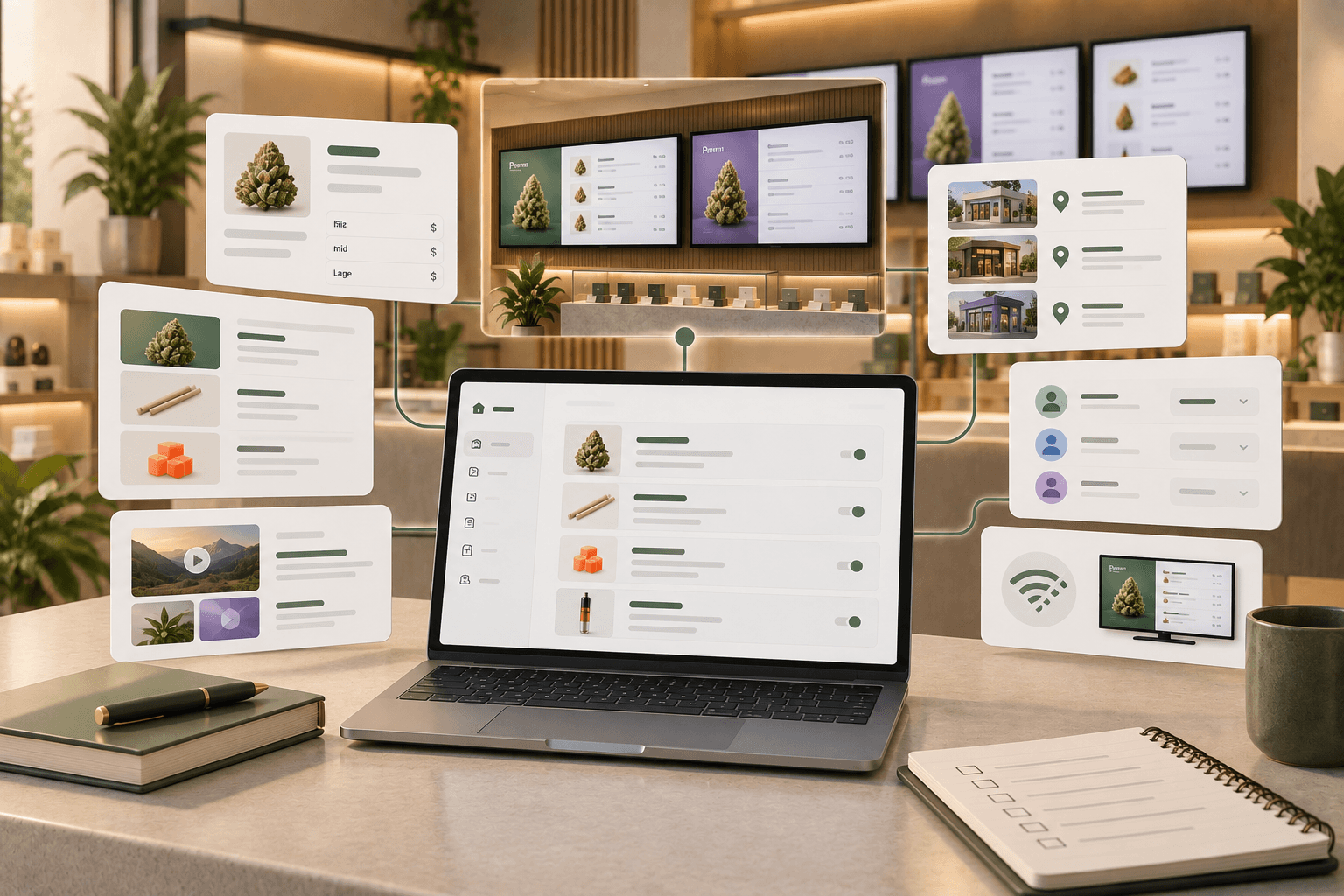
The platform lets cannabis retailers build menus using products, collections, images, videos, strain information, product types, and flexible pricing. Operators can organize products into collections such as Staff Picks or New Arrivals and use those collections across rotating menu pages.
Trikome also supports offline playback, allowing a connected display to continue showing its locally cached menu during a temporary internet outage.
The Free plan includes one connected device. Premium supports unlimited devices, giving dispensaries the option to run menus across multiple screens and locations.
To connect a screen, install the Trikome app on a supported TV or streaming device. The app generates a four-digit code, which you enter through Trikome to link the device to a store and menu. Once connected, menu changes can be sent to the display from Trikome.
Trikome does not automatically synchronize with a POS or inventory system. Operators manage their product, pricing, and menu information within Trikome.
That means you can choose display hardware based on your store's operating hours, lighting, orientation, budget, and installation requirements while using Trikome to manage the digital menu itself.
A Simple Checklist Before You Buy
Before choosing a screen for your dispensary, answer these questions:
- How many hours will it run each day?
- What are the lighting conditions around it?
- What brightness does the specific model provide?
- Will I use landscape or portrait orientation?
- Is that orientation supported by the manufacturer?
- What does the warranty cover?
- Do I need built-in commercial signage features?
- Is the screen easy to replace if necessary?
- Does the additional cost of a commercial display solve a real requirement for my store?
Once those answers are clear, the consumer-versus-commercial decision becomes much easier.
Choose the Screen That Fits Your Store
There is no single right display for every dispensary.
A consumer TV may be a practical option for a controlled indoor environment with moderate operating requirements. A commercial display may make more sense when you need explicit 16/7 or 24/7 operation, portrait installation, higher-brightness options, signage-specific features, or commercial warranty coverage.
Compare the specifications of the actual models you are considering rather than relying on the "consumer" or "commercial" label alone.
Trikome handles the digital menu software, so you can choose the display setup that makes the most sense for your dispensary.