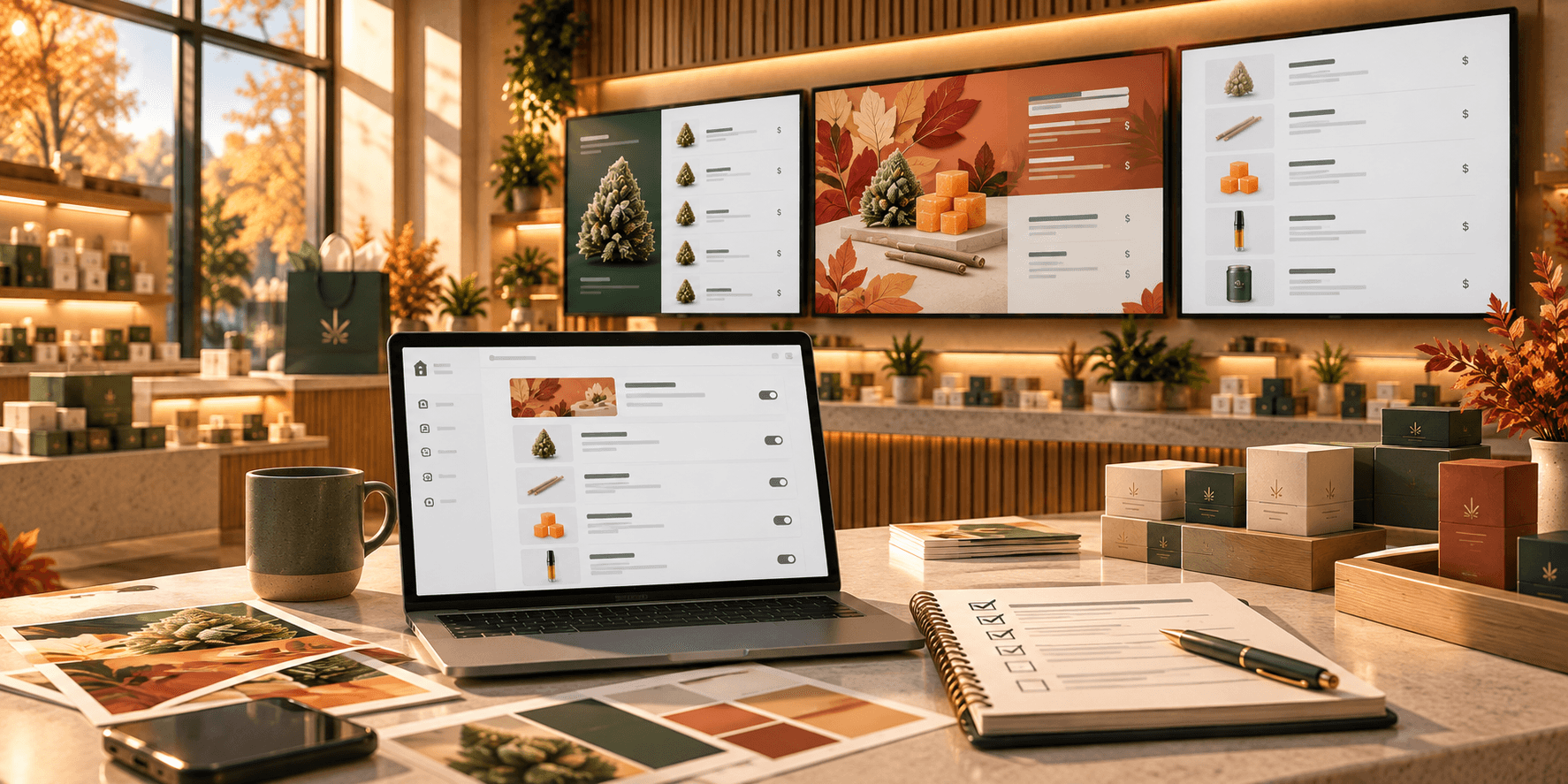

Cannabis dispensaries have to present a wide range of products and information within a retail environment that is also shaped by state and local regulations.
Visual merchandising can help bring some structure to that experience.
It goes beyond arranging products on a shelf. It includes how categories, signage, displays, product information, and promotional content work together throughout the store.
Digital displays can be an important part of that system. When used thoughtfully, they give dispensaries a flexible way to organize product information, highlight selected collections, and incorporate visual content without relying on a single static menu.
Why Create a Visual Hierarchy With Digital Merchandising?
Visual hierarchy is simply the order in which information attracts attention.
On a digital menu, not every element needs to compete equally.
A category heading might be more prominent than a product description. A featured collection might receive more visual emphasis than the rest of the catalog. Prices should be easy to distinguish from secondary details.
Size, contrast, spacing, and placement can all help create those priorities.
The goal is not to make every part of the screen louder. It is to give customers a clear starting point and make important information easier to identify.
How Do Product Categories Simplify the Menu Experience?
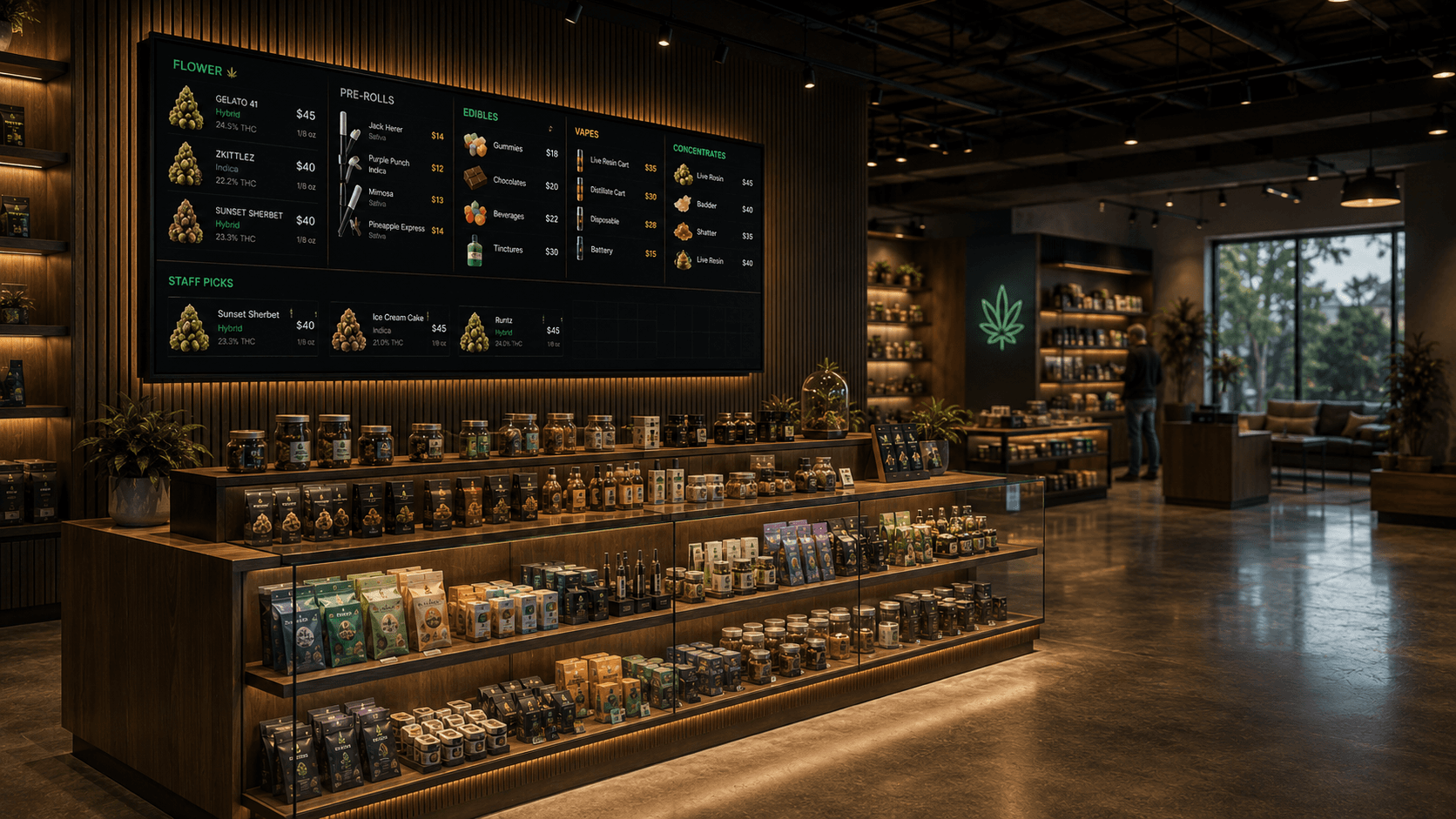
Dispensaries can carry products across many formats, including flower, pre-rolls, edibles, vapes, concentrates, beverages, and topicals.
Presenting everything as one long list can make the menu harder to scan.
Clear categories give the menu structure.
Depending on the store and screen setup, different product types might appear on separate pages or within clearly labeled sections of the same menu.
Consistency matters, too. If customers become familiar with where flower, edibles, or vapes appear on your displays, keeping that organization predictable can make the menu easier to navigate.
Trikome supports product types and collections that can be used to organize products across menu pages.
Why Use Curated Collections Like Staff Picks or New Arrivals?
Not every product needs the same level of attention at all times.
Curated collections give dispensaries a way to highlight a smaller selection within a larger catalog.
For example:
- Staff Picks
- New Arrivals
- Featured Products
- Seasonal Selections
These collections can create useful focal points and give customers another way to explore the menu beyond standard product categories.
They are also easy to refresh as merchandising priorities change.
With Trikome, operators can manually organize products into collections such as Staff Picks or New Arrivals and use those collections within digital menus. The platform does not automatically decide which products should be featured, so the merchandising strategy remains in the hands of the dispensary.
How Can Images and Videos Support Digital Menu Boards?
Digital displays do not have to show product rows at all times.
Images and videos can add visual variety and give dispensaries another way to present products, promotions, brands, or other relevant content.
The important part is balance.
If customers depend on a screen to see products and pricing, visual content should support that purpose rather than make the information harder to find.
A menu might rotate between a product collection and a promotional image. Another screen might be better suited to branded media or a short video.
Consistent image sizing, readable layouts, and relevant media can help keep the overall presentation cohesive.
Trikome supports images and videos alongside product collections, allowing those elements to be incorporated into rotating menu pages.
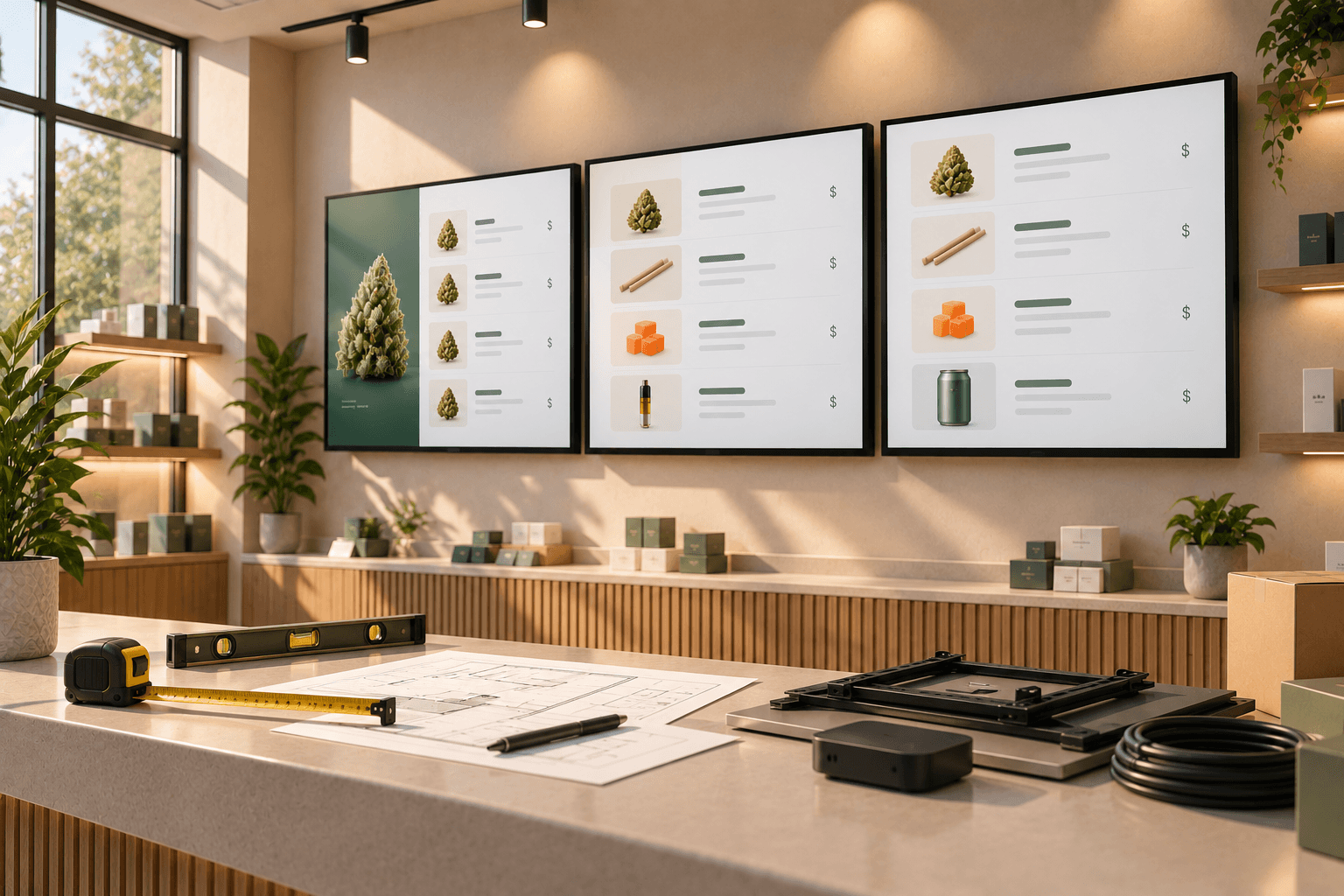
How Should Dispensaries Place Digital Displays?
The content on a screen should make sense for where that screen is located.
A display near the entrance might introduce broad product categories, New Arrivals, or featured products.
A screen closer to the service counter could show more detailed product and pricing information.
A waiting-area display might be better suited to a mix of menu content and other relevant media.
These are not fixed rules. Every dispensary has a different layout and customer flow.
A useful question to ask is:
What information is most useful from this screen in this part of the store?
Thinking about displays this way can help prevent every screen from becoming a copy of the same menu.
How Do Digital and Physical Merchandising Work Together?
Digital displays do not exist separately from the rest of the store.
If a physical display highlights New Arrivals, a nearby digital menu could reinforce the same collection.
If staff have selected a group of products for Staff Picks, that collection could appear both on screen and within a corresponding in-store display.
The goal is not to make every element identical.
It is to create a more consistent relationship between what customers see on screens and what they encounter throughout the physical space.
Colors, signage, product groupings, and featured collections can all contribute to that connection.
Instead of thinking about a digital menu as an isolated TV on the wall, consider how it fits into the broader merchandising environment.
How Does Trikome Support Flexible Dispensary Visual Merchandising?
Trikome is designed specifically for cannabis digital menu boards.
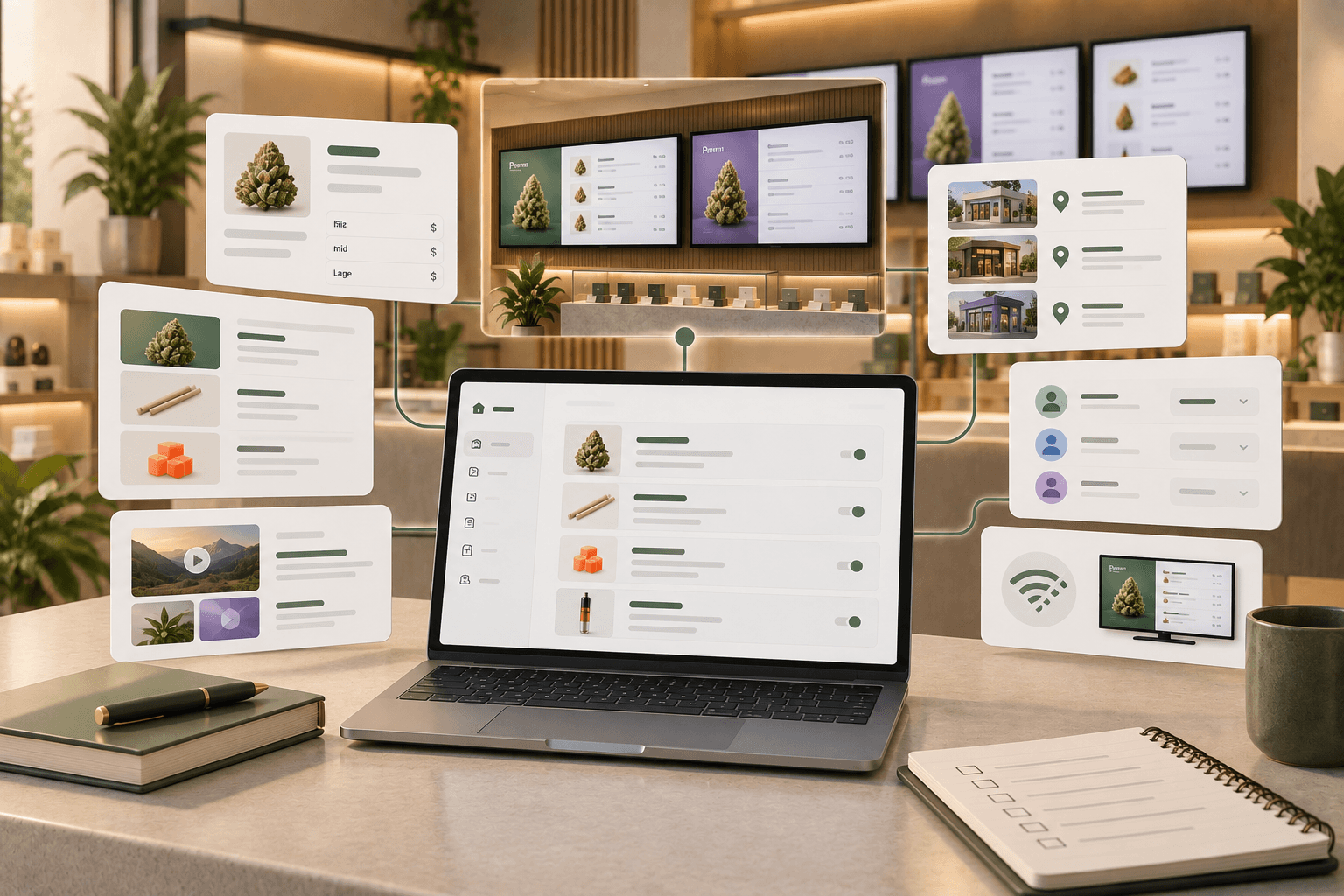
Operators can create products with information such as product type, strain details, images, and flexible pricing by size. Products can then be organized into manually curated collections such as Staff Picks or New Arrivals.
Menus can contain multiple rotating pages, including product collections, images, and videos. Media can also be uploaded to a library and reused across menus.
These tools give operators flexibility in deciding what information appears on each menu and how different types of content are presented.
Trikome does not automatically select featured products, optimize a merchandising strategy, or synchronize with a POS or inventory system. Operators remain responsible for maintaining their product and pricing information and deciding what should appear on their displays.
Why Assign a Role to Each Digital Screen?
If a dispensary uses several digital displays, each one does not need to show exactly the same thing.
For example:
- Entrance screens might introduce major categories or featured collections.
- Main menu boards can focus on products, sizes, and pricing.
- Secondary screens might highlight Staff Picks, New Arrivals, images, videos, or other content relevant to that part of the store.
Assigning a purpose to each screen can also help operators decide what not to include.
A display that exists primarily to show the flower menu does not need to carry every promotional message in the store. A screen highlighting New Arrivals does not need to reproduce the entire catalog.
Keeping the purpose clear can make content decisions simpler.
Make Every Screen Serve a Purpose
Effective dispensary visual merchandising is not about fitting more content onto more screens.
It is about deciding what deserves attention and presenting it clearly.
Use categories to create structure. Use curated collections to create focal points. Add images and video when they support the purpose of the display. Think about where each screen is located and how it relates to the physical merchandising around it.
Trikome gives dispensaries the tools to organize products, collections, menu pages, images, and videos across digital displays while leaving the merchandising decisions with the operator.
When each screen has a clear role, digital menus can become a more intentional part of the overall dispensary experience.