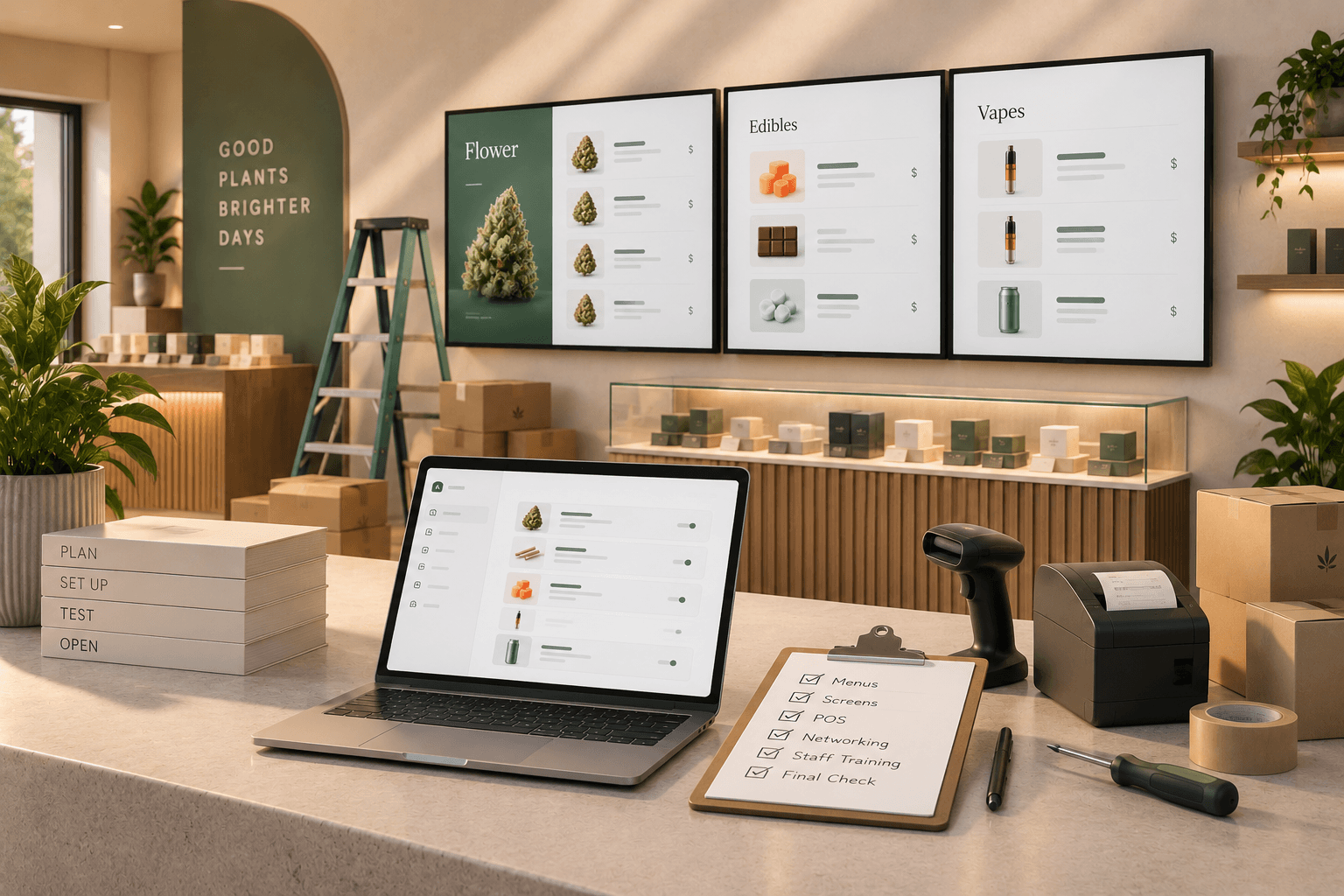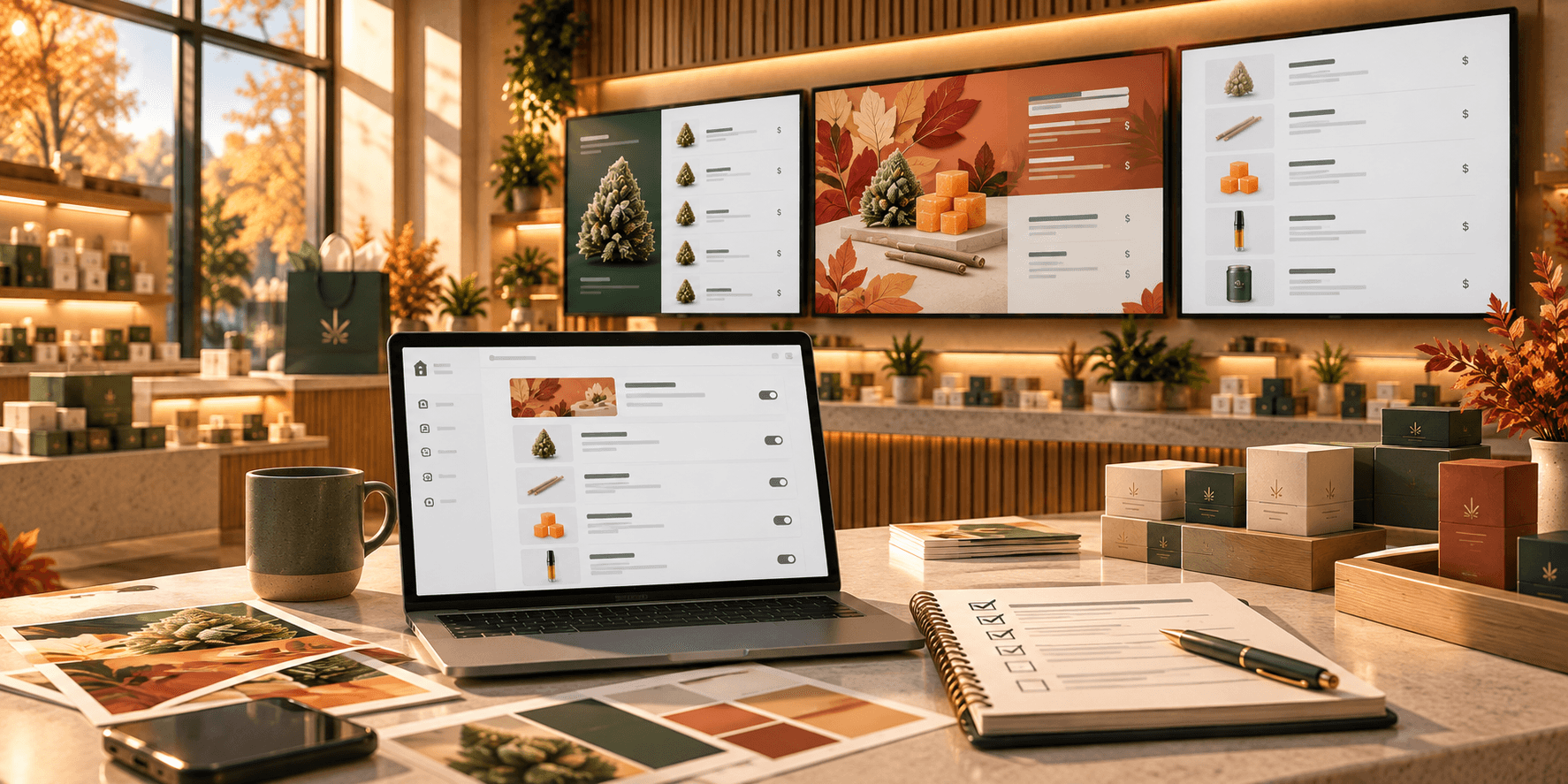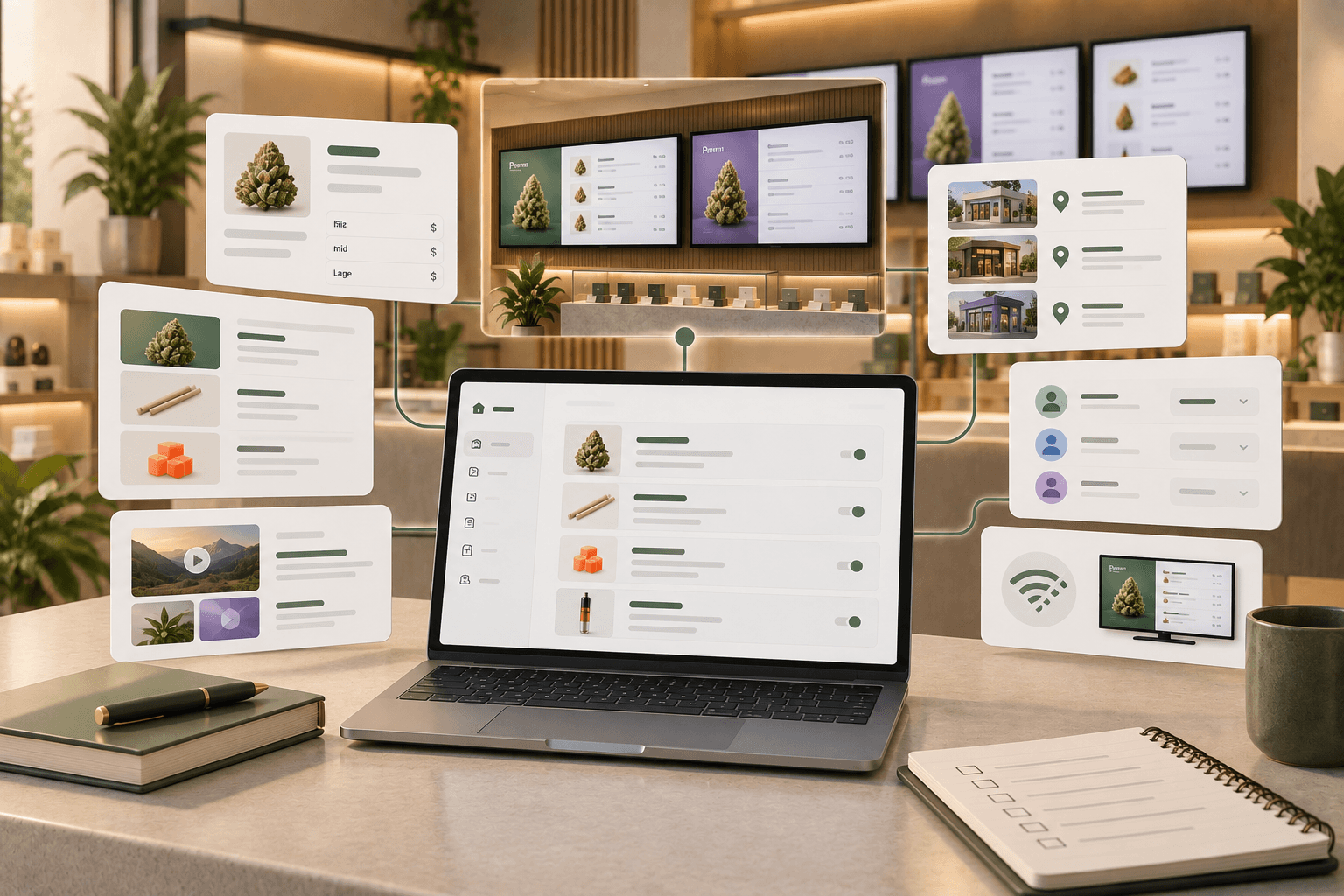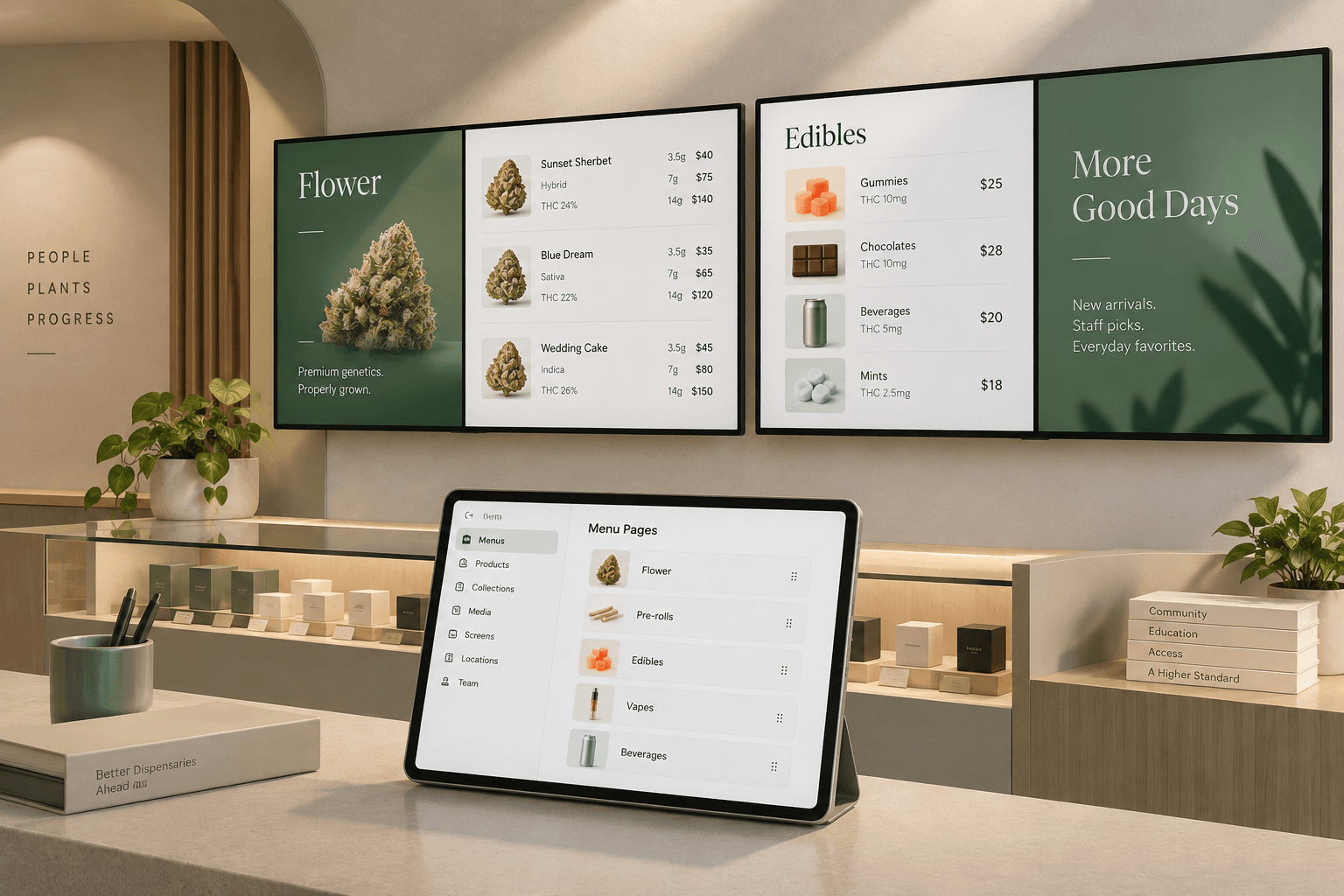

A dispensary menu has a lot of work to do.
Customers need to understand what is available, compare prices and sizes, navigate different product categories, and make decisions without having to ask staff about every item.
At the same time, dispensary teams need a practical way to keep that information current.
That is where dispensary digital menu boards come in.
A well-designed digital menu can make product information easier to scan, give your store more flexibility in how it presents products and promotions, and make menu updates simpler to manage across screens.
This guide covers what dispensary digital menu boards are, what they should display, how to organize them, and what to look for when choosing a system for your store.
What are dispensary digital menu boards?
Dispensary digital menu boards are TV or display screens used inside a cannabis retail store to present product and pricing information digitally.
Instead of relying on printed menus or static signage, stores can use digital displays to show information such as:
- Product names
- Product categories
- Strain information
- THC and CBD percentages
- Available sizes
- Pricing
- Featured products
- New arrivals
- Staff picks
- Promotional images or videos
The biggest difference is flexibility. When information changes, a digital menu can be updated without printing and replacing physical signage.
That matters in cannabis retail, where product selections and prices can change frequently.
Why use digital menu boards in a dispensary?
Digital menu boards are not simply a visual upgrade. Their value comes from making information easier to manage and easier for customers to understand.
Make products easier to browse
Cannabis stores can carry products across flower, pre-rolls, edibles, vapes, concentrates, beverages, topicals, and other categories.
Putting everything into one long list can quickly become overwhelming.
Digital menus give retailers more ways to divide that information into clear sections or pages. Customers can start with a category and narrow down their choices rather than searching through an overcrowded menu.
Make pricing easier to compare
Customers often want to compare more than the base price of a product.
Flower, for example, may be available at different prices depending on size. Displaying those options consistently makes it easier to compare products without asking a staff member for every price.
A predictable format also helps customers learn how to read your menu quickly.
Keep menu changes manageable
Printed menus create an obvious problem when something changes: they have to be updated and printed again.
Digital menus allow stores to make changes through the software running their displays.
With Trikome, operators can manage product information and pricing through the platform and send menu changes to connected screens.
Trikome does not automatically synchronize inventory with a POS system. Your team remains responsible for keeping product and pricing information in Trikome current.
Use your screens for more than product lists
A digital display does not have to be a wall of product names and prices.
Images and video can be incorporated alongside product information to feature new arrivals, highlight selected products, display branded content, or support seasonal promotions.
The key is balance. Promotional content should complement the menu rather than make important product information harder to find.
What should a dispensary digital menu include?
There is no single layout that works for every dispensary, but a good menu should make the information customers need most easy to find.
Start with the basics.
Clear product categories
Organize products into recognizable groups such as:
- Flower
- Pre-rolls
- Edibles
- Vapes
- Concentrates
- Beverages
- Topicals
The categories you use should reflect your actual assortment and the way customers shop in your store.
Consistent product information
Choose a consistent structure for displaying products.
If customers see the product name, strain information, size, and price in one order on one part of the menu, avoid completely changing that structure elsewhere.
Consistency makes a menu easier to scan.
Readable prices and sizes
Prices should be visible from the normal viewing distance in your store.
If a product comes in several sizes, display those options in a way that makes comparison straightforward.
Trikome's product catalog supports flexible pricing by size, allowing multiple price options to be associated with a product.
Useful product details
Cannabis-specific information can help customers distinguish between products.
Trikome supports product types and strain information, along with THC and CBD percentages for menu displays.
The goal is not to show every possible detail. It is to prioritize the information that helps customers understand what they are looking at.
How to organize a digital menu without overcrowding it
One of the easiest mistakes to make with digital signage is treating a TV like an infinitely large printed menu.
It is not.
Customers are viewing the screen from a distance, often while moving through the store. Trying to fit too many products or details onto one screen usually makes everything harder to read.
A better approach is to divide information across multiple pages.
For example, you might use separate pages for:
- Flower
- Pre-rolls and vapes
- Edibles and beverages
- Staff picks or new arrivals
- Promotional content
Trikome menus are built around rotating pages. Each page can show product collections, images, or videos, and you can control how long individual pages remain on screen and arrange their order.
This lets you distribute information across a menu instead of shrinking everything onto a single screen.
Use collections to create clearer starting points
Categories help customers find a type of product. Collections can help them discover something within that assortment.
A dispensary might create collections such as:
- Staff Picks
- New Arrivals
- Featured Products
- Seasonal Selections
- Weekly Specials
Trikome lets you organize products into collections and use those collections within your menus.
Collections can be especially useful when you have a large catalog. Instead of asking customers to begin with every available product, you can give them a smaller, more focused selection to explore.
Add images and video with a purpose
Digital menu boards give dispensaries the option to combine product information with visual media.
That does not mean every available space needs animation or a promotional graphic.
Use media when it serves a clear purpose.
Product photography can draw attention to a featured item. A branded visual can provide a break between product-heavy pages. Video can support a promotion or other in-store content.
Trikome includes a media library for uploading images and videos that can be reused across menus.
Keeping media organized in one place also makes it easier to update your displays without rebuilding content from scratch.
Think about where each screen is located
Not every screen in a dispensary needs to do the same job.
A screen near the entrance might introduce major categories or featured products. Displays closer to the counter may need to prioritize detailed product and pricing information.
Stores with multiple rooms may need different menus in different areas.
Trikome Premium supports unlimited TV screens and multiple menus, giving retailers flexibility to use different displays throughout a store. Premium also supports multiple store locations from one account.
Thinking about the role of each screen can produce a better experience than simply duplicating the same menu everywhere.
Plan for internet interruptions
A digital menu should not disappear because the store temporarily loses its internet connection.
Offline playback is therefore worth considering when evaluating a digital menu system.
Trikome screens cache menu content locally. If the internet connection drops, the display can continue showing the previously synchronized menu.
Operators can also see device status and the last check-in time from Trikome, making it easier to identify screens that may have gone offline.
How to choose dispensary digital menu board software
There are plenty of general-purpose digital signage platforms available, but cannabis retail has specific product information and workflows to consider.
When comparing systems, ask a few practical questions.
Does it support the information your customers actually need?
Look for support for the product details, pricing structures, and categories you use regularly.
Can your team update it without a complicated workflow?
A menu is only useful if staff can keep it current.
Can you organize large catalogs clearly?
Collections, categories, and multiple pages can help prevent a large assortment from becoming one overwhelming list.
Does it support multiple screens?
Consider both your current store layout and what you may need later.
What happens if the internet goes down?
Check whether your menu disappears with the connection or can continue playing locally.
Does it require you to replace your existing systems?
A digital menu platform does not necessarily need to be your POS, inventory, or compliance system.
Trikome is focused specifically on digital menu boards. It works independently from the store's POS rather than replacing it.
How Trikome digital menu boards work
Trikome is built specifically for cannabis retailers that want to create and manage digital menu boards.
The basic workflow is straightforward.
1. Build your menu
Add products to your catalog, organize them into collections, and create menu pages using product lists, images, and videos.
2. Link your TV
Install the Trikome app on a supported TV or streaming device and connect the screen using the 4-digit linking code.
3. Go live
Once connected, your menu appears on the display. When you make changes, updated menu content can be sent to connected screens.
For stores that need more displays, Trikome Premium supports unlimited devices and menus, along with multi-location management and team member access.
Digital menu board best practices
The software matters, but how you use it matters just as much.
Keep the menu readable from the customer's actual viewing distance. Use clear categories instead of one enormous product list. Keep pricing formats consistent. Give important information enough room to breathe.
Use rotating pages to break larger menus into manageable sections, but give customers enough time to read each page before it changes.
Most importantly, keep the information current.
Digital signage makes changing a menu easier, but it does not make inaccurate information accurate automatically. Build menu updates into your normal store workflow so that what customers see on screen reflects the information your team has entered into the platform.
Build a digital menu around your store
There is no universal dispensary menu layout.
A small store with one display has different needs from a multi-room dispensary with several screens. A focused product assortment may work well on a few simple pages, while a larger catalog may benefit from multiple collections and displays.
Start with what customers need to understand.
Make categories obvious. Keep prices readable. Use consistent product information. Break large assortments into manageable sections. Use images and videos when they add something useful.
Then choose a system that makes maintaining that experience practical for your team.
Trikome gives cannabis retailers a straightforward way to build menus, organize products and collections, add media, connect TVs, and manage what appears across their digital displays.
Better digital menu boards do not need to be more complicated. They need to make your products easier to understand and your menus easier to manage.