
Digital signage gives dispensaries a flexible way to present menus, pricing, promotions, videos, and other in-store information.
But not every digital signage platform is built around the same job.
Some tools are designed to display almost any type of content across many industries. Others, like Trikome, focus specifically on cannabis digital menu boards.
Neither approach is automatically better. The right choice depends on what you need your screens to do and how you want your team to manage the content behind them.
What Is Generic Digital Signage Software?
Generic digital signage software is designed to work across many kinds of businesses.
Restaurants might use it for promotional boards. Offices may display announcements. Retail stores can run advertisements, videos, product imagery, or branded content.
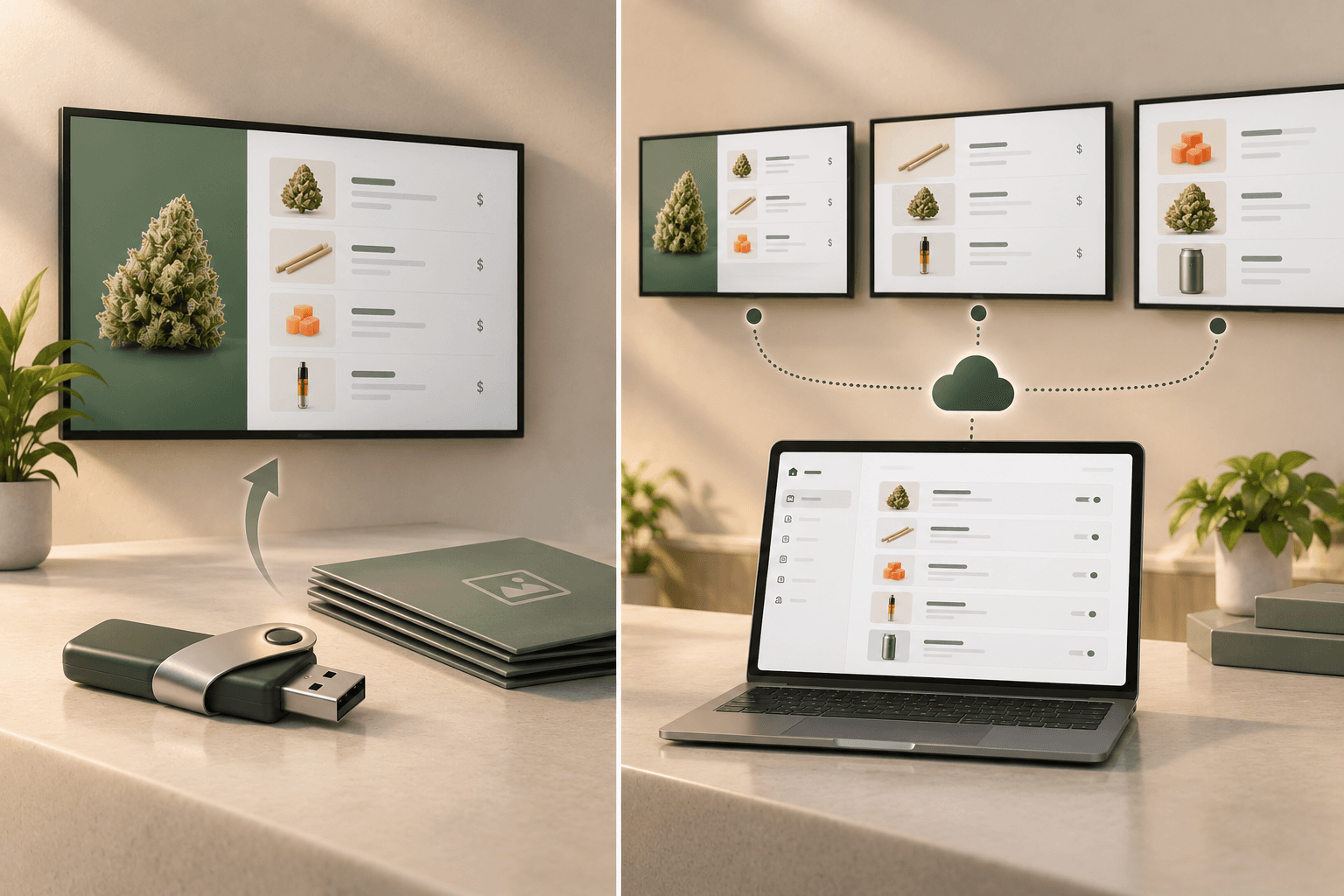
These platforms typically focus on flexibility. Depending on the software, users may be able to upload images and videos, build playlists, schedule content, manage multiple screens, or connect other data sources.
That flexibility can be valuable.
What a general-purpose platform may not provide by default is a content structure specifically designed around cannabis products.
If you want to display product types, strains, size-based pricing, and curated groups such as Staff Picks, you may need to create and maintain that structure yourself.
What Does a Dispensary Need From Digital Menu Software?
A dispensary menu has a more specific job than a general promotional screen.
Customers may need to understand:
- what products are available
- how products are categorized
- product names and types
- strain information
- prices and available sizes
- featured or curated selections
A useful menu system should make that information straightforward for staff to manage and clear for customers to read.
Different dispensaries will need different levels of detail. Not every store needs to show every available product attribute, and the information required on a cannabis menu can also depend on local regulations.
The software itself does not make a dispensary compliant. Operators remain responsible for understanding the rules that apply to their location and for keeping their displayed information accurate.
Where Generic Digital Signage Can Work Well
A cannabis-specific menu platform is not necessary for every screen in a dispensary.
Generic digital signage can make sense when the primary goal is to display content such as:
- promotional graphics
- branded videos
- store announcements
- opening hours
- educational content
- community information
- general in-store messaging
If you already manage product information somewhere else and only need screens for visual content, a general signage platform may provide everything you need.
Generic platforms can also be useful for businesses that want one signage system to handle many different types of content beyond dispensary menus.
Their strength is breadth.
Where a Cannabis-Specific Workflow Can Be More Practical
The decision changes when the main purpose of your screens is displaying cannabis menus.
Managing a menu as a collection of individual graphics or slides can become cumbersome as the number of products grows.
Instead of designing a new slide every time a price changes or a product needs to appear in another section, a cannabis-specific platform can structure the information around the products themselves.
That is the approach Trikome takes.
A product exists in the Trikome catalog and can then be used in different collections and menus. If information about that product changes within Trikome, the updated product information can be reflected wherever that product is being used.
That does not mean Trikome automatically knows what is currently in stock. It means operators can manage product information centrally within Trikome instead of recreating the same information separately for each menu.
How Trikome Handles Products and Pricing
Trikome is built around a cannabis product catalog.
Operators can create products with information such as:
- product name
- product type
- strain information
- THC and CBD information where available
- strain lineage where available
- product images
- multiple prices for different sizes or quantities
This structure is useful when the same product needs to appear in more than one collection or menu.
Instead of treating the menu as a static graphic, Trikome treats products as reusable pieces of information.
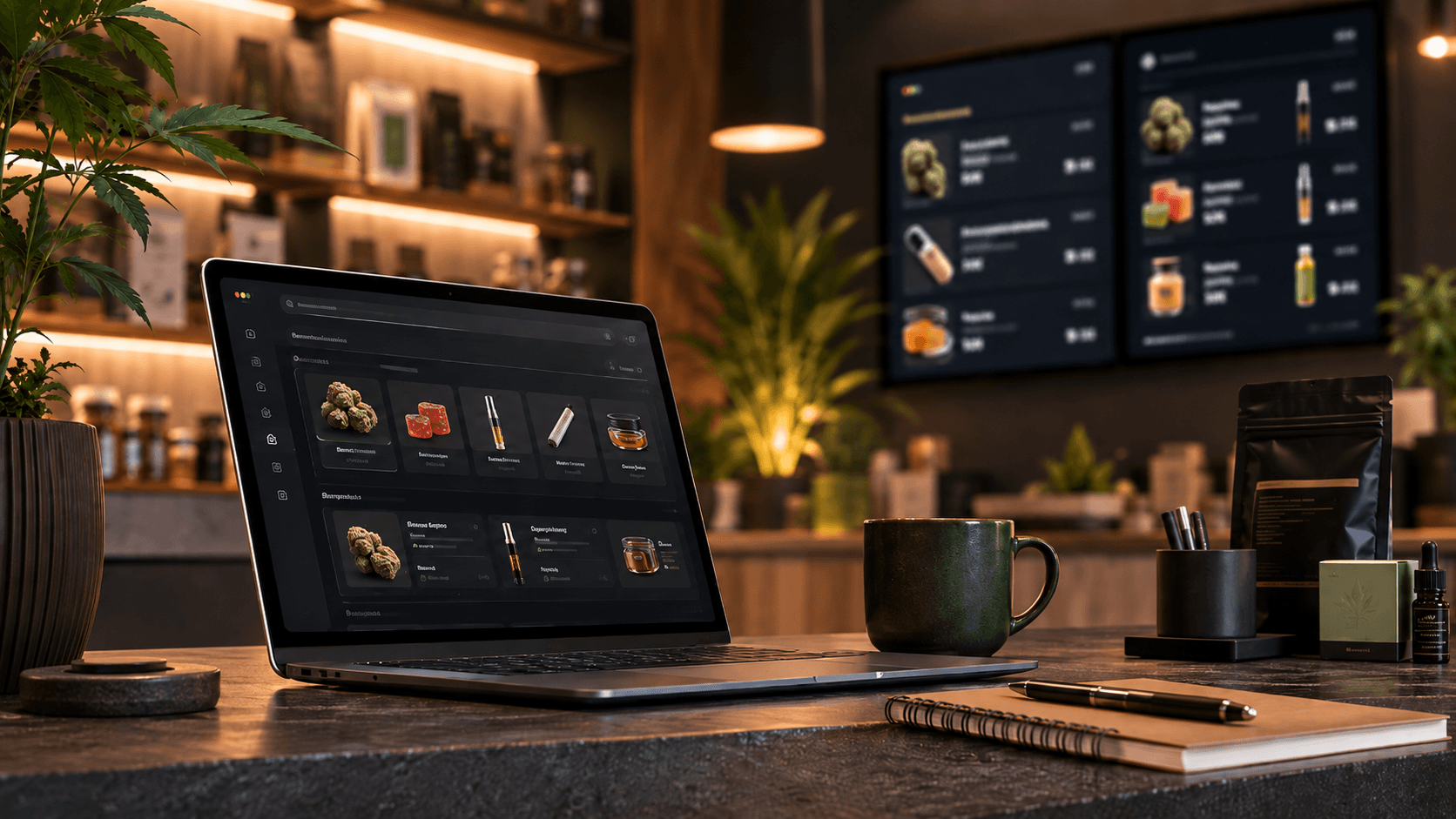
If a product detail or price changes, operators can edit that product in the catalog rather than rebuilding every menu where it appears.
How Collections Help Organize the Menu
Products can also be organized into collections.
A collection might represent:
- Staff Picks
- New Arrivals
- Daily Deals
- This Week's Specials
- a particular product category
- another grouping created by the dispensary
Collections give operators a way to reuse products while presenting them differently depending on the purpose of a menu.
A product could appear in the main category menu and also be included in Staff Picks, for example.
The dispensary decides what belongs in each collection. Trikome does not automatically select featured products or determine what should be promoted.
How Trikome Handles Images, Video, and Menu Pages
Trikome is not limited to rows of product listings.
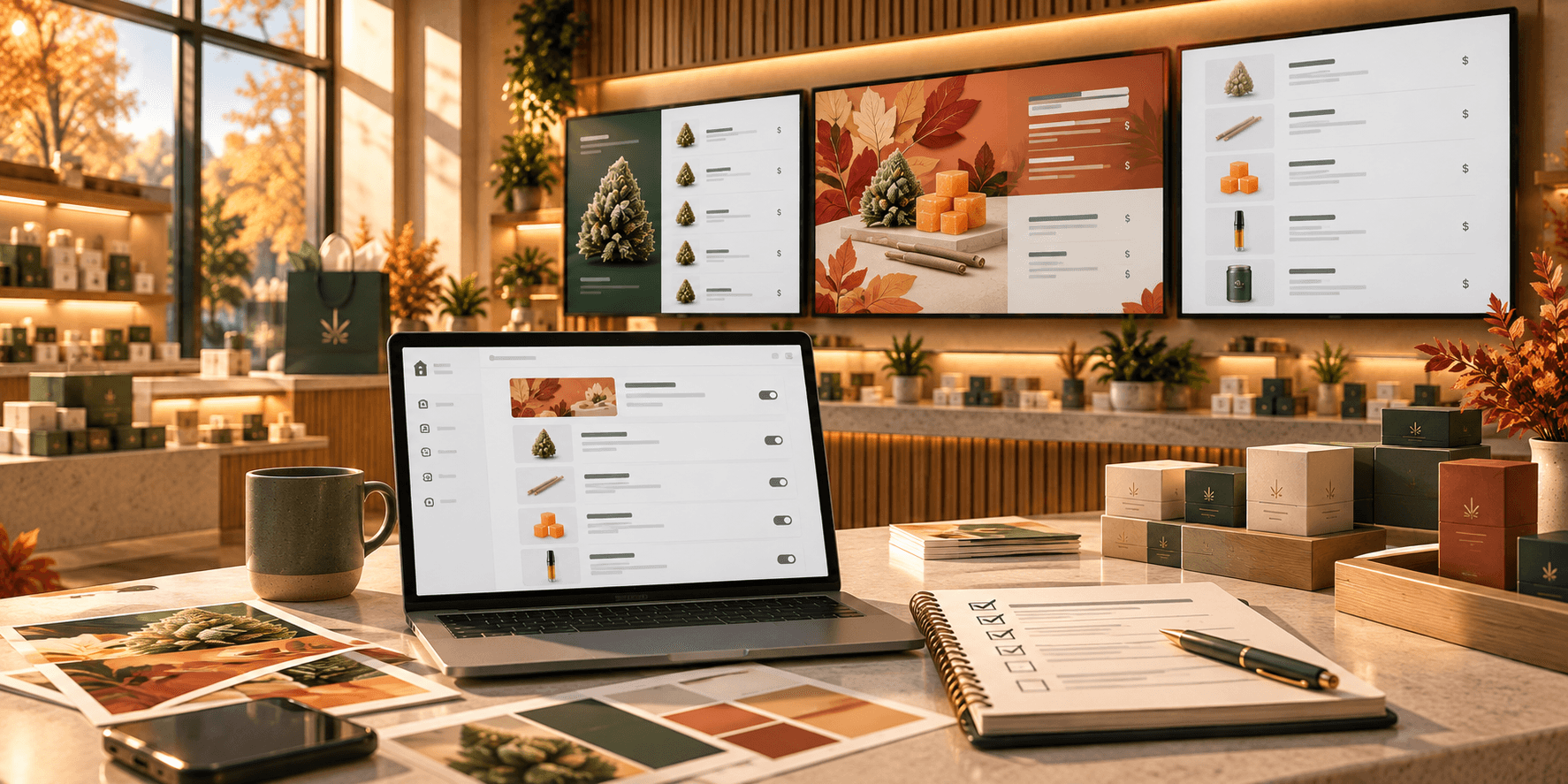
Menus can include rotating pages that display product collections, images, and videos.
This gives operators flexibility to combine product information with other visual content.
For example, one page might show a collection of flower products while another displays a promotional image or video.
Media can be uploaded to the platform and reused across menus, so operators do not have to recreate the same content every time they want to use it on another display.
Generic digital signage platforms can also be strong at image and video playback. The difference is that Trikome combines those media capabilities with a cannabis-specific product and collection structure.
What Trikome Does Not Do
Understanding what Trikome does not do is just as important as understanding what it does.
Trikome does not automatically synchronize with a dispensary's POS or inventory management system.
If a product sells out, staff need to update Trikome so that the product no longer appears where it should not.
The same applies to pricing and other product details. Operators are responsible for keeping the information maintained within Trikome current.
Trikome is also not a cannabis compliance-management platform. It does not monitor changing regulations or automatically determine what information your jurisdiction requires you to display.
For dispensaries that need automatic inventory synchronization or deeper POS integrations, another type of platform may be a better fit.
For stores that prefer a focused digital menu system without tying the displays directly to the POS, Trikome takes a simpler approach.
Which Approach Makes Sense for Your Dispensary?
The best choice depends on what your screens are primarily there to accomplish.
Generic digital signage may make sense if:
- most of your screens display promotions, videos, announcements, or branded content
- you already manage product information through another system
- you need a broad signage platform for many different types of content
- cannabis-specific catalog features are not important to your workflow
Trikome may make sense if:
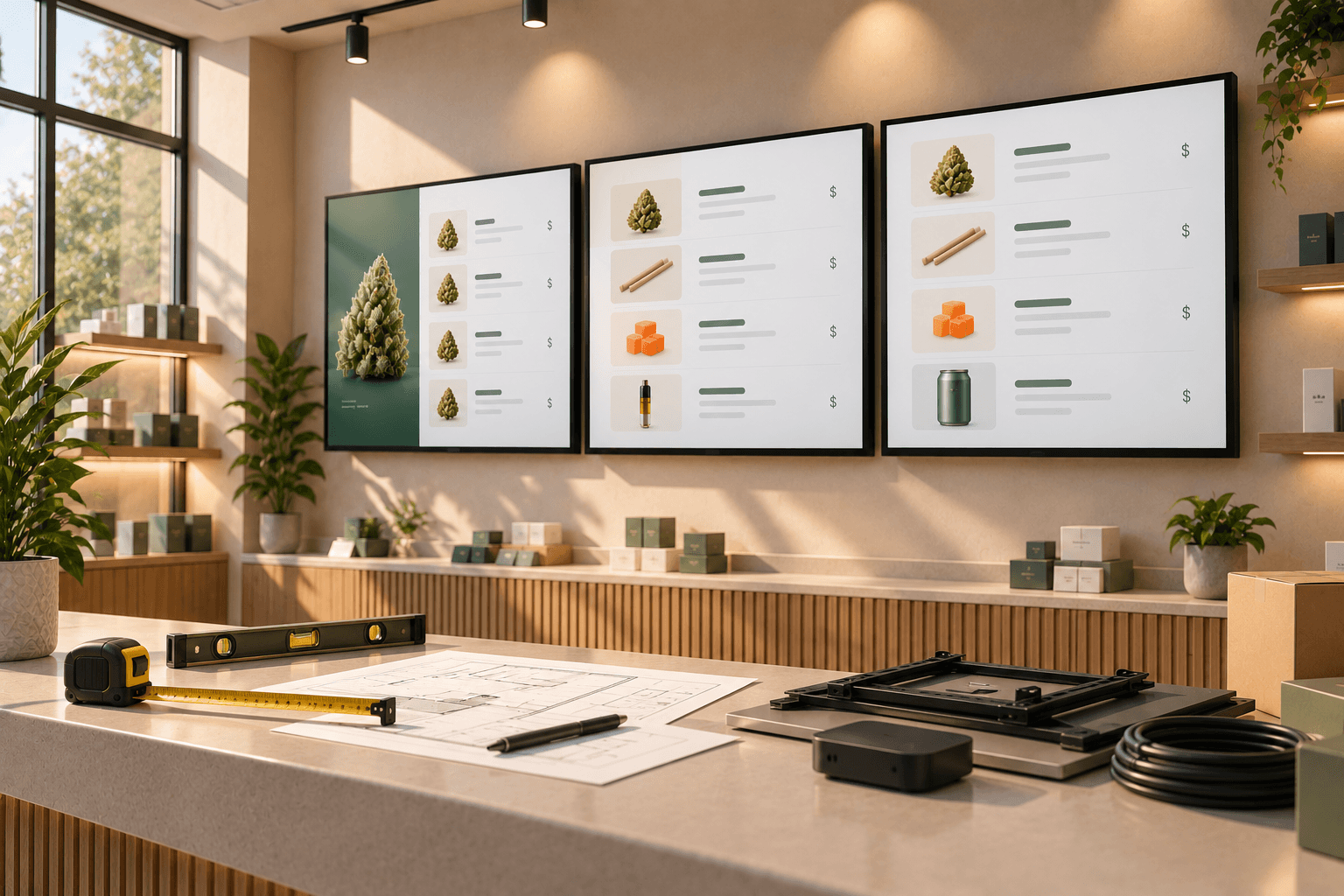
- your screens are primarily dispensary menu boards
- you want cannabis products structured inside the platform
- strain information is useful to your menus
- you use different prices for product sizes or quantities
- you want to organize products into collections such as Staff Picks or New Arrivals
- you want to reuse the same product information across multiple menus
- you want to combine product collections with images and videos
- you prefer a focused menu workflow rather than adapting a general-purpose signage system
Neither list makes one approach universally better.
The question is whether you need a broad content-management platform or a system already structured around the way cannabis menus are organized.
A Focused Tool or a General-Purpose Platform?
Generic digital signage and Trikome solve overlapping problems, but they start from different places.
Generic signage platforms are designed to handle many kinds of visual content across many industries. That makes them flexible, particularly when menus are only one part of a much broader signage strategy.
Trikome takes a narrower approach.
Its workflow is built around cannabis products, strain information, size-based pricing, collections, menu pages, images, and videos. Instead of asking dispensaries to adapt a general signage platform to their product catalog, those concepts are already part of the system.
For a dispensary whose screens are primarily used as digital menus, that focused structure may make the day-to-day workflow simpler.
The right choice comes down to what your team needs to manage, how often your menu changes, and whether you value broad signage flexibility or a more specialized cannabis menu workflow.