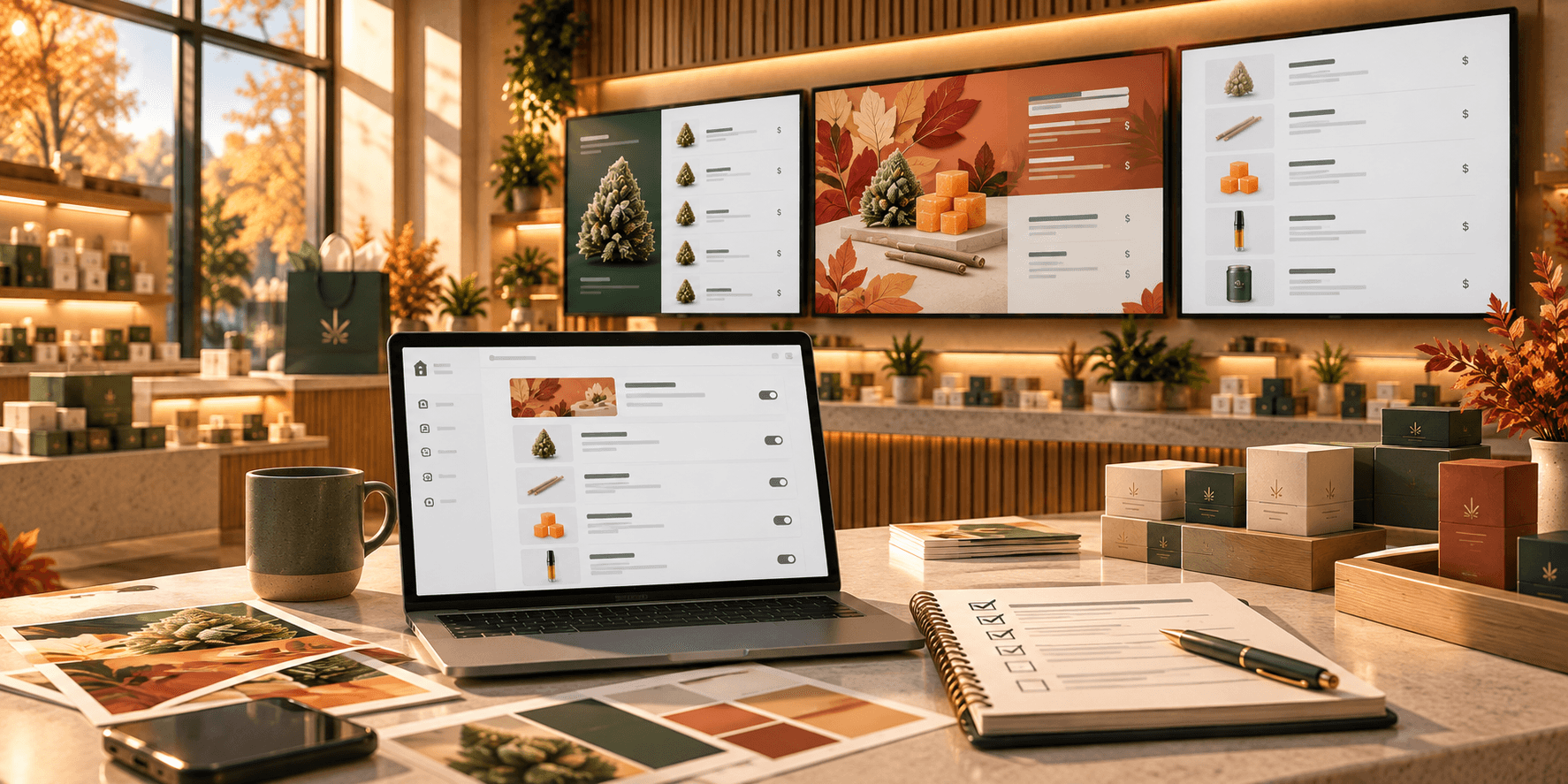

Checkout friction does not always begin at the register.
In a dispensary, customers often make important decisions before they reach the point of sale. They may be comparing product types, prices, sizes, brands, or different cannabis formats. When that information is difficult to find or understand, customers are more likely to need additional help from staff before they can make a choice.
A clear digital menu will not guarantee shorter checkout times. But it can make common product and pricing information easier to find, helping remove some of the friction that can slow down the path from browsing to purchase.
Why Dispensary Checkout Can Slow Down Before Payment
Cannabis menus can contain a large number of products across categories such as flower, pre-rolls, edibles, vapes, concentrates, beverages, and topicals.
For customers who already know exactly what they want, that variety may be easy to navigate. For others, especially newer customers, the number of options can make the decision more complicated.
Shoppers may need to compare prices, product types, sizes, or other information before narrowing down their choices. If those details are difficult to find on the menu, they may turn to a budtender for clarification.
Those conversations are an important part of the dispensary experience, particularly when customers need personalized guidance. But staff should not have to repeatedly explain basic information that could be communicated clearly on the menu.
A well-organized digital menu can make common product details easier to understand before a customer reaches checkout.
Make Product Categories Easy to Scan
Clear categories give customers a starting point.
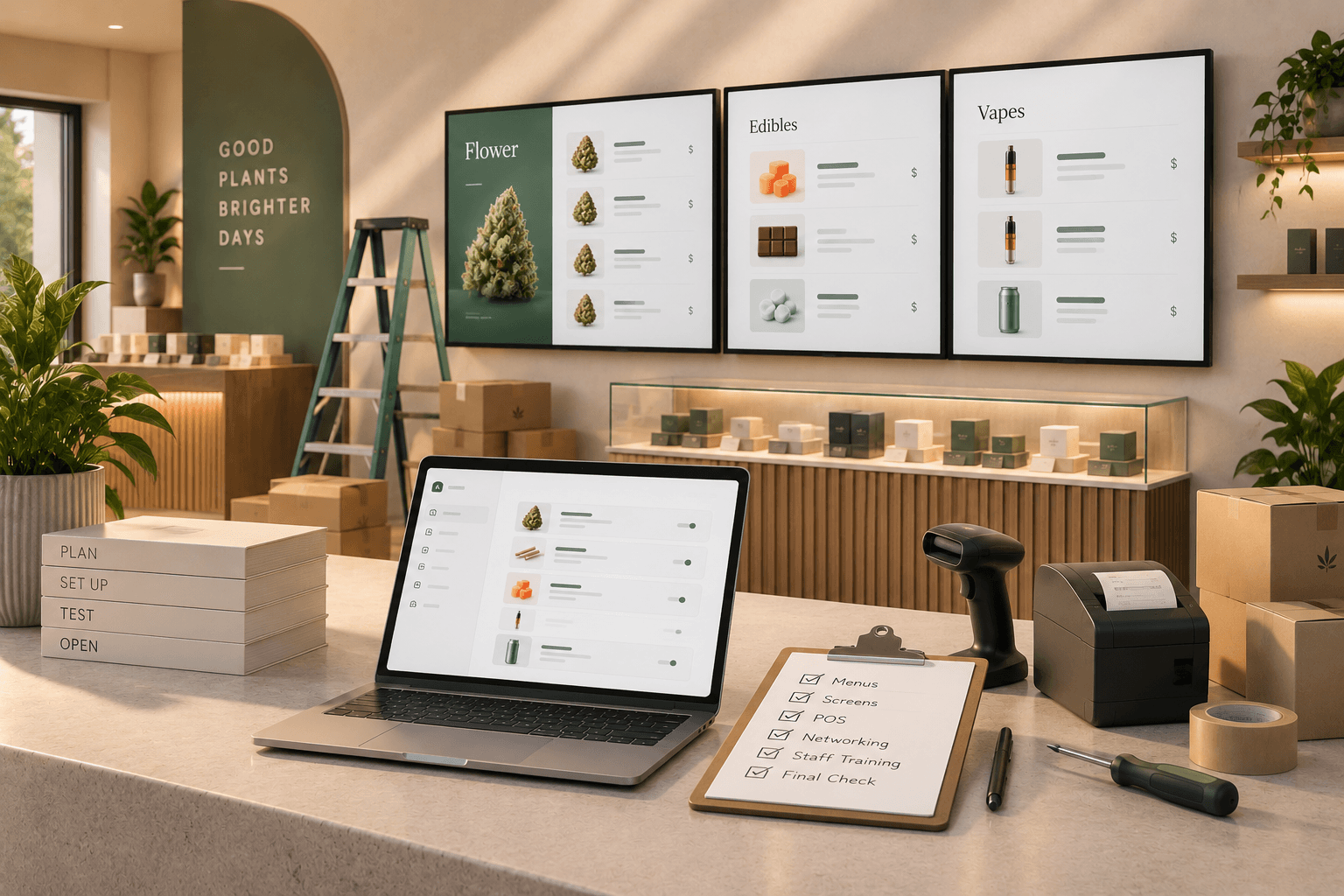
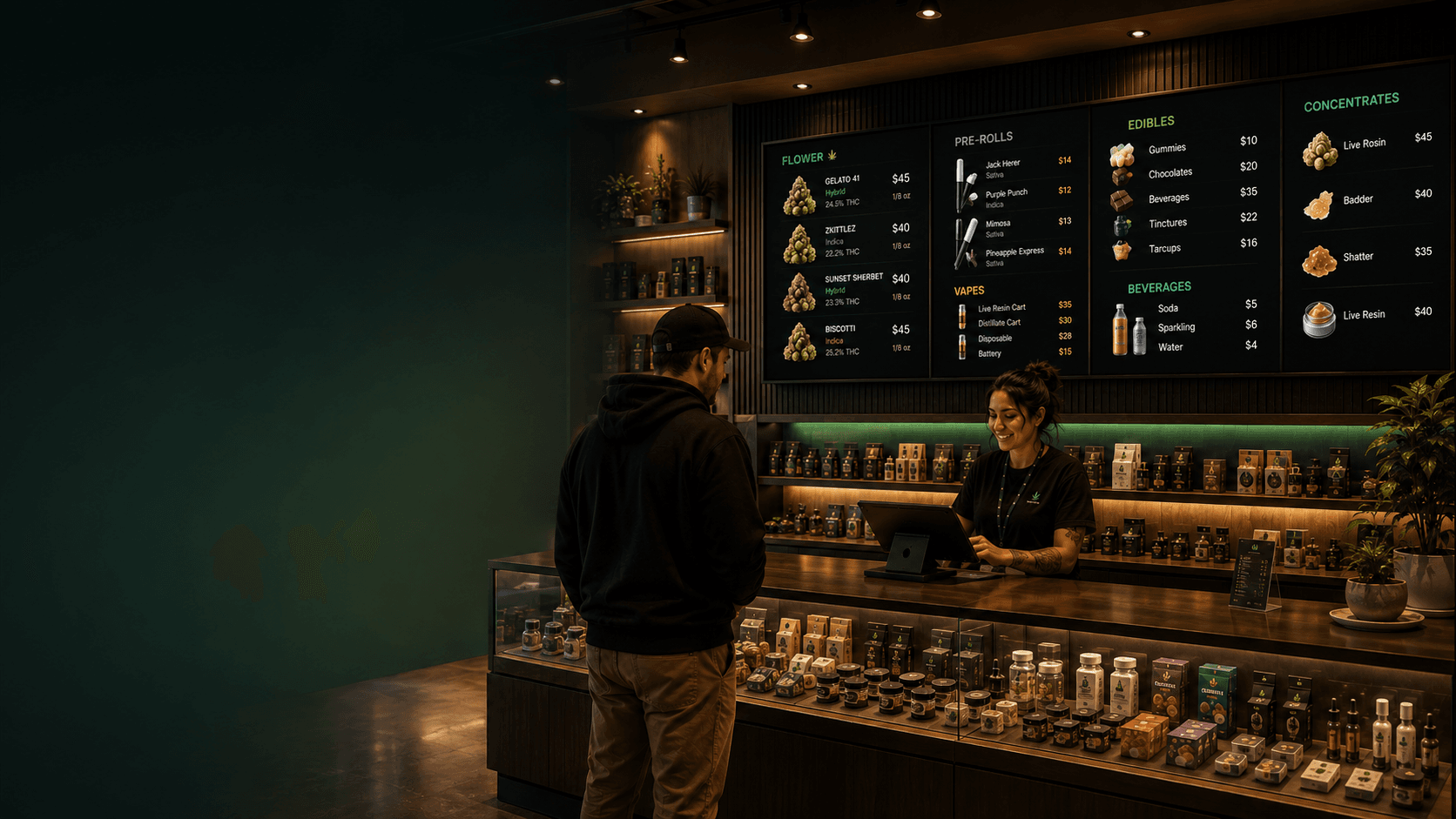
Instead of presenting every product in one long list, menus can separate products into recognizable groups such as:
- Flower
- Pre-rolls
- Edibles
- Vapes
- Concentrates
- Beverages
- Topicals
Good visual organization helps customers quickly identify the section that is most relevant to them.
This does not require a complicated design. Clear headings, separate menu pages, and visually distinct sections can make a large menu easier to navigate.
The goal is simple: customers should be able to look at the screen and understand where to start.
Show Prices and Sizes Consistently
Pricing should be easy to understand without requiring customers to decode a different format for every product.
Use a consistent structure for product names, sizes, and prices across the menu.
For example:
Blue Dream | 3.5g | $35
or:
Gummies | 100mg | $20
The exact structure will depend on the products you sell, but consistency makes comparisons easier.
If one product shows the size before the price while another uses a completely different layout, customers have to work harder to find the same information.
A predictable format makes menus easier to scan and may reduce the need for basic questions about pricing or available sizes.
Trikome supports products with flexible pricing by size, allowing dispensaries to display different price options for the same product.
Give Customers Fewer, Clearer Starting Points
Large assortments can make decisions more difficult, particularly for customers who do not already know what they want.
Curated collections can give those shoppers a useful place to begin.
For example, a dispensary might feature:
- Staff Picks
- New Arrivals
- Featured Products
- Seasonal Selections
- Popular Categories
These collections do not replace the full menu. They simply highlight a smaller group of products that customers can explore first.
This can be particularly useful for first-time visitors who may not know where to begin, while also helping returning customers notice products they might otherwise overlook.
Trikome allows dispensaries to create product collections such as Staff Picks and New Arrivals and use those collections within digital menus.
Keep Digital Menus Accurate and Up to Date
Clear design is only useful if the information on the screen is current.
If a price changes but the menu does not, or a product is removed without updating the display, customers may reach the counter with information that no longer matches what staff have available.
That creates unnecessary confusion.
When products, prices, or menu content change, operators should update the digital menu as part of their normal workflow.
Trikome lets dispensaries manage product information and pricing from the platform and send menu changes to connected displays. It does not automatically synchronize with a POS or inventory system, so operators remain responsible for keeping their Trikome product information current.
That distinction is important. A digital menu makes updates easier to distribute across screens, but the accuracy of those updates still depends on the information being maintained in the platform.
Use Screen Space Without Overcrowding It
Trying to display every product and every detail at the same time can make a digital menu harder to use.
Instead, prioritize the information customers need most.
That usually means:
- readable product names
- clear prices
- useful product details
- recognizable categories
- enough spacing between items
- text that can be read from a normal viewing distance
If the menu contains too much information for a single screen, divide it across multiple pages rather than shrinking everything to fit.
Trikome menus can contain rotating pages for different product collections, images, and videos, giving operators flexibility in how information is distributed across a menu.
The goal is not to fit the maximum amount of content onto the screen. It is to make the information that is there easy to understand.
Build Menus Around the Way Customers Actually Shop
Not every customer approaches a dispensary menu in the same way.
Some begin with a product category. Others start with a price range, a familiar brand, or a specific type of product they have used before.
That does not mean a digital menu needs to offer every possible way of browsing.
Instead, consider how customers in your store commonly narrow their choices and organize your menu accordingly.
Product type may be the clearest starting point for the main menu. Curated collections such as Staff Picks or New Arrivals can provide another path for customers who want recommendations or inspiration.
You can also use different menu pages to separate information rather than forcing every product into the same layout.
The best structure is the one that makes the most important information easy for your customers to find.
How Trikome Can Support a Clearer Menu Experience
Trikome is built specifically for cannabis dispensaries that want to create and manage digital menu boards.
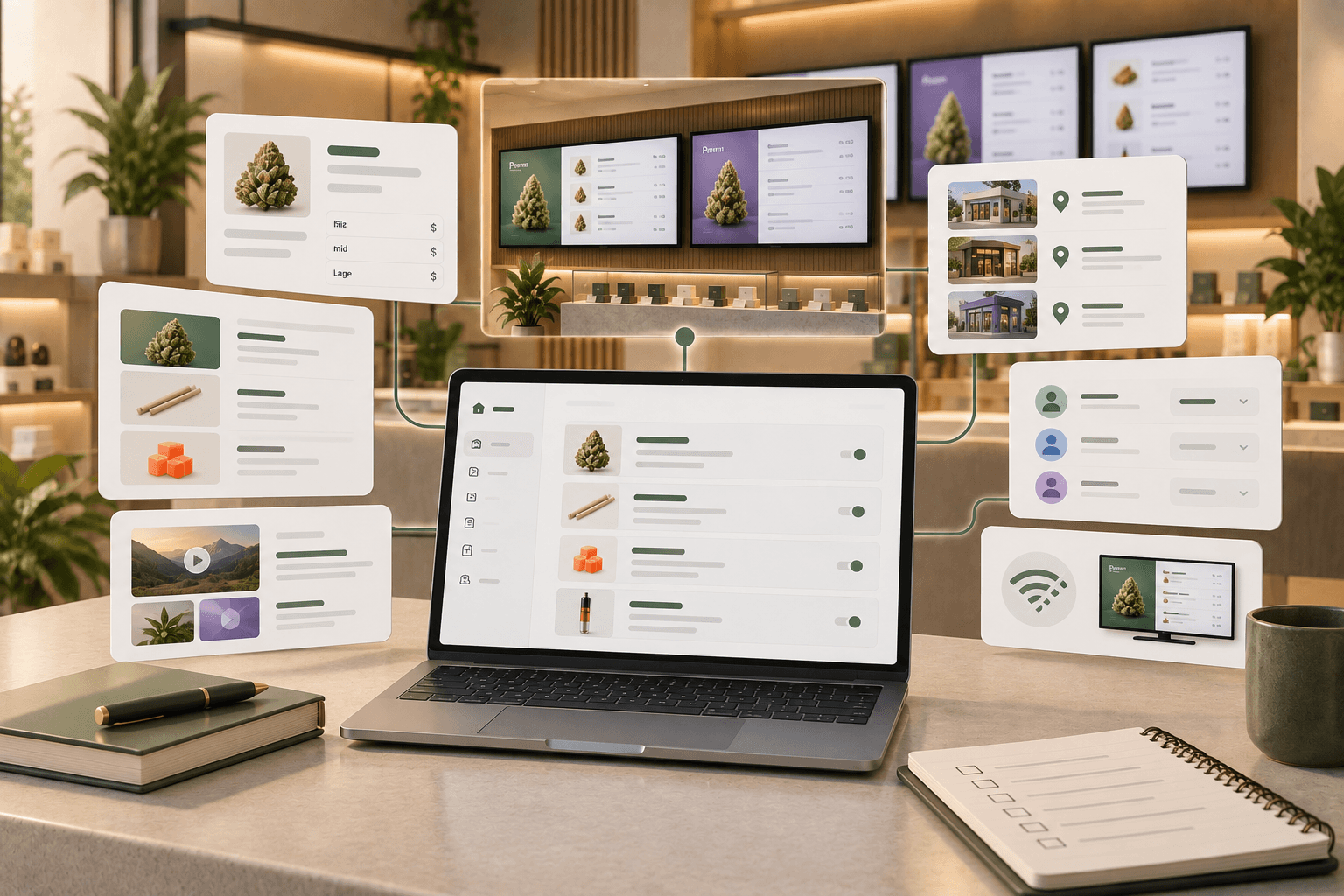
The platform includes a product catalog where operators can add product types, strain information, and flexible pricing by size. Products can then be organized into collections such as Staff Picks or New Arrivals and displayed across rotating menu pages.
Menus can also include images and videos, giving dispensaries more flexibility in how products and promotional content are presented.
When menu information changes, operators can update it through Trikome and send those changes to connected screens. The platform also supports multiple displays and locations, while offline playback allows screens to continue showing the last synchronized menu during a temporary internet outage.
These tools give dispensaries more control over how product information is organized and presented to customers.
Trikome does not connect directly to a POS system or automatically update inventory. Product and pricing information must be maintained within Trikome by the operator.
Make the Path to Checkout Easier
A smoother checkout experience is not only about what happens at the register.
Customers make decisions throughout their visit, and the way product information is presented can either make those decisions easier or introduce additional friction.
Clear categories, consistent pricing, curated collections, readable layouts, and current information can all make a dispensary menu easier to navigate.
A well-designed digital menu will not guarantee shorter lines. But it can remove some of the unnecessary friction that makes the path from browsing to checkout harder than it needs to be.
Trikome gives dispensaries a straightforward way to organize products, build digital menus, and manage what customers see across connected screens.